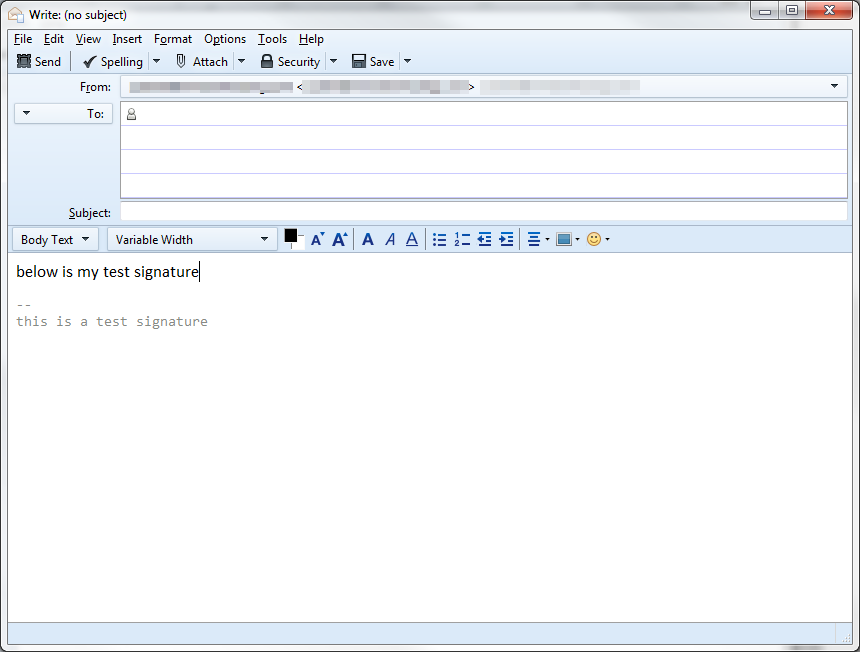
Email signatures are generally used to display the sender’s name and contact information at the end of an email. Sometimes they are used to give website links or even memorable anecdotes. Regardless of what you wish to make your signature say, it is much easier if this content is automatically added to the end of every email instead of having to add it manually each time you compose one. Below are instructions that teach you how to add your own custom email signature within your Thunderbird email client.
Creating an email signature in Thunderbird
- Log into your Thunderbird email client.
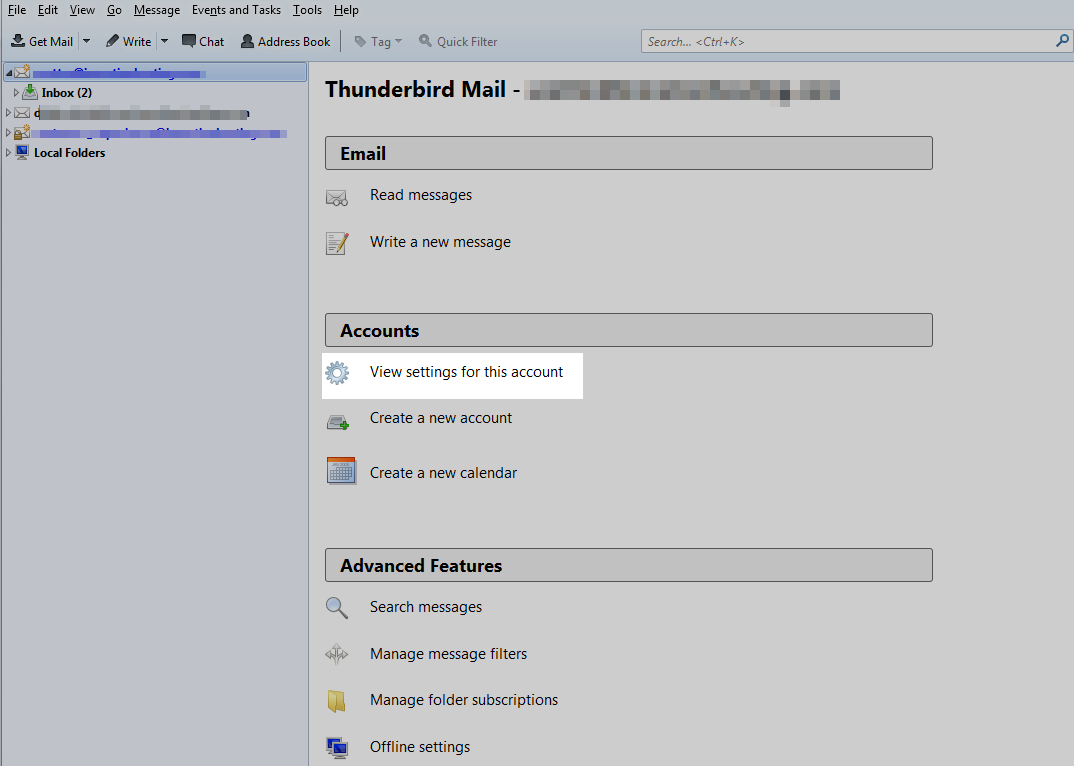
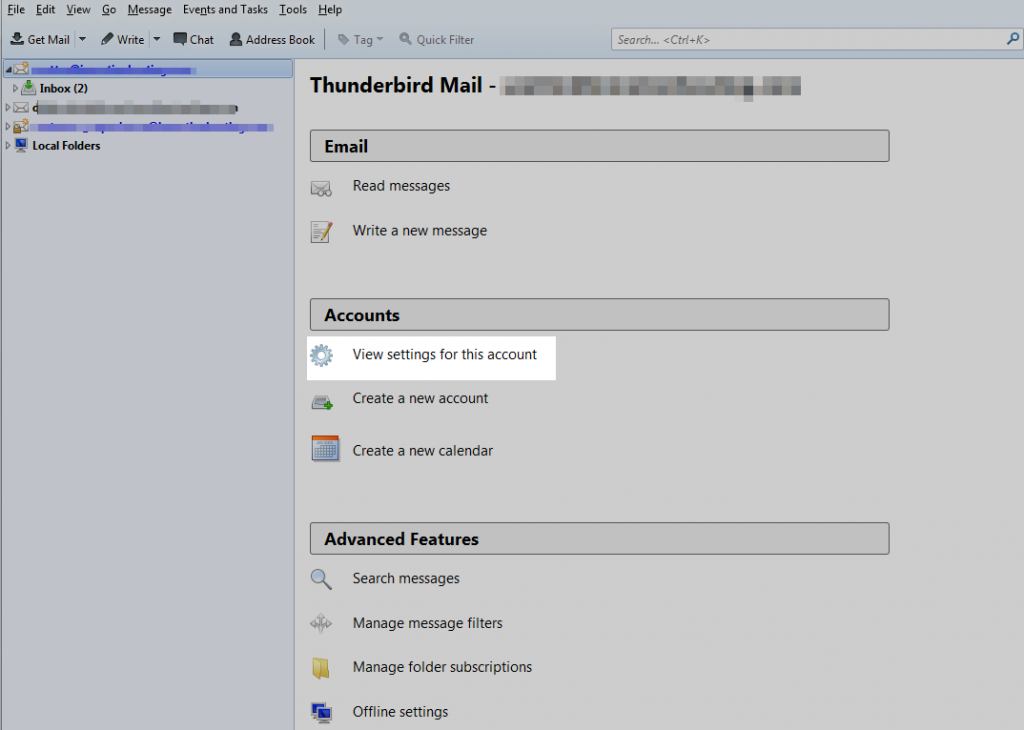
- On the left hand panel, you will see the email accounts you have attached to your Thunderbird client. Click on the account for which you wish to set up the email.
- You will see several options in the right hand panel. Find and click on the Account Settings link. This will open up a configuration screen specific to the account you have selected.
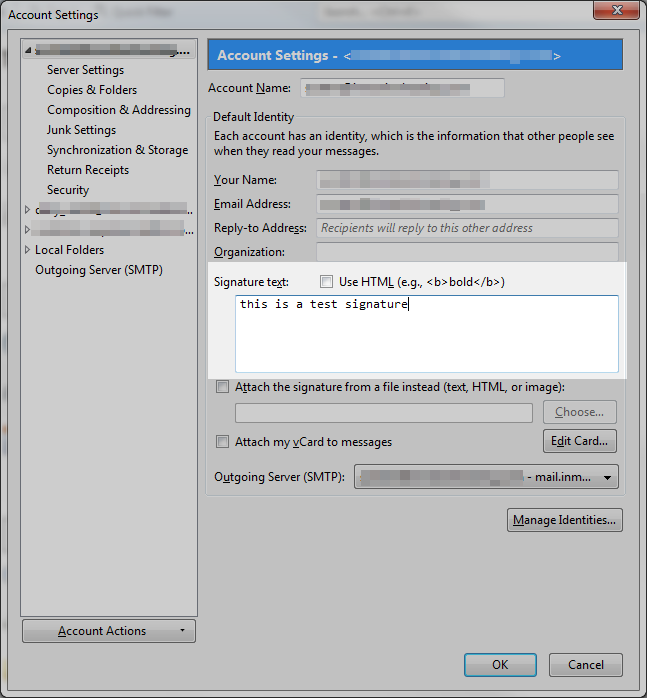
- You are now on the configuration screen. From here, scroll down until you see the Signature Text section. The text box is where you will enter your desired signature. There is also a checkbox just above it entitled Use HTML. Selecting this will allow you to put HTML code in the signature. This is useful if you wish to add a clickable link or even a small image file into your signature. In this example we will focus on simple text.
- Click the OK button in the lower right corner of the screen to save the changes. This completes your signature. Below is a screenshot displaying how the signature appears when you select the option to create a new email.