In this article, we will teach you how to import sample data into the Cherry Framework. This is especially useful if you have purchased a theme that uses the Cherry Framework such as one purchased from Template Monster.
- First, you will need to log into your WordPress dashboard.
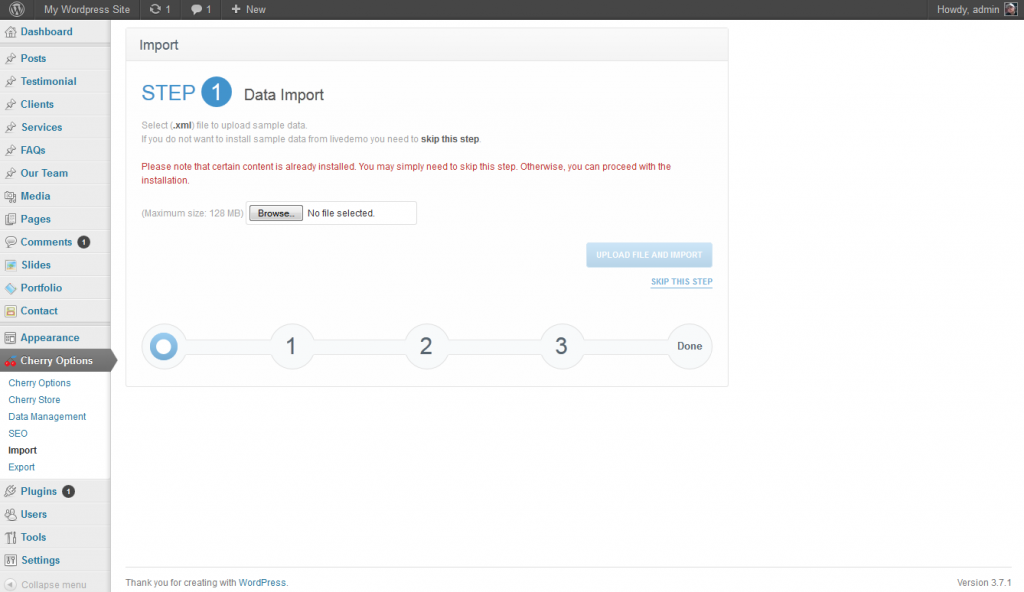
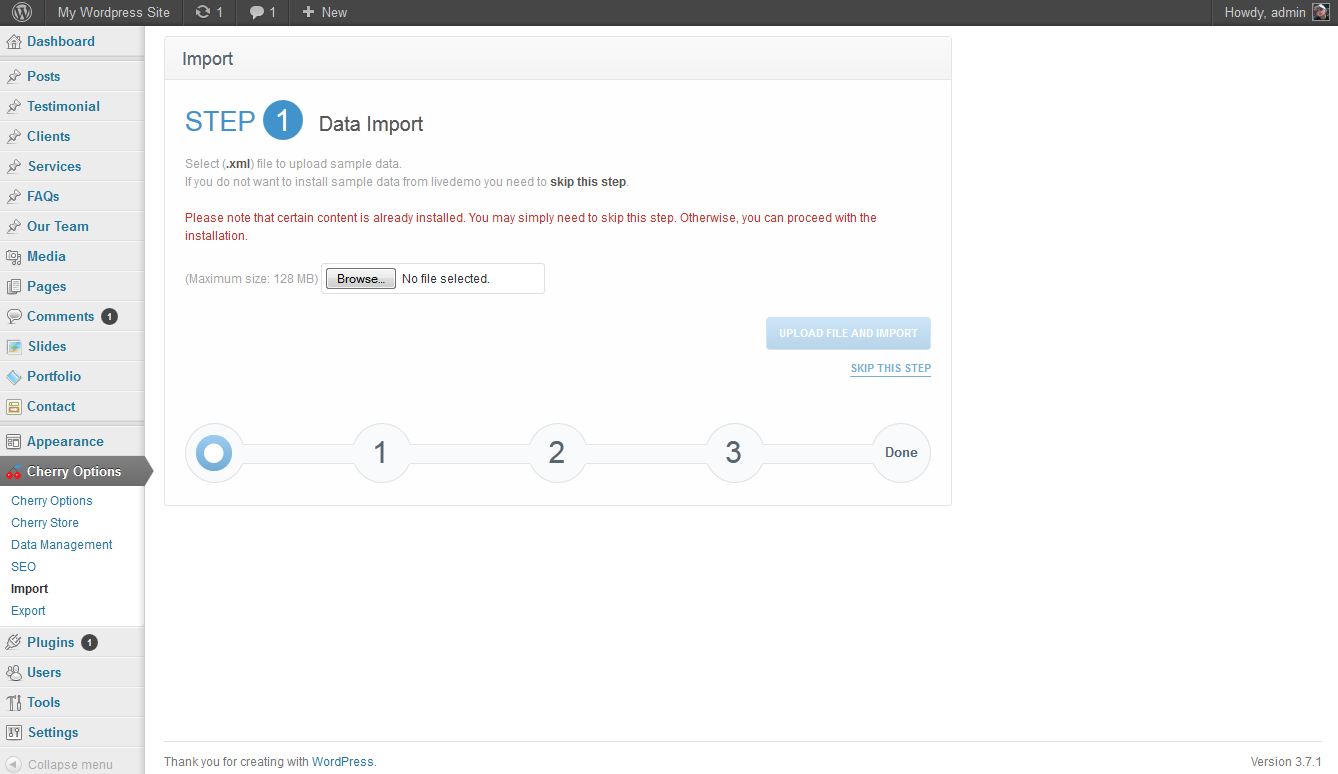
Next, click on Cherry Options, then Import.
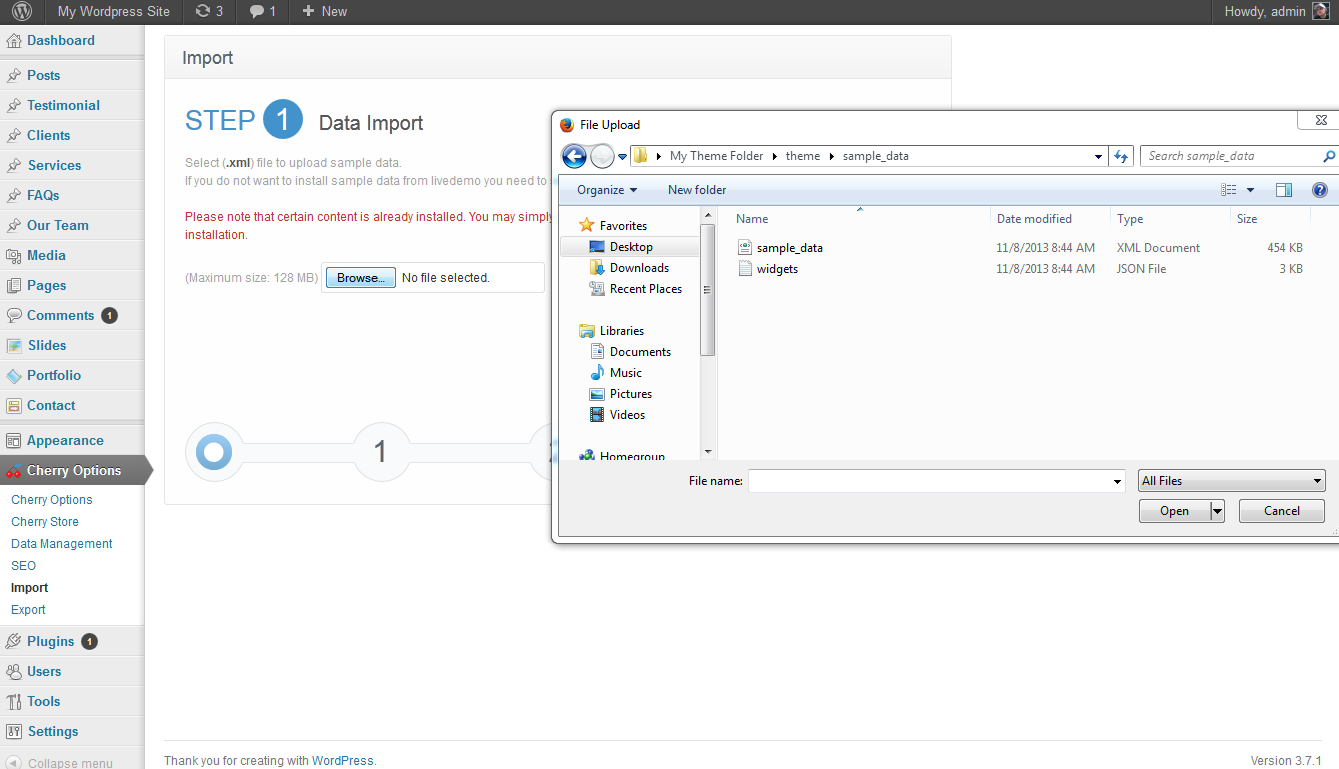
You should now be within the import screen on the first step. To complete this first step,clock the Browse button and locate the XML file that was provided by your theme. For example, in Template Monster themes, it will be located within a folder labeled sample_data. Select it and click Upload and Import.

After you have imported your sample data, you will then need to select the author for the data that you have imported. In this case, I only have one user which is my admin user so I will set that as the user.
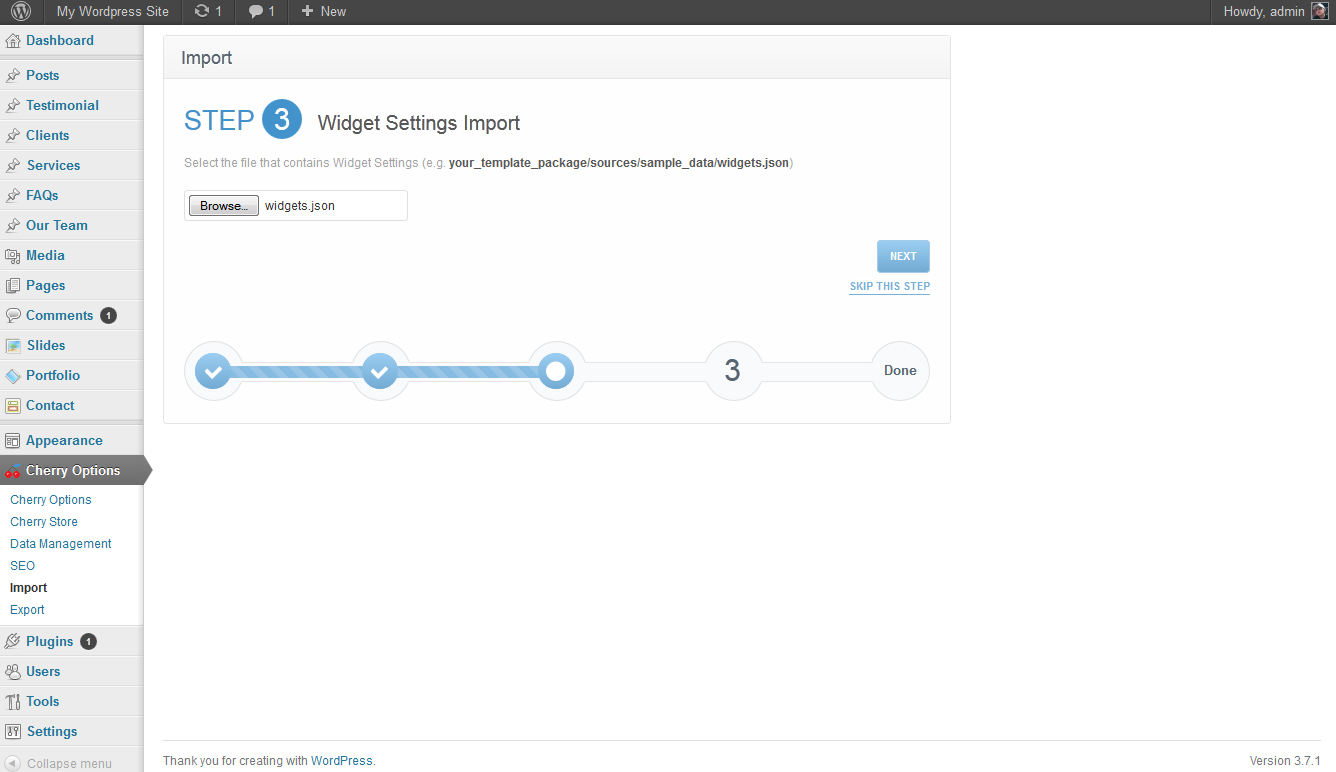
Next, the Cherry Framework will ask you to import your Widget settings. As many themes heavily rely on widgets such as almost all of them made by Template Monster, you will need to import your widget settings here as well. This file is typically labeled widgets.json and would be located in the same folder that you located your sample data. Browse to it and import that json file as well.
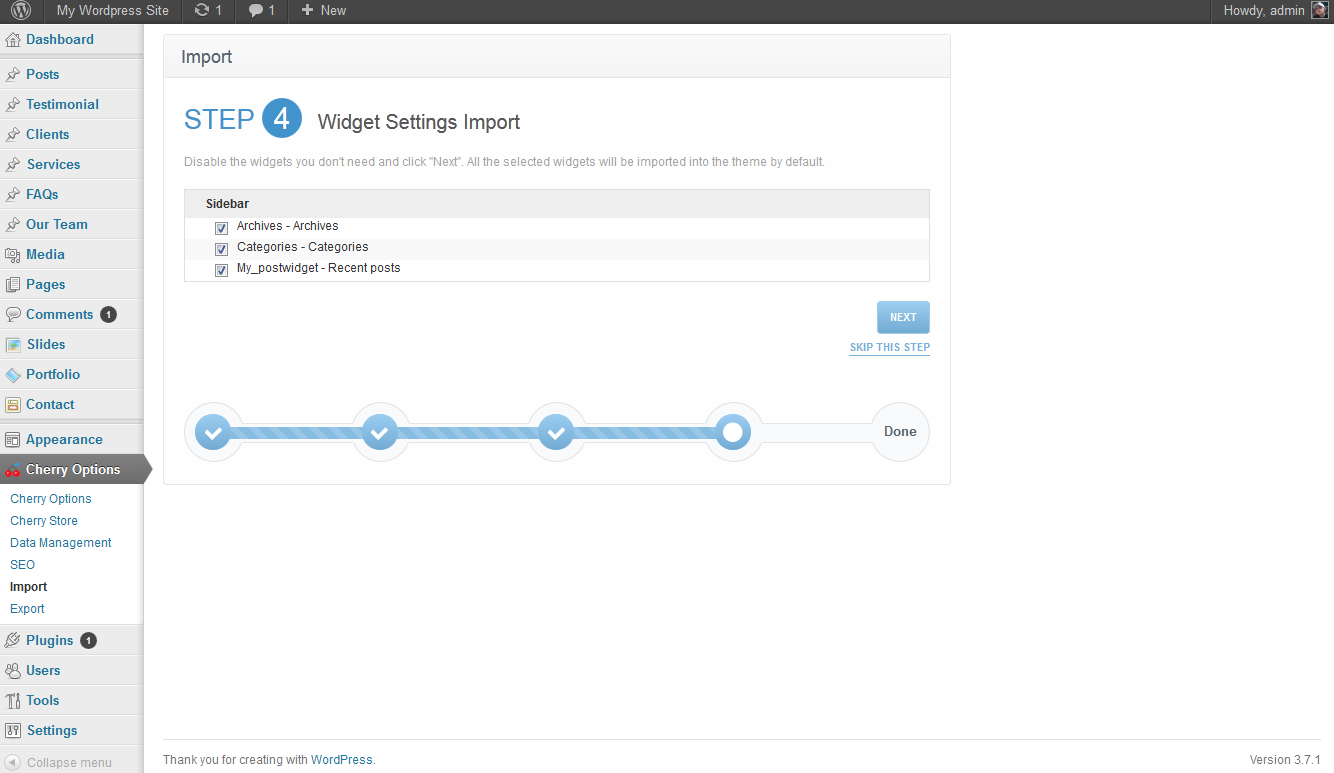
Now you will need to select what data you want to be imported from the widgets file. In most cases, you will want to leave all of these boxes checked and your theme may rely on them.
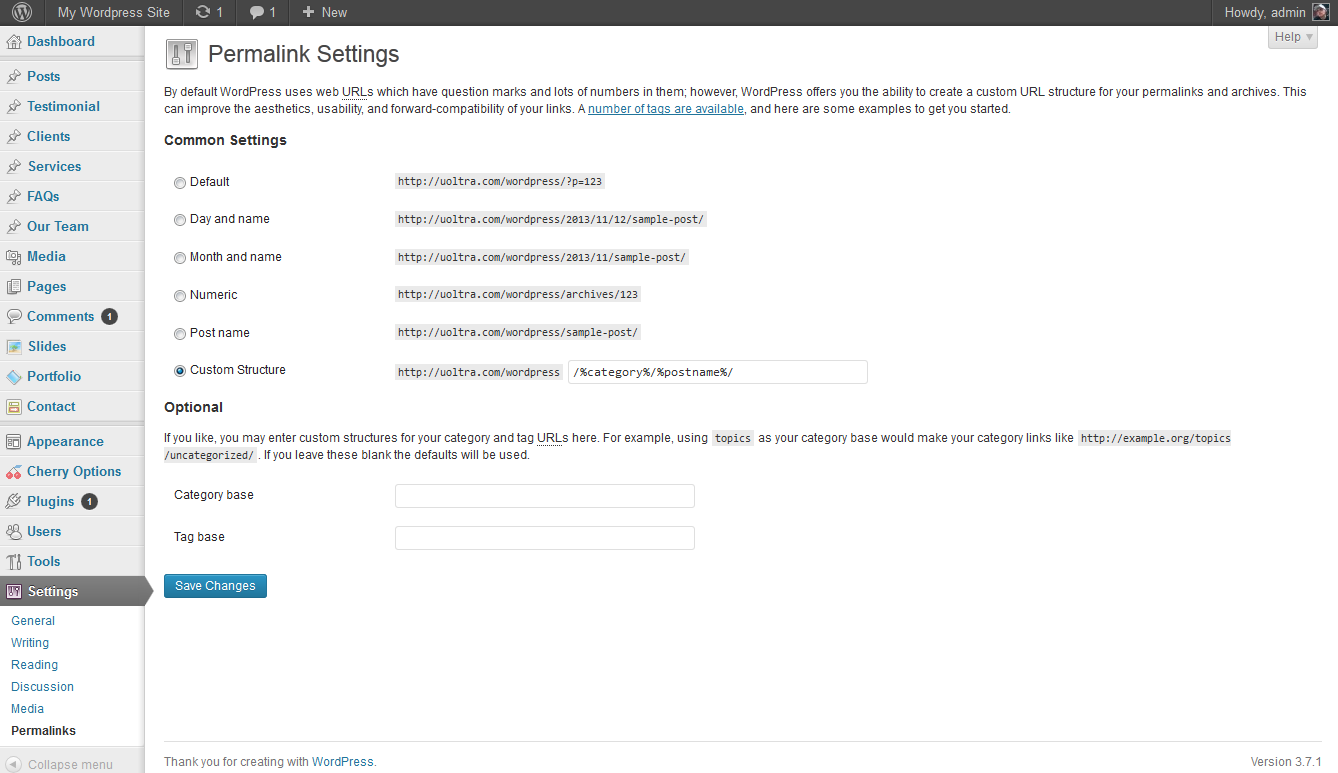
On the final step, you will be taken to your permalink settings. In this case, it has deirected me to set your category and postname as the structure which is most common and is a good practice for most sites. Save your settings and you will everything will be complete.





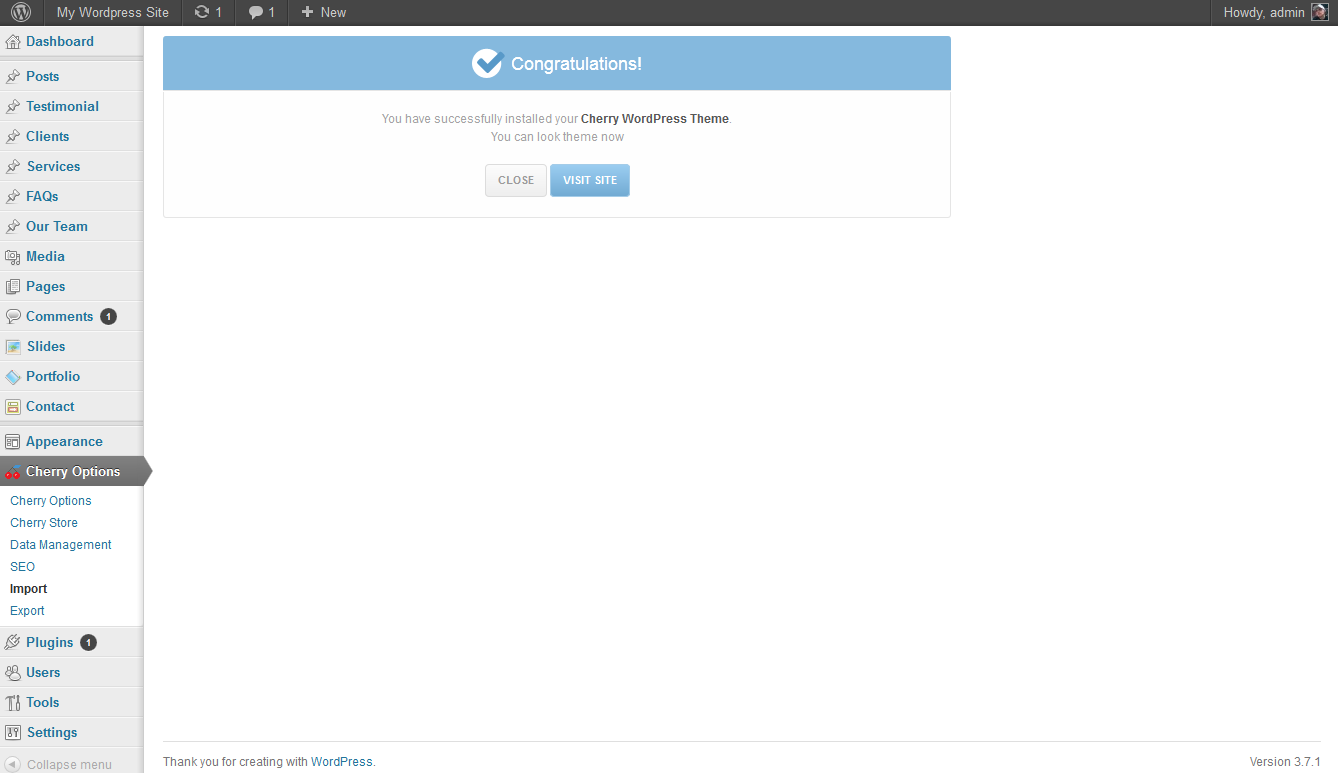
If you followed these steps, your theme data for your theme that uses the Cherry Framework should now be fully imported and the process will be complete.
