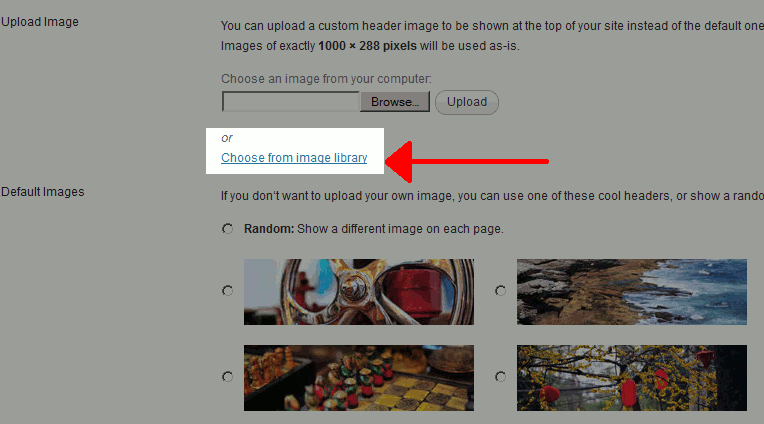
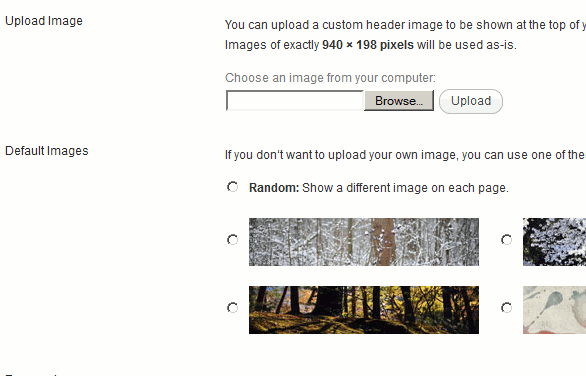
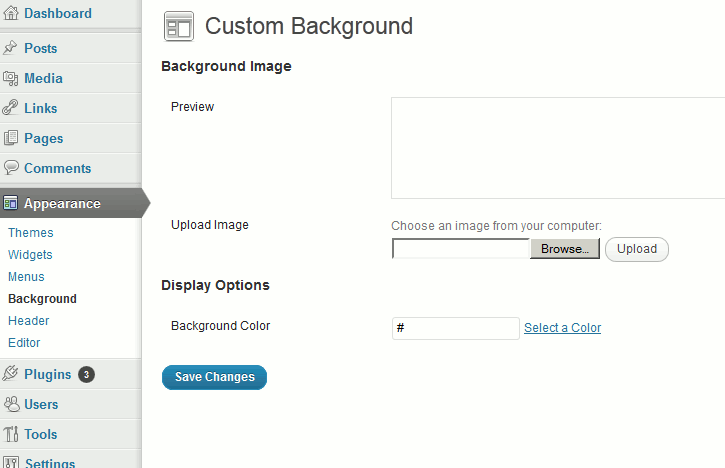
The recent release of WordPress 3.4 Beta 1 includes a new feature referred to as Custom Header and Background Images from Media Library. When researching this further, we found that this new feature allows you to select an image from your Media Library as either your header or background image in WordPress 3.4. The screenshots below outline these new tools, showing a before and after picture utilizing a prior version of WordPress.
Custom Header Image
| WordPress 3.4 Beta 1 | Previous versions of WordPress |
|---|---|
|
|
As you can see from the screenshots above, WordPress 3.4 includes a Choose from image library feature that allows you to choose a header image from your current media library.
Custom Background Image
| WordPress 3.4 Beta 1 | Previous versions of WordPress |
|---|---|

|
|
In the screenshots above, it shows how in WordPress 3.4 you can set your site’s background to any image within your media library.