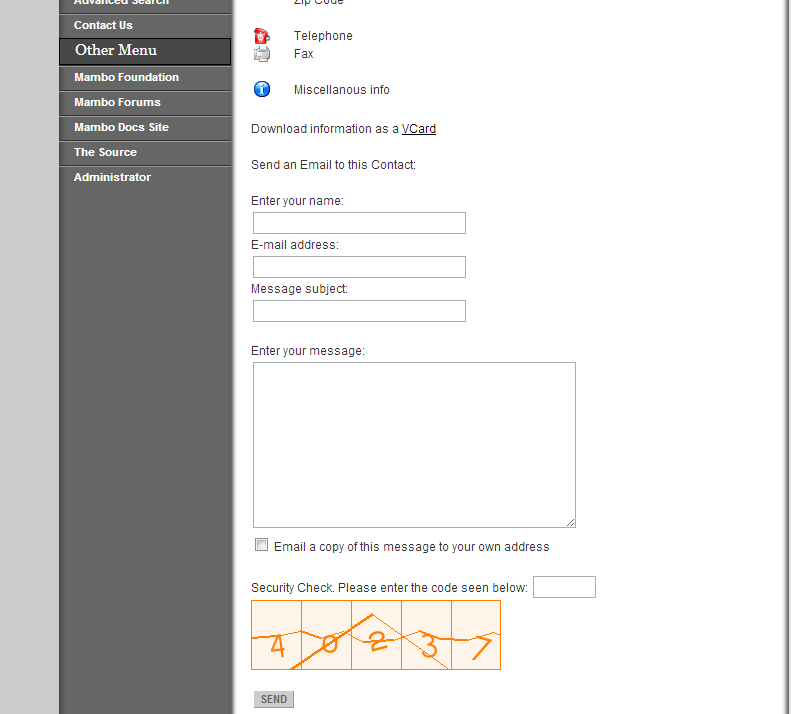
Stopping spammers from hitting forms in Mambo can be done using the Captcha option that is integrated into the Mambo administration back end. The following article will show how to activate the Captcha option and how it appears within a website form.
Activating Captcha within the Mambo Administration Back End
- Login to the Mambo Administration Back end
- Hover over SITE in the menu at the top left corner. Click on GLOBAL CONFIGURATION.

Scroll down the page until you find USE CAPTCHA AUTHENTICATION.
- Click on YES to activate the Captcha option.
- Click on SAVE in the top right hand corner.

This completes the activation of Captcha on your Mambo installation. When you use forms on Mambo, it will require that the Captcha be answered before information can be recognized and saved into the database. Here’s an example of how it will appear: