With the upgrade to Horde Groupware 5.1.1, there have been some improvements to the interface as far as where things are located. One of the most common questions we get is how to find the list of all email accounts when logged in as the master user. This article will show you exactly how to locate them in the new Horde interface.
How to find the list of email accounts in Horde
- Log into your webmail using the master email account. This means using the cPanel username as the login name.
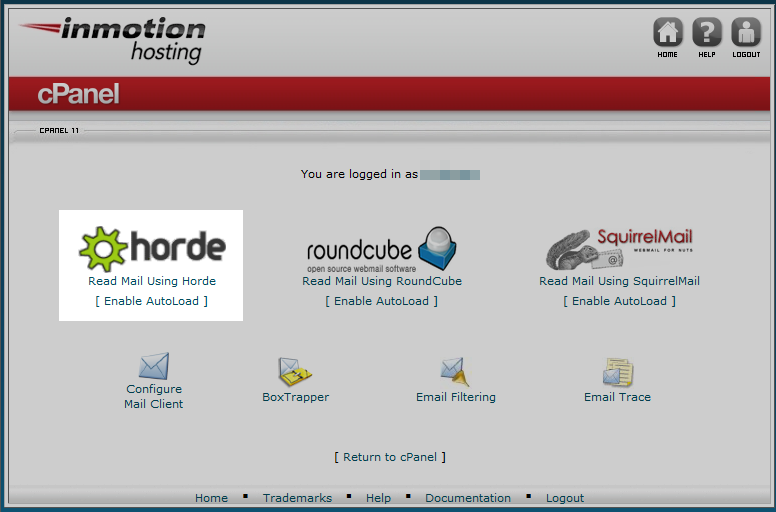
Select the Horde email interface from the list.
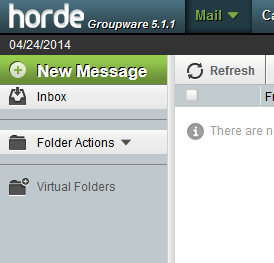
Once in hordemail, click on the Folder Actions link on the left hand sidebar menu.
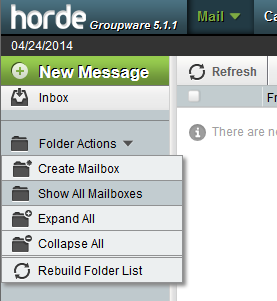
Select the Show All Mailboxes option. The menu will refresh and list all email addresses for the account in the left sidebar.
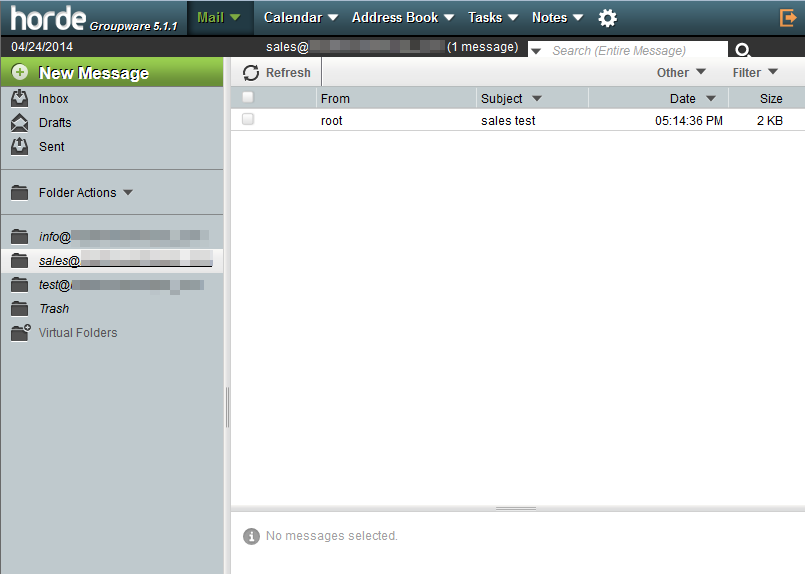
You can now click on any email address in the list and view its inbox.