
Here is a list of some basic, helpful WordPress plugins to help you get started. There are many more available through WordPress.org but here are several that you may want to use:
Caching
WP Super Cache – This is a caching plugin for WordPress. One of the main issues we see with WordPress sites is that if caching is not enabled, it causes some sites to load slower and use more resources. It is highly recommended to install Super Cache to help prevent these issues.
W3 Total Cache – This is an even more advanced caching plugin for WordPress. It’s recommended to use this caching plugin if you’re having issues with a large amount of 404 errors on your WordPress site.
Security

Loginizer – This is a plugin that will limit the number of failed login attempts allowed, and will temporarily ban the IP address from trying anymore login attempts.
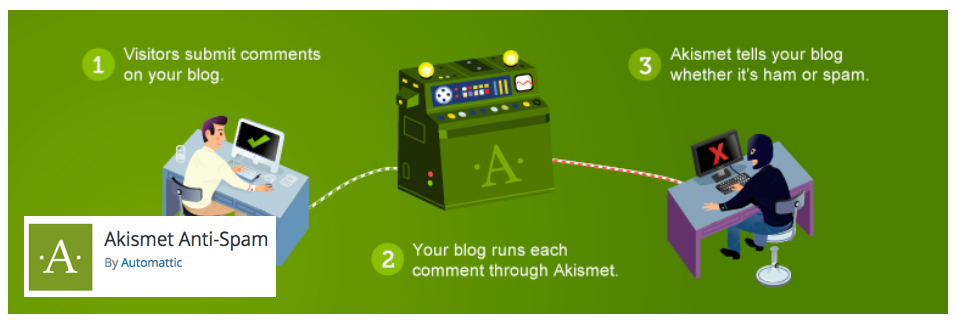
Akismet – This is a plugin that will help block spam from being posted in your Comments section.
WP-reCAPTCHA – This is a plugin that will use an advanced CAPTCHA system to help deter automated spam bots from being able to leave spam comments on your posts.
SEO Management
Jetpack – Jetpack provides a wide variety of services including design, statistics, SEO, hassle-free design, marketing, and security — all in one place.
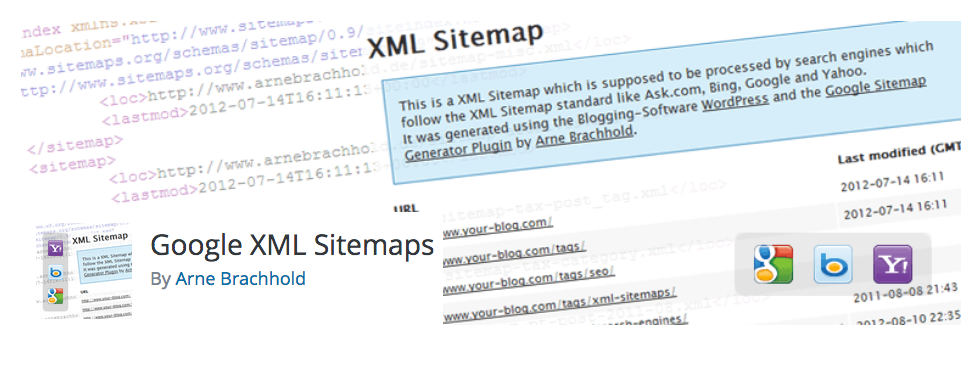
Google XML Sitemaps – To help your Search Engine Optimization and increase your visibility to customers, it is recommended you use the official Google XML Sitemaps widget. This will create a sitemap for your website which search engines look for when they crawl your site.
Become a master of WordPress plugins! Protect, optimize, secure, and expand the functionality of your website easily with the help of WordPress plugins!
