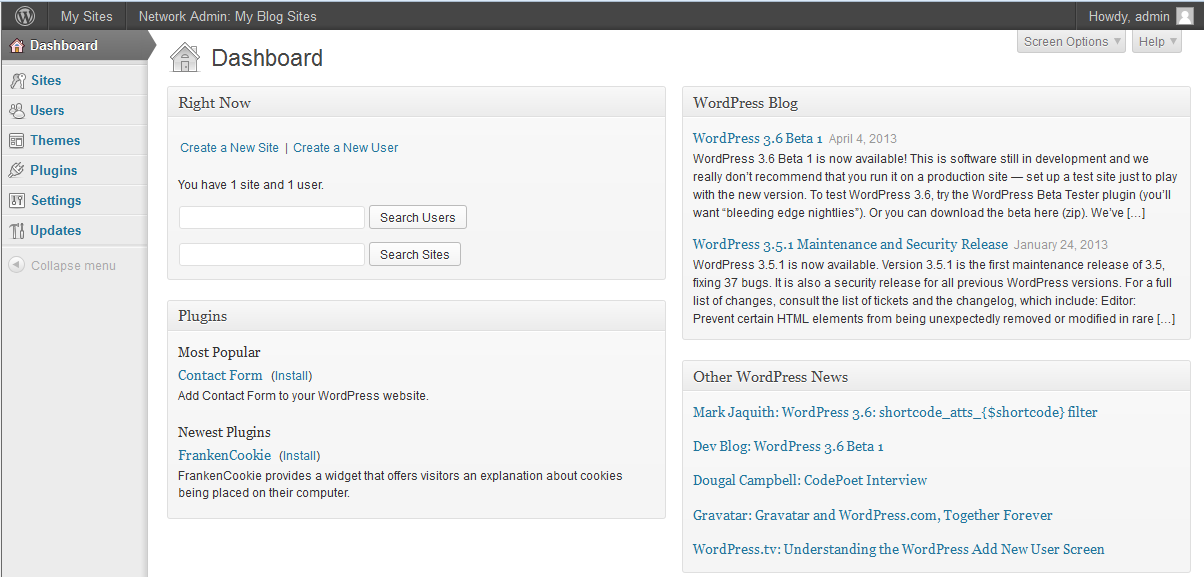
When working with a WordPress MultiSite installation, the interface is just a bit different. This is because of the network setup. Below is a guide of how to locate the Network Admin interface after setting up a WordPress Multisite configuration.
How to Login to the Network Admin in a WordPress MS Installation
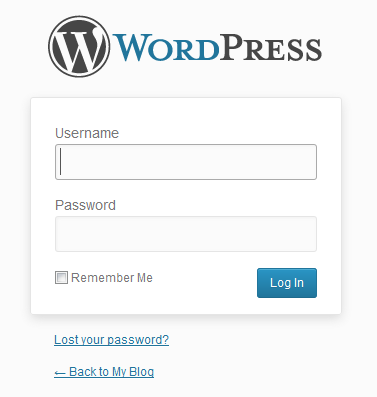
- Log into to the WordPress Admin interface.
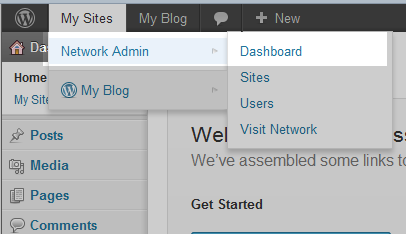
- This brings you to the normal admin dashboard. At the top of the page is a dark gray bar. Look to the left side of the bar and hover over My Sites. Next, move your mouse pointer over Network Admin when it appears in the drop-down menu, then click on the Dashboard option from the popup menu to the right.
- You are now on the Network Administrator Dashboard. On this page, are all of the menu settings for working with your network WordPress installation.