Joomla 2.5 has reached its end of life as for 12/31/2014. Please be advised this may be a security risk to your website. You can view more information about the end of life here.
So far in this Joomla 2.5 ACL tutorial series, we have created a Teachers user group and allowed this user group the ability to write, edit, and delete in the Online Courses article category. In this tutorial, we’ll show you the process of how a user group can write and submit articles from the front end.
Writing articles from the front end in Joomla 2.5:
- Using the login form on your front end, log into the Joomla 2.5 site. In our example, we logged in as the ivana_teach user.
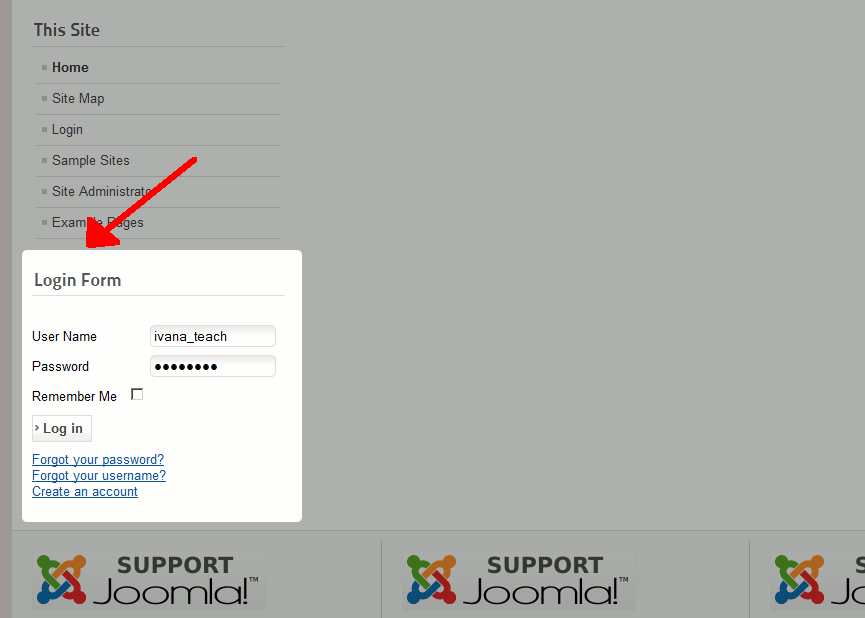
- Once the user is logged in, a User Menu should appear. The user should then click Submit an Article

- The user will then see an article submission form. Fill out the details of the article. Under the Publishing heading, be sure to select the appropriate category. In our testing, Ivana Teach is writing an article under the Online Courses category.
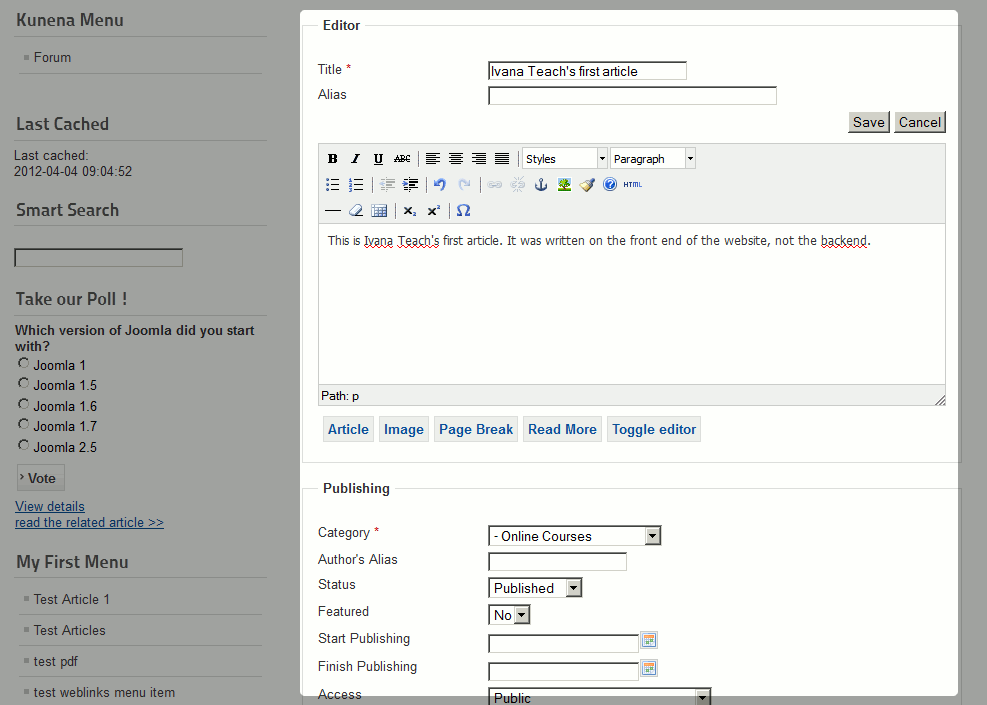
- Click the Save button. You will then see a Article successfully submitted message.
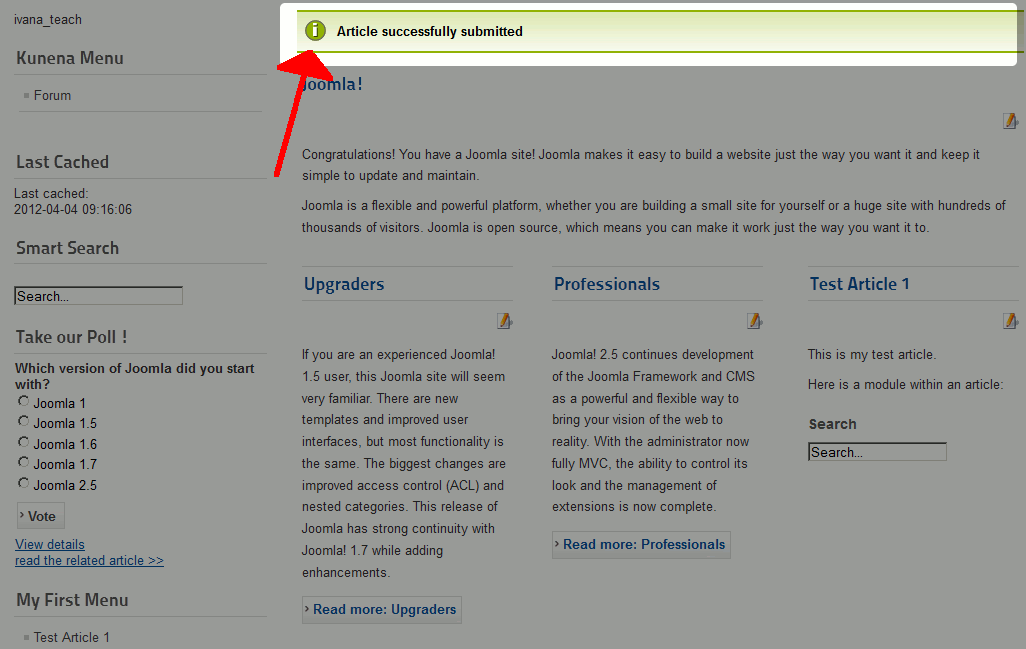
At this time, you have successfully published an article from the front end!



