Joomla 2.5 has reached its end of life as for 12/31/2014. Please be advised this may be a security risk to your website. You can view more information about the end of life here.
In a previous article, we created a new Category in Joomla 2.5, “Test Category 1”. We’ve also created 3 articles and assigned each one to this new category. What we’d like to do now is link to this category from one of our Joomla 2.5 menus. This will make it easier for visitors to find this category and browse the articles within it.
To create a Category menu item in Joomla 2.5:
- Log into your Joomla Dashboard
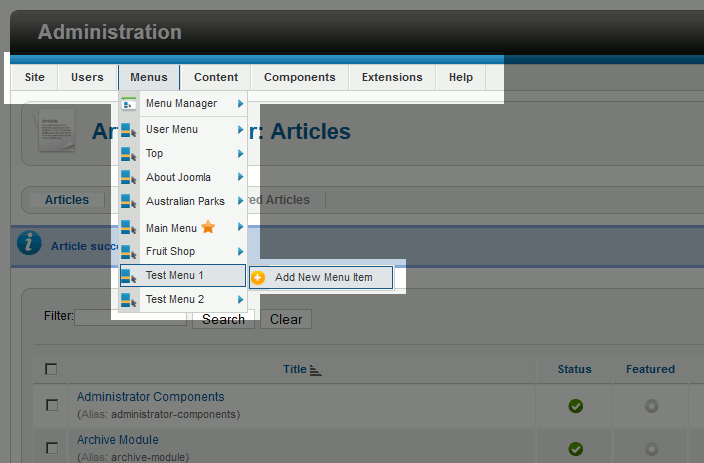
- Under Menus, hover over the Menu you would like to add the Category menu item to, and then click Add New Menu Item
- Next to Menu Item Type, click Select
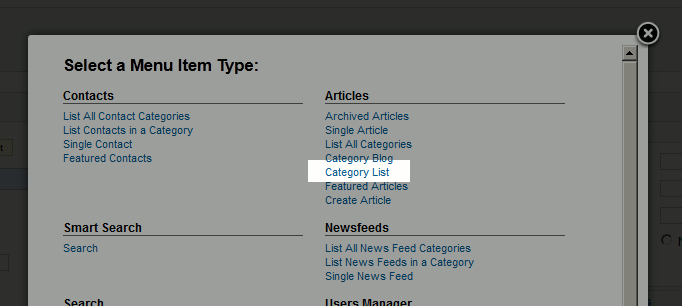
- Under Articles, click Category List
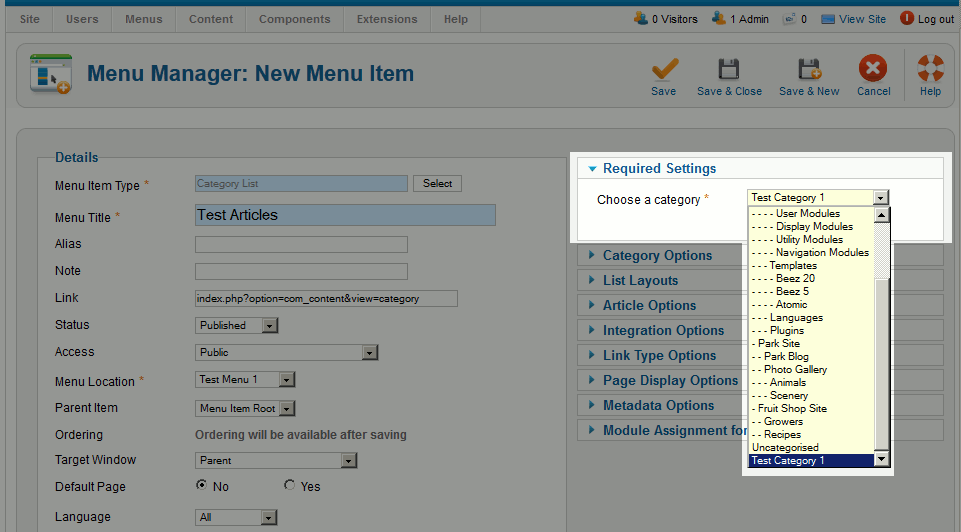
- Type in a Menu Title. This will be the text that the user clicks on in the menu. In our testing, we set the title to “Test Articles“.
- Under Required Settings, Select the Category you would like to link to. In our testing we selected “Test Category 1” – which is our category of test articles.
- When you created your Joomla category, you may have typed in a description for the category. If you would like to show this description, under Category Options set Category Description to Show.
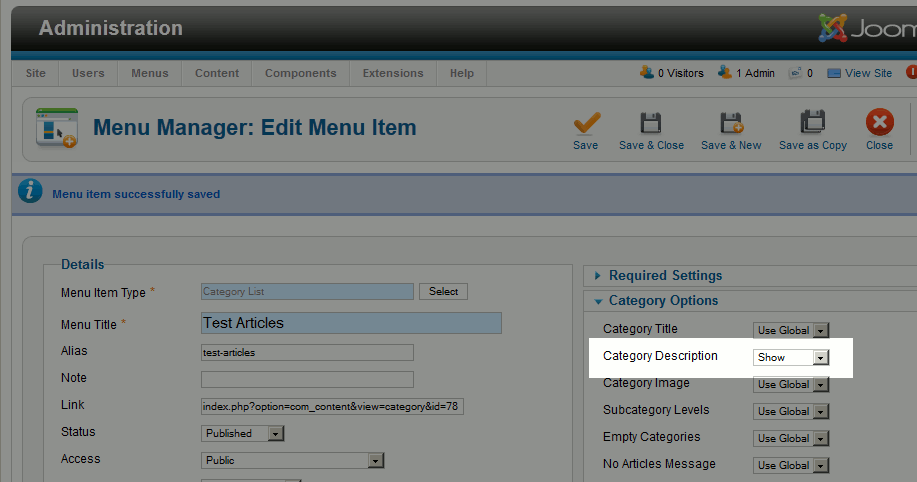
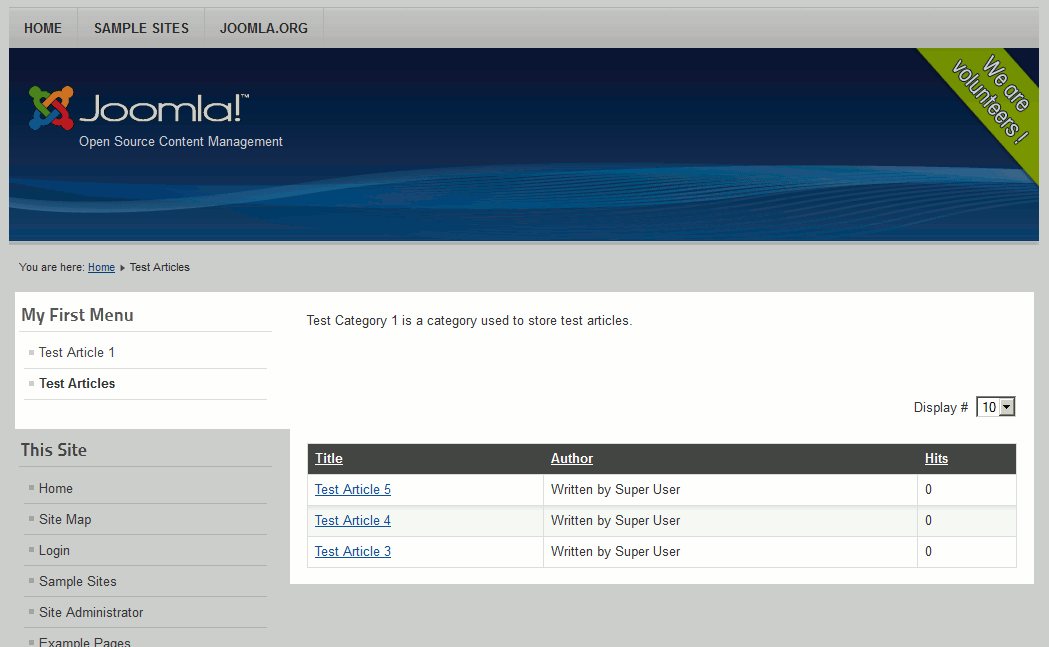
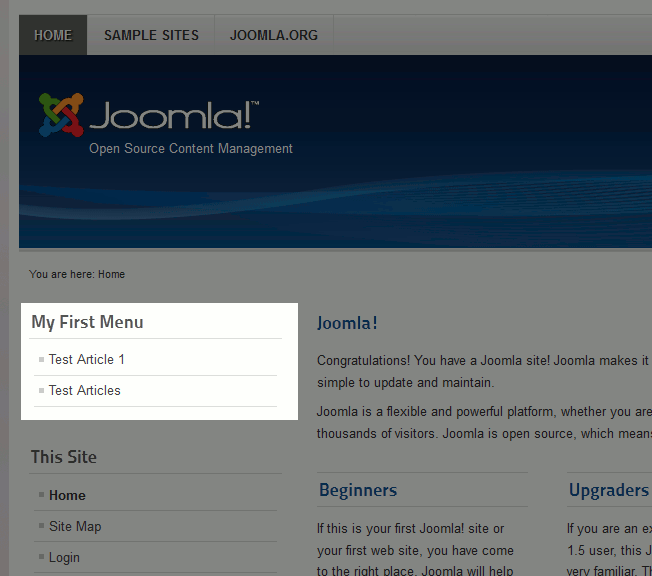
- Click Save & Close. You now have a new menu item that links to your Category! As you can see the “Menu Title” we set in step 5 is a link in our menu, and it links to the category “Test Category 1” we chose in step 6.
Before our new Menu Item After we’ve added our new Menu Item 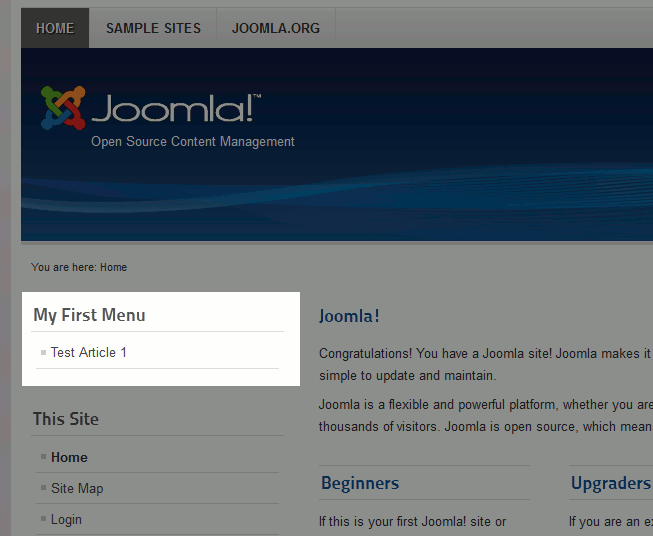
What our new Category Page looks like: