The first step in administering your DokuWiki site is logging into the Administrative dashboard. Below are the steps to log into your DokuWiki administrator dashboard.
Logging into DokuWiki
- Navigate to your DokuWiki site.
- At the top right, Click Login.
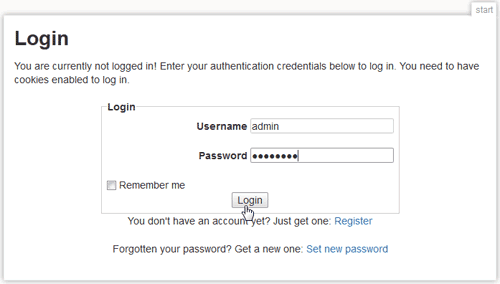
Enter your Username and Password and click Login.
Note! If you lose your password or username you can follow the instructions on How to reset or recover your username.
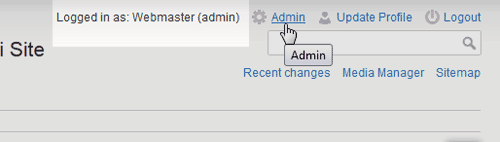
When logged in as the Administrator, you should see the following at the top right hand side of your site:
Logged in as: Webmaster (admin)
After you get logged into your DokuWIki site, you will want to learn how to create pages. Please see the article on How to create pages in DokuWiki.