
There are many ways to test your website accessibility – e.g. web apps, browser plugins, and accessibility organizations. Below we cover how to test your website accessibility with the Tenon.io free web server. Note that the service can only scan publicly accessible websites. It cannot scan websites only accessible with a hosts file modification.
Note: The service can only scan publicly accessible websites. It cannot scan websites only accessible with a hosts file modification.
- Visit Tenon.io/TestNow.
- Specify the domain to test for accessibility. Remember the URL must be publicly accessible.
- View the results. You can also save it as a .csv file or Google link from the upper-left corner.
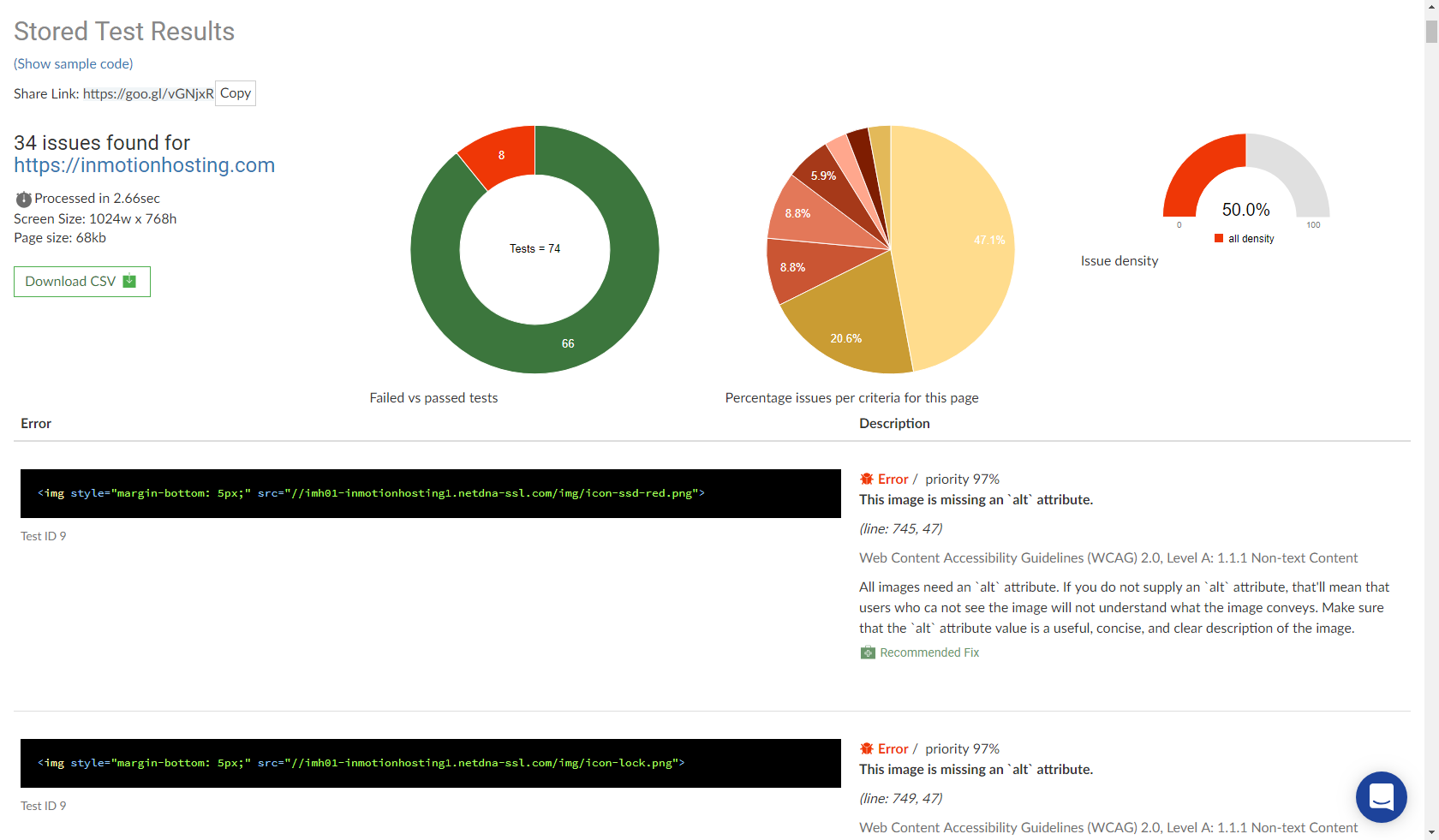
- Fix the accessibility errors via code editing and CMS (e.g. WordPress, Drupal) plugins if applicable,
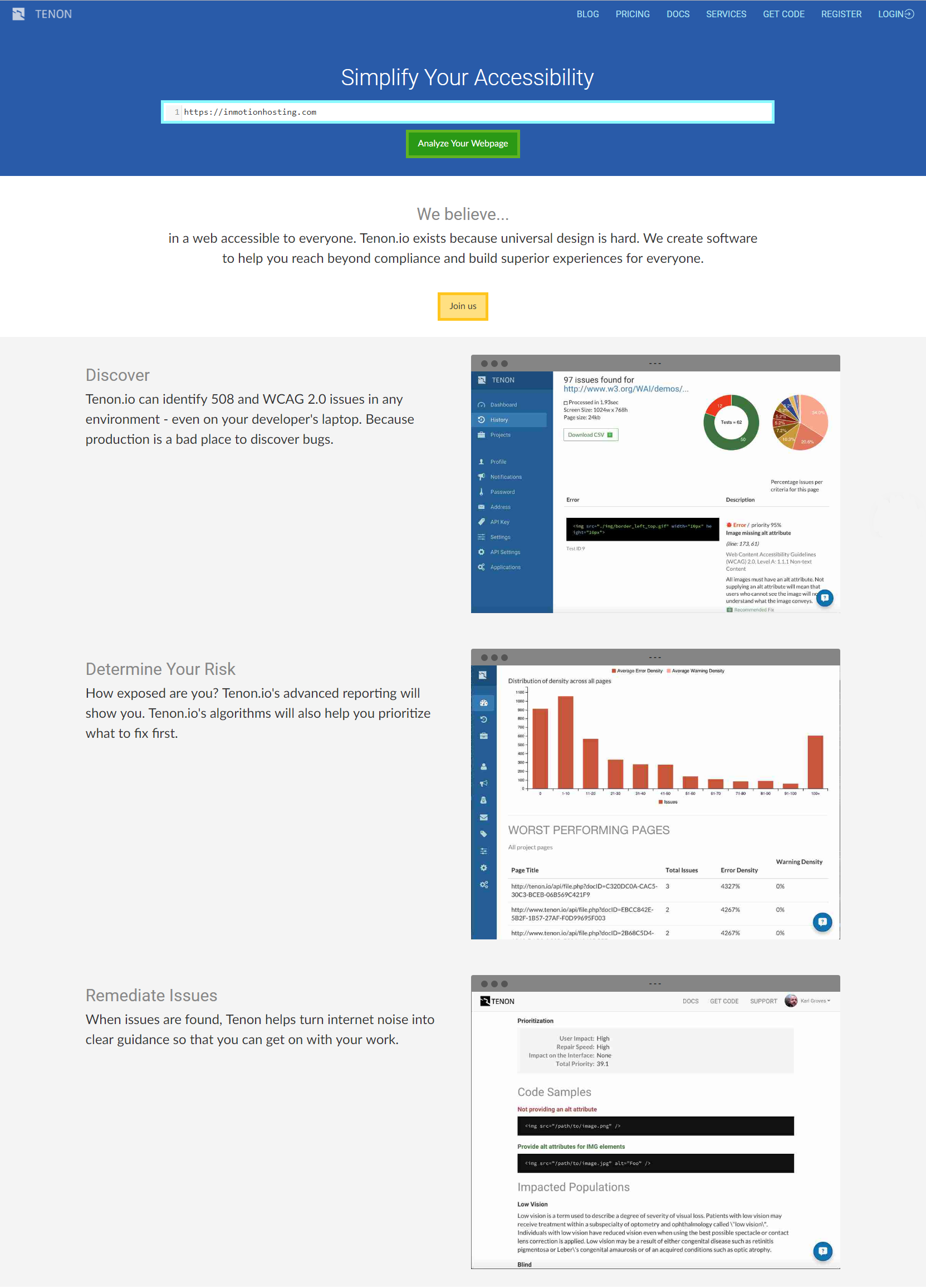
If you’re happy with the service you can create an account for consecutive scans and additional information. You can check their official documentation for information on their Web Content Accessibility Guidelines (WCAG) testing. Also, consider checking your results against other scanning tools such as WAVE.Webaim.org for better overall results of your website’s accessibility.