
In this article:
It’s generally best to harden the security of a newly installed content management system (CMS) before setting it live to the public. That can include anything from simple updates to advanced .htaccess hardening. It’s best to make these changes before granting user access to the website for the first time, especially for an internet relay chat (IRC) system. Everything is real-time. And malicious users – hackers, trolls, etc. – aren’t filtered by default.
We want to mitigate such issues in IRC rooms where malicious users can attack your entire user base within seconds. But first, we need to disable BlaB! AX from allowing other users to use the IRC system in the meantime.
Below we’ll cover how to enable maintenance mode, update the under construction message, and test your changes.
Install BlaB! AX Chat with just a few clicks using our Softaculous Instant Installer – free alongside our Shared Hosting.
Maintenance Mode
- Log in to BlaB! AX.
- After logging in, click the triple-dot icon in the upper-left corner to view user options.
- Click the “A” admin button.
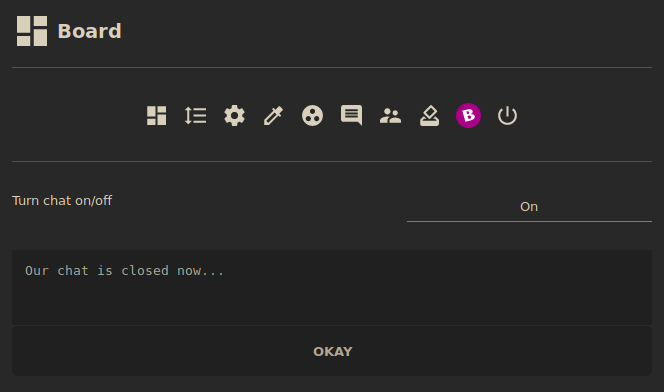
- In the Board section, Beside Turn chat on/off, click On and select Off.
- (Optional) Change the maintenance text from
Our chat is closed now...to include the estimated duration of downtime and other support options in the meantime. Then click OKAY.
Test Your Changes
- Click Exit on the left.
- Open the user options panel from the upper left corner, or click your Esc key.
- Click the log out button (right arrow on the bottom right).
- Attempt to log in as a non-admin user or guest (if enabled). You should be prompted with your maintenance text.
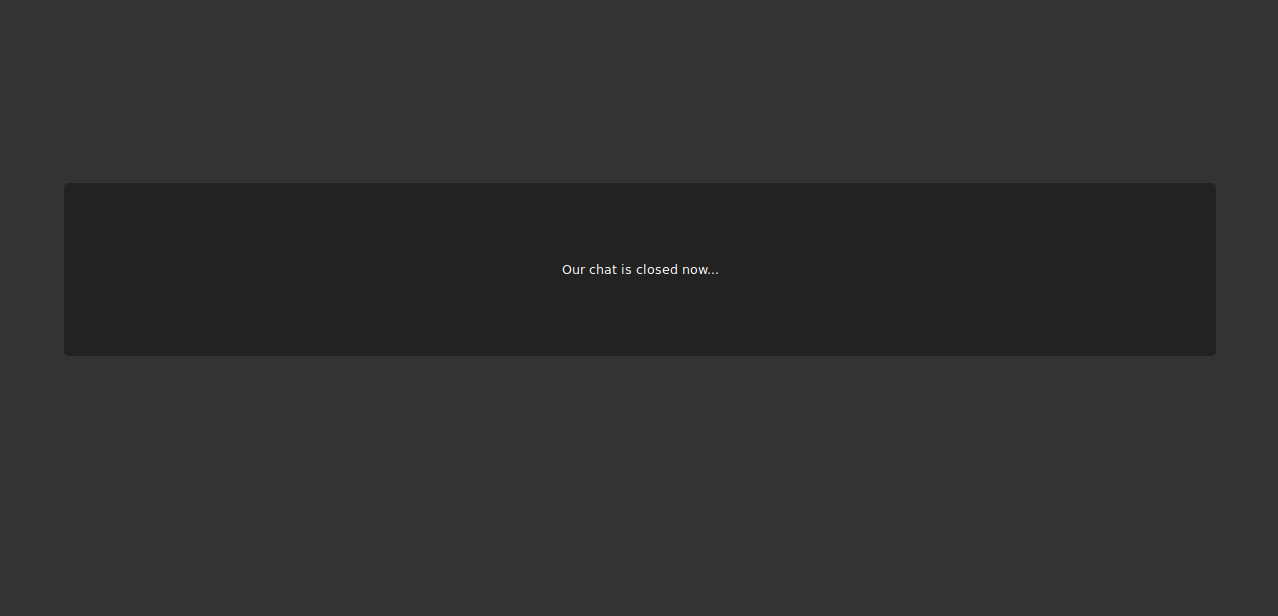
If you need to log in again and continue seeing the maintenance prompt, visit [yourdomain.com]/account.php to reach the login page.
Learn more about Blab! AX in our Support Center.