


If you have subscribed to a Shared Hosting for WordPress plan with InMotion Hosting, then you may decide that you want to host more than one website on your account. In this article, you will learn how many websites you can host and how to add another website to your WordPress Website Hosting account. How Read More >
Product Guides
Welcome to the InMotion Hosting Product Guides
This page helps you get started, whether you’re setting up a new website or exploring our products. Select a product below to access tutorials, setup guides, and troubleshooting articles tailored to your hosting plan or service.
Web Hosting

Dedicated Hosting
Dedicated Linux servers that are completely customizable to meet your enterprise level needs.

Business Shared Hosting
Quickly launch your web presence with our affordable Business Shared Hosting plans.

Reseller Hosting
Be your own web hosting provider to your customers with our affordable Reseller Hosting plans.
Reseller VPS Hosting
Be your own web hosting provider to your customers with our affordable Reseller VPS Hosting plans.

Managed VPS Hosting
Learn how to get the most out of your Managed VPS Hosting plan using cPanel/WHM or Control Web Panel.
Hosting for WordPress
Our Hosting for WordPress on cPanel is fine-tuned to deliver superior performance, security, and provide best-in-class hosting.
UltraStack ONE for WordPress
Our all-in-one Hosting for WordPress platform is the ultimate choice for website owners who want to simplify their hosting and management process for their high-performance servers.
Website Services & Software
Web Design Services
Get detailed answers to your questions about our Website Design and Maintenance Services, including getting started guides and common tasks.

Backup Manager
Give yourself peace of mind with Backup Manager. Automatically backup your files, databases, email and cPanel account settings on an external server.

Softaculous
Easily install, upgrade, and manage over 400 web applications, site builders, and frameworks with Softaculous. Save time from manually uploading installation files and configuring databases with cPanel.
Guides That Apply To Every Product
Billing, email, security, and account management work the same no matter which plan you’re on. Start here when the topic isn’t tied to one product.
Still Stuck?
Community Forum
Ask other customers and our support team in the Community Support Forum.
Open a Ticket
For server-specific issues that need eyes on your account.
Live Chat
24/7 Support for customers with active hosting plans.
Complete SSH Security and SFTP Guide For Ubuntu Cloud Server
When first purchasing an InMotion Hosting Cloud VPS system, you have a dedicated IP address and built-in SSH security. This means that as soon as your server has been provisioned you can immediately log in and start working. In this article, you will learn about the default SSH configuration and how you can optionally harden Read More >
How To Write Error Log to File
Knowing how to write error log to files is an important troubleshooting step you can take to debug your system. Kinds of Error Logs How To Write Error Log To File For example, if you contact InMotion Hosting support about an issue happening on your server, the support technicians will check error logs to see Read More >
Optimize Backup Settings in Backup Manager

If you’ve recently purchased Backup Manager or added it to your account, you may wonder how to use it most effectively. If you have a site at or near your file size limitations, here is some advice on how to optimize your Backup Manager settings. This article looks specifically at optimizing backups to stay under Read More >
Creating Your Site Icon for Web Design Services
The Site Icon (sometimes called a favicon or shortcut icon) is a small image associated with a website. Site Icons differ slightly from favicons. A true favicon is an .ico format image that generally appears only in a couple of places like a browser address bar or browser tab, next to the site or page Read More >
How to Add a BIMI Record on Cloud Server Hosting
Brand Indicators for Message Identification (BIMI), governed by BIMI Group, is a new method to authenticate email and protect users against business email compromise (BEC) attacks. In summary, BIMI uses a TXT record to display your SVG Tiny 1.2 optimized image with your email address in supported email clients, provided your emails are authenticated with Read More >
How to Add Videos to WordPress

Rich, engaging content is a must-have for your website. Once visitors land on your site, good content entices them to stay and explore. One of the easiest ways to do this is to add videos to your WordPress site. As our attention span decreases, creating content that will quickly capture that waning attention is ever Read More >
Prevent Unauthorized WordPress Administrator Login Attempts
In this article, I’ll show you how to lock down and password protect your WordPress website. We’ll do this by limiting access to the /wp-admin directory and the wp-login.php script. Using these methods you will be able to help prevent unauthorized WordPress Administrator login attempts. Looking for a secure WordPress host? Look no further than Read More >
CentOS 6 – End of Life (EOL)
Announcement: CentOS 6 will reach End of Life (EOL) on November 30, 2020 Who is impacted? cPanel-Managed VPS and dedicated server users running CentOS 6 Why is this happening? The CentOS project will discontinue maintenance updates to make way for CentOS 7 and CentOS 8 support. Full updates for CentOS 6 halted on May 10, Read More >
How to Install PHP Versions in EasyApache 4
PHP 7.2 reached end of life (EOL) in January 2021 and PHP 8 is available now. The major changes of this new PHP version affect many of the most popular PHP-based content management systems (CMSs) and overall LAMP-stack server security as features have been heavily revised for better security and performance. It’s important to know Read More >
How to Fix WordPress Login Temporarily Disabled
If you’re visiting this page, most likely it is because you have been locked out of your WordPress site and cannot log in. In this tutorial, we’ll explain exactly what has happened and how you can regain access. If you’re having trouble with your WordPress host, then check out InMotion’s
Migrating to Bare Metal

If you recently purchased a Bare Metal Hosting plan, you may be wondering how to migrate your existing data to the new server environment. While you could use FTP or other file transfer methods to manually move the data yourself, you may find the process too time-consuming or difficult to complete. In that case, you Read More >
How to Hide your WordPress Admin URL with iThemes Security
Hiding your WordPress login URL is an excellent way to vastly increase the security of your site, especially from brute force attacks. In this article, we will show you how to effectively and easily change your WordPress admin URL with just a few clicks. Hiding your WordPress Admin URL First, log in to your WordPress Read More >
Removing the Sidebar Links/Widgets in WordPress
When working with a WordPress theme, occasionally, the webmaster may want to completely remove the sidebar links and widgets from the theme. This can be done through the Widgets or by editing the source code of the sidebar.php file in the WordPress Appearance editor. (Not a current customer? Click here to learn more about InMotion’s Read More >
Getting Started with Shared Hosting
If you’re a small business or an individual new to web hosting and website creation, establishing a web presence can seem like an overwhelming task. However, it’s a lot simpler than you think! Once you’ve decided on and purchased your Shared Hosting plan, it’s time to jump in and create your digital space. This article Read More >
WordPress Through the Ages
Currently responsible for powering more than 35 percent of the internet, WordPress is hands-down the most popular CMS available. But its rise to the most used CMS didn’t happen overnight. Releasing a new version of its product an average of about every 152 days, WordPress has continued to grow and improve throughout time via the Read More >
How to Create and Edit Pages and Posts in WordPress
Pages and posts are essential, foundational elements for all WordPress websites. No matter the purpose of your website, you will have pages, posts, or both for your site to function properly. There are a few differences between pages and posts, but creating and editing them is pretty much the same. Remember that when you edit or Read More >
How to Enable a SSL on a WordPress Site
In this tutorial, we will show you how to enable your WordPress SSL, so you can connect to your website securely using an SSL certificate. For more information, see our guide titled “What is SSL and why is it important?“ Note: You will need an SSL Certificate before attempting to complete this tutorial. An SSL Read More >
What is the Difference Between Pages and Posts in WordPress
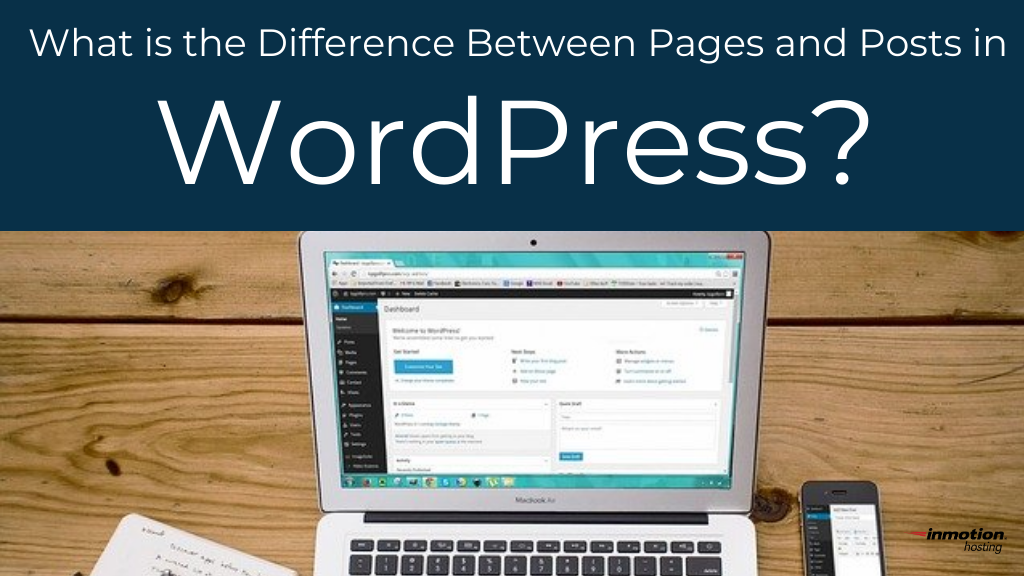
Even if you’re jumping into your first WordPress website, you’re probably already aware that pages and posts are important elements in the creation of your website. They help you build out your vision, creating the canvas where your content will be displayed and viewed by the world. But what is the difference between pages and Read More >
How to Change Your Server SSH Port
Have you ever tried any basic port scanning with Netcat, Nmap, and Telnet against your server or local network? If so, you know how easy it can be to check for open ports and accompanying services. And anyone can search how to find port numbers in cPanel software. Social engineering is being used more for Read More >