It is common practice that email clients today have a search feature integrated into their functionality. This can be of great help if you want to find all the emails from one person or about a specific topic.
Some email client’s search function is quite robust and will allow you to tell the application not only what to search for but where to search for it:
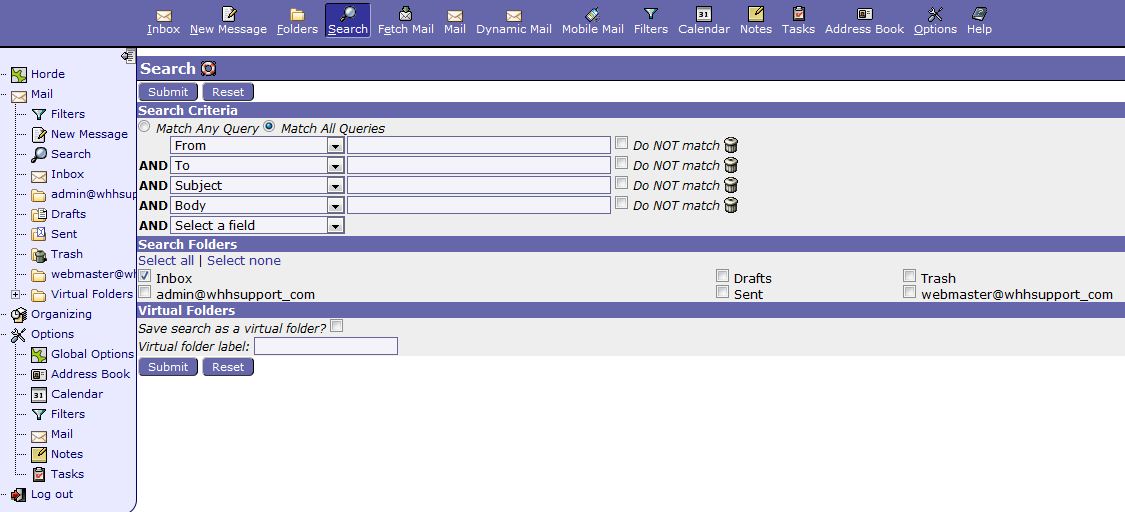
Other email clients, such as Mozilla Thunderbird, have a general search bar designed to search all your emails for any string of words:

Search functionality is a great feature to help you find specific emails quickly without having to look through every email.
If you missed our previous article, please see the Setting up Email Filters tutorial. For more information on this course please visit Organizing your Email