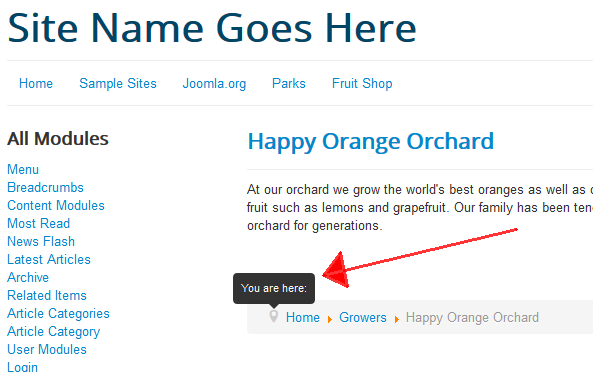
If you are using the breadcrumbs module in Joomla 3, you may have noticed that the breadcrumbs’ pathway begins with a You are here pinpoint. If you don’t want this pinpoint to show, you can disable it within the breadcrumb module’s settings.
How to disable the “You are here” feature:
- Login to your Joomla 3 dashboard
- In the top menu, click Extensions and then click Module Manager.
- Find and click on your breadcrumb module
Under the Module tab (or Basic Options tab, depending on your version of Joomla), find the Show “You are here” setting. Click No next to it, and then click the Save button in the top left of the page.
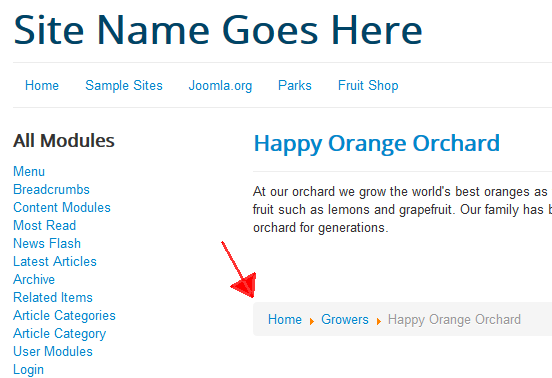
After saving the changes, the pinpoint no longer shows in the breadcrumbs once the Show “You are here” setting is disabled.
