If you’re using Joomla 3.0 to run a blog, one of the first things you may want to learn is how to publish your first blog post. In this tutorial, we’ll walk you through those steps.
Publishing a blog post in Joomla 3.0
- Log into your Joomla 3.0 admin dashboard
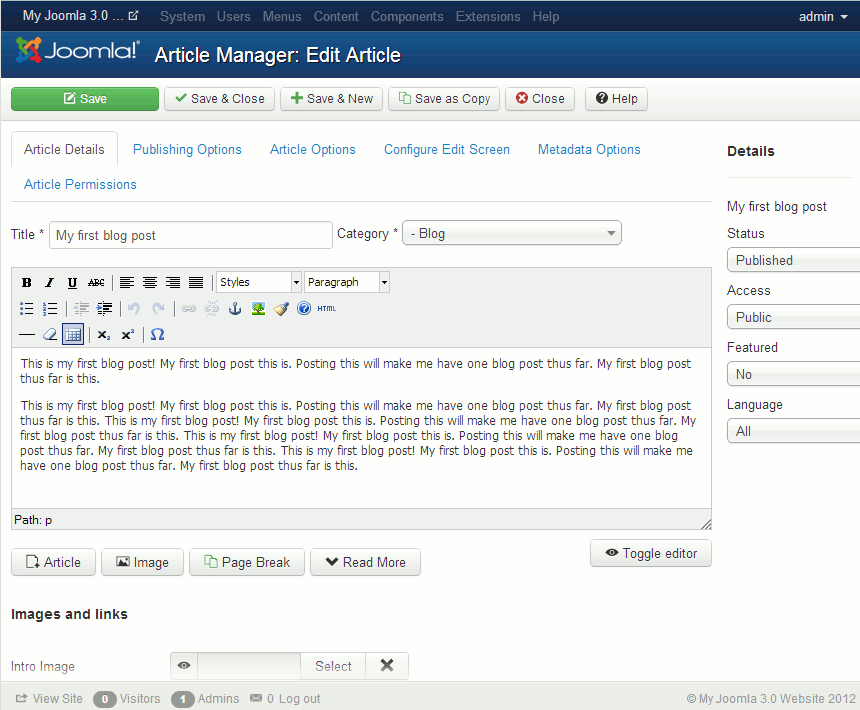
- In the top menu, click Content, hover over Article Manager, and then click Add New Article
- There are many settings you can adjust for your blog post, but we are only going to cover the basics. Below are the settings that we used:
Title My first blog post Category Blog Please note!
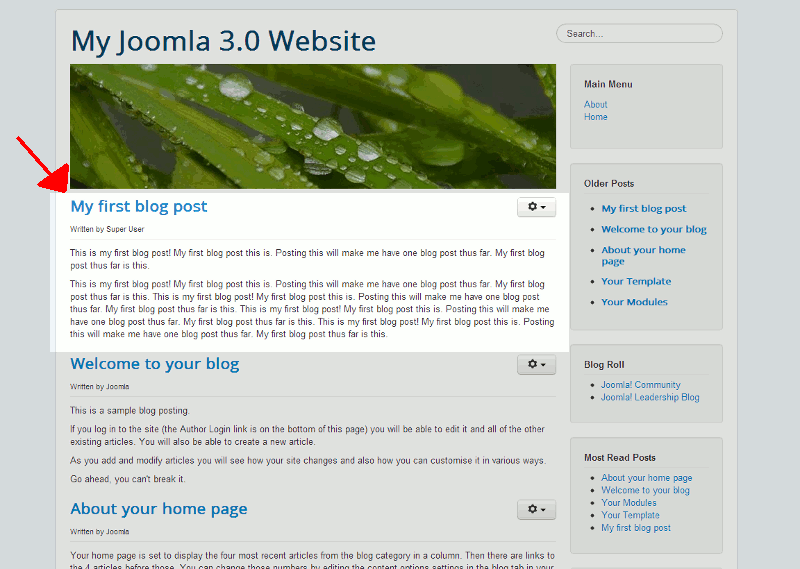
If you don’t set the Category to Blog, your post will not show up on your homepage.When finished filling out the details of your first post, click the Save button towards the top left of the page. You can see below the creating of the post within the dashboard, and what it looks like on our homepage after saving it.