Formatting text in DokuWiki will require the wiki code to be used. DokuWiki has a built in WYSIWYG (What You See Is What You Get) editor. The following table lists the wiki code options. Once you are familiar with the DokuWiki format options, we will go over how to do basic formats like bold, headline and a number list.
DokuWiki Editor options
DokuWiki has a basic editor that inserts the Wiki code for you. This section will explain what the DokuWiki code looks like and does. First Log into DokuWiki, then click on a page to edit. Click the pencil edit link in the right side. The top of the editing section will have the options found in following image.

| DokuWiki editor functions | |
|---|---|
| Bold |
Bolds text Syntax:
**Bold Text** |
| Italic |
Italicizes text. Syntax:
//Italic Text// |
| Underline |
Underlines text. Syntax:
__Underlined Text__ |
| Code Text |
Allows code to be displayed without the browser parsing the code. Syntax:
''Code Text'' |
| Strike Through Text |
Strikes through text to show the text as deleted while still displaying the text. Syntax:
<del>Strike-through Text</del> |
| Same Level Headline |
Creates a header the same level as the Article. Syntax:
====== Headline ====== |
| Lower Level Headline and Higher Level headline |
Steps the Header down or up a level. Syntax step higher:
===== Headline =====
Syntax step lower:
==== Headline ==== |
| Select Headline |
Makes h1, h2, h3, h4, and h5 headers. Syntax:
====== Level 1 Headline ====== ===== Level 2 Headline ===== ==== Level 3 Headline ==== === Level 4 Headline === == Level 5 Headline == |
| Internal Link |
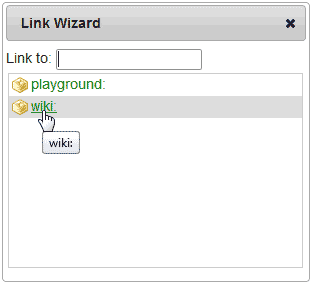
Links to pages within the wiki. Dialogue box pops up with options for internal linking. Syntax:
[[playground:playground|My Wiki Internal link]] |
| External Link |
Creates a link to an external site. Syntax:
[[https://w3schools.org]] |
| Ordered List |
Adds numbered lists Syntax:
- Ordered List Item |
| Unordered list |
Adds non-numbered lists Syntax:
* Unordered List Item |
| Horizontal rule |
Places a horizontal rule to divide sections. Syntax:
---- |
| Add images and other files |
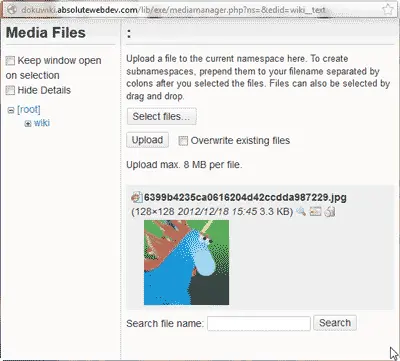
Uploads images and other media to the page. Brings up dialogue box that displays media on the server. Syntax:
{{:6399b4235ca0616204d42ccdda987229.jpg?200|}}
|
| Smileys |
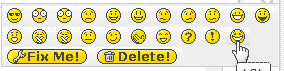
Places smileys on the page such as happy faces and frowns. Syntax:
This varies on the type of smiley |
| Special characters |
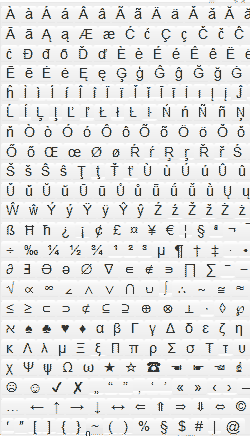
Adds not standard Characters to the page. Syntax:
This varies on the character. |
| Insert Signature |
Add the writers signature to the page. Syntax:
--- //[[[email protected]|Webmaster]] 2012/12/18 15:22// |
How to bold, headline and number text
Once you have a grasp of the WYSIWYG editor in DokuWiki, you can begin adding text and formatting it. The next steps are for bolding, headlining, and adding a numbered list to text.
- Log into DokuWiki.
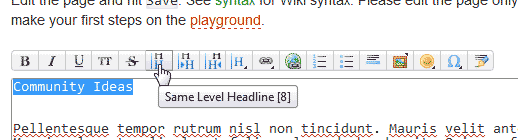
Add text for the headline. Highlight the text.
Click the Bold Icon in the WYSIWYG editor.
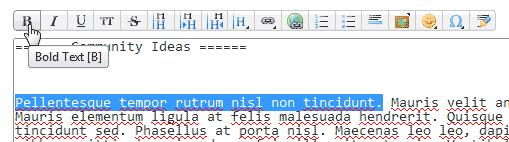
Add the text you want to bold and highlight it.
Click the Bold icon in the WYSIWYG editor and the text will bold.
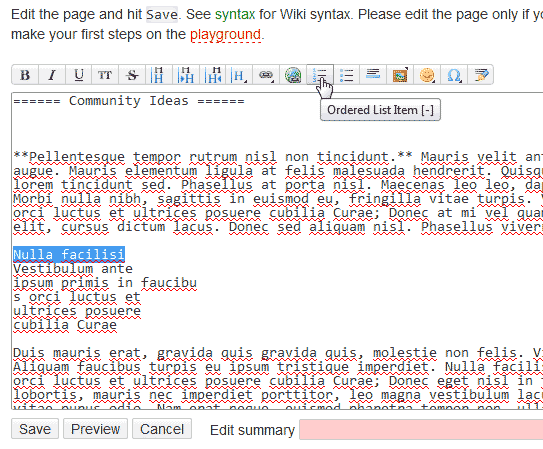
To create a numbered list, type the text in the order you want the list to number. Highlight the first list item and click the ordered list icon in the editor.
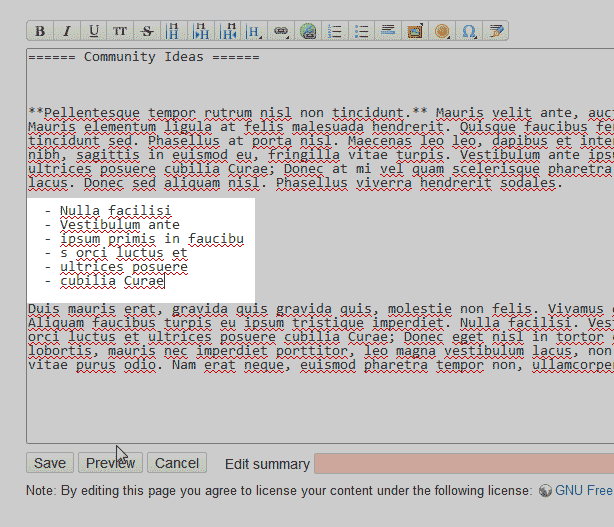
Repeat this process till each item is like the code in the image to the right.
Save the changes.
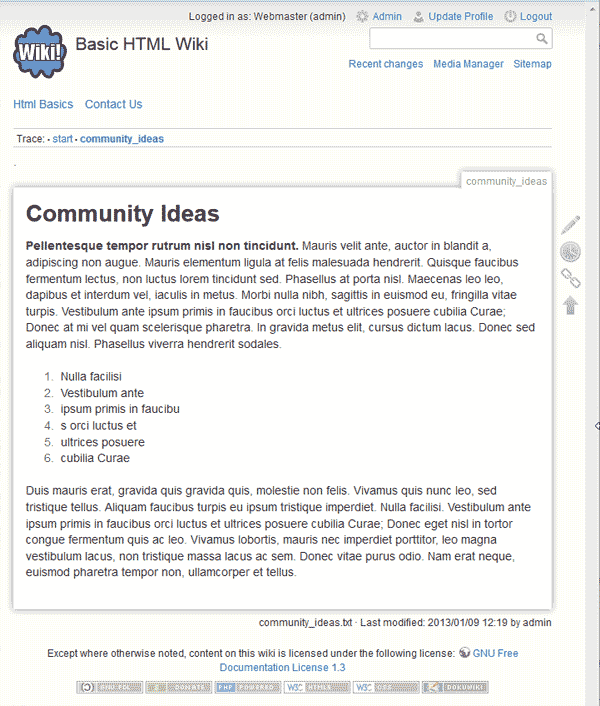
The page should display the format you set in the editor.
