DokuWiki sites are constantly changing due to the contributions of the website patrons. When topics get too big, change in scope, or become obsolete, it becomes necessary to rename or delete the namespaces from DokuWiki. This article will go through the steps in renaming and deleting namespaces form DokuWiki.
Renaming a namespace in DokuWiki
- Login into your cPanel.
- Go to the File Manager, select your DokuWiki install directory and click Go.
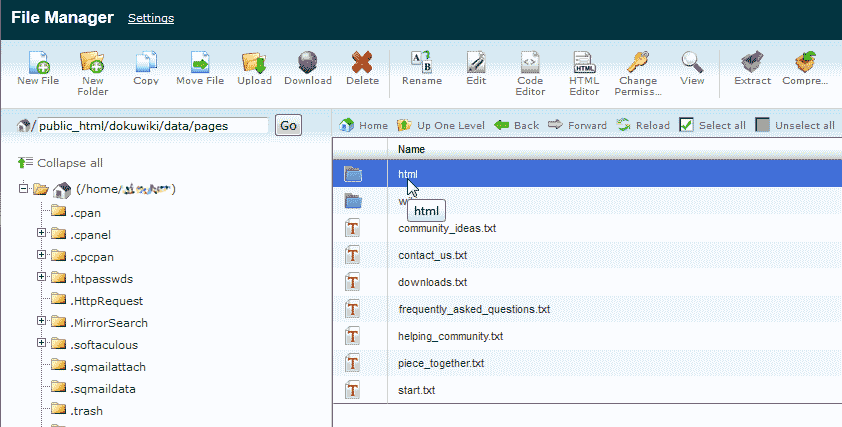
Navigate to the following location in your DokuWiki site.
/data/pages
Find the folder for the namespace you want to rename similar to the snapshot to the right.
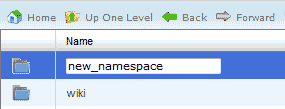
Select the folder and click rename in the File manager at the top.
Name the folder to a different name and hit enter. (In this case we renamed the folder to “new_namespace“)
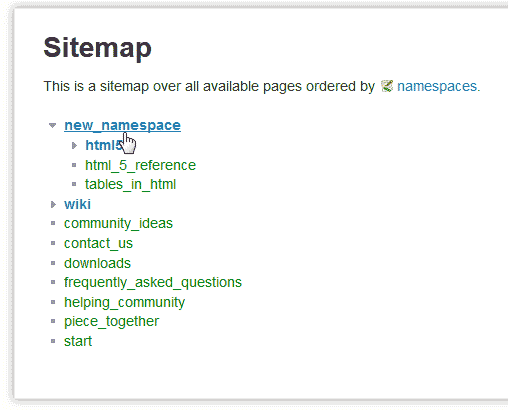
Click your sitemap link at the top right of your DokuWiki site. Now you will see the namespace renamed in your sitemap.
Deleting namespaces in DokuWiki
- Log into DokuWiki.
- Click sitemap at the top right.
Find the namespace you want to remove. (In this case the “html5” namespace is being removed.)
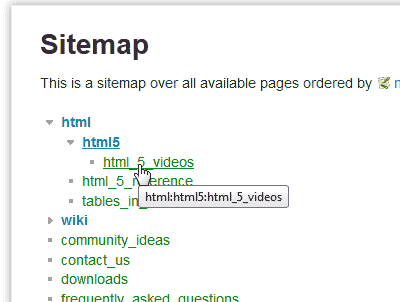
Select the page in the namespace. (In this case “html_5_videos”.)
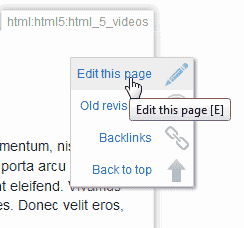
Click the pencil to the right that says “Edit this page“.
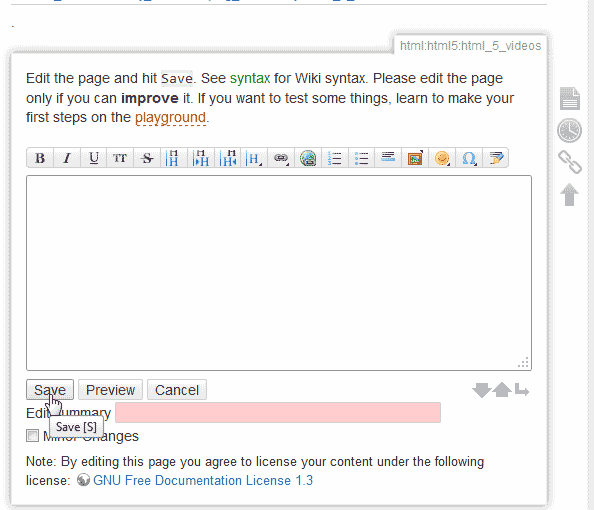
Delete all the text from the page.
Click Save.
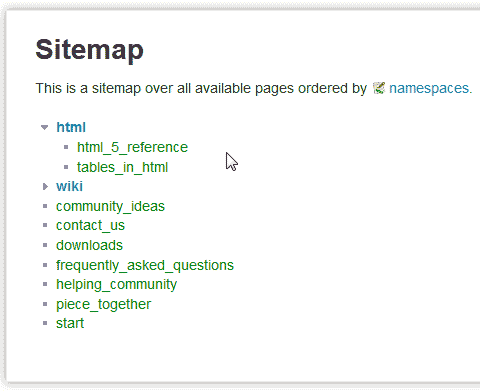
Now visit the sitemap link at the top right. The namespace will be gone from the sitemap.
Note! For the namespace to disappear completely, if there are multiple pages in one namespace, each page in the namespace will need to have its content deleted. Once all pages have no content in the namespace, the namespace will no longer appear in the sitemap.
Now that you are familiar with renaming and deleting namespaces, you can see our next article on how to redirect old pages that were removed from your DokuWiki site.