By default, WordPress shortcodes do not work within Text widgets. If you need this functionality, it is quite easy to accomplish, simply follow the steps below.
Using Shortcodes in a WordPress Text Widget
- Log into your WordPress Dashboard
- Under “Appearance” click “Editor”
- In the list of files on the right of the page, click “functions.php”
- At the bottom of the functions.php file, add the following code:
add_filter( ‘widget_text’, ‘shortcode_unautop’);
add_filter( ‘widget_text’, ‘do_shortcode’);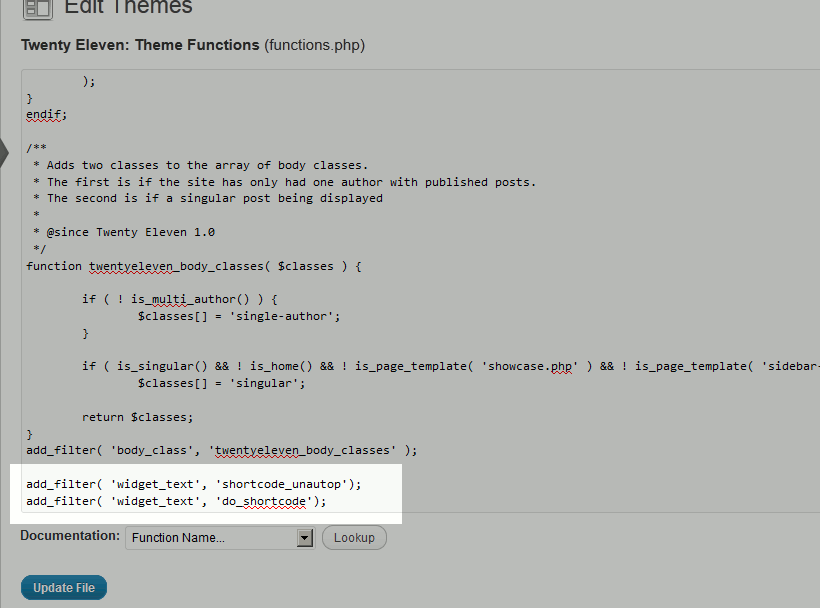
- Click “Update File” and your shortcodes should now work in your Text widgets!

| Before: | After: |
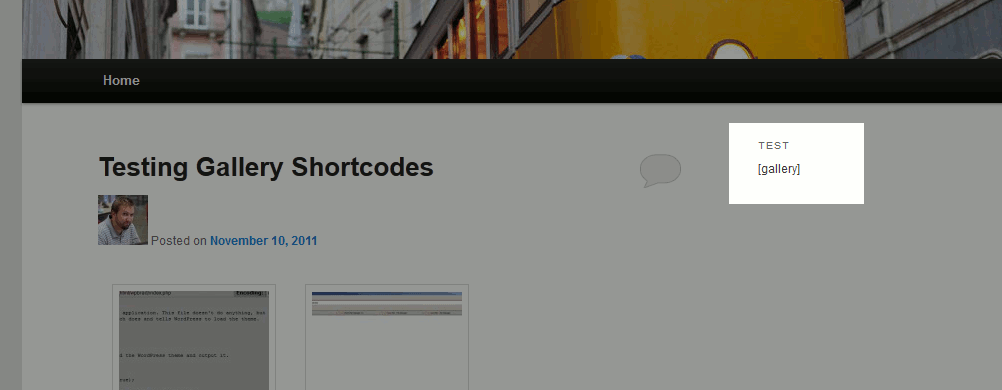
|
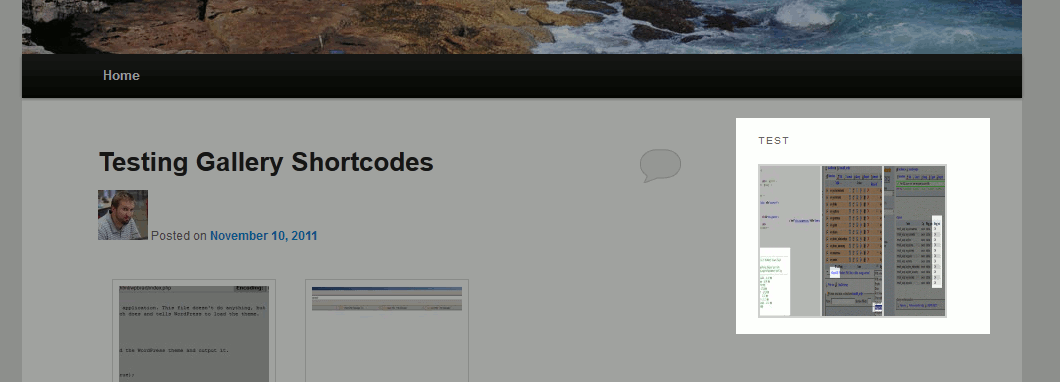
|
Changes made to these files may get overwritten after theme updates. It is always recommended to make these kinds of modifications in a child theme.
Looking for more guides? We have over 400 WordPress How To Articles to help you!