TikiWiki is an Open Source Software that has many free themes available to “skin” your TikiWIki to the style you like. In this article, we will learn how to upload a new TikiWiki theme to your server and how to switch the theme in the TikiWIki administrator section.
How to Change the theme
The theme can be changed easily in the TikiWiki admin section. The following steps will explain how to change your TikiWIki to the Darkroom theme.
- Log into your TikiWiki.
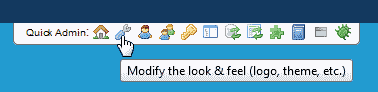
Click the wrench in the Quick Admin menu at the top of the wiki.
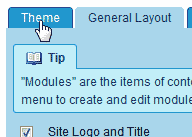
Click the Theme tab.
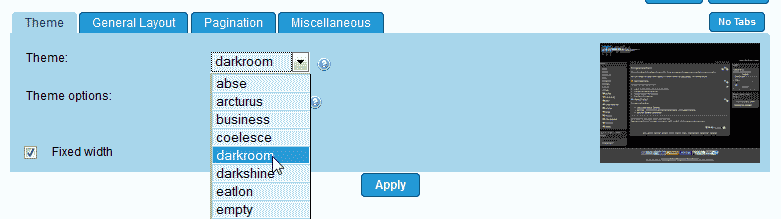
From the Theme drop down box, Select the darkroom theme.
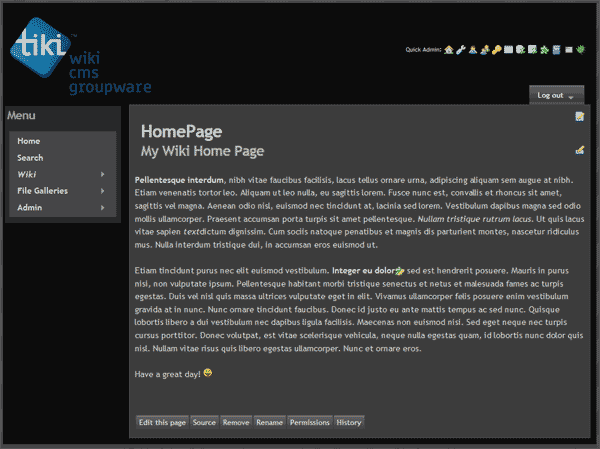
Click Apply. Visit the home page of your wiki. The Darkroom theme should look like the screenshot to the right.
Uploading a free theme
TikiWiki has a large quantity of free themes that are available for download for free. This section will explain how to upload a free theme from TikiWiki. The Mittwoch theme will be used in this tutorial. Go to the following url to get the Mittwoch theme.
The file you will want to download is the Tiki 7 version. The file name is:
tikiwiki-mittwoch_tiki_7.tar.gz
Once you have the archive file downloaded. Extract the files to your desktop. We will be using an FTP program to upload the files to the correct directories.
- Open your FTP program.
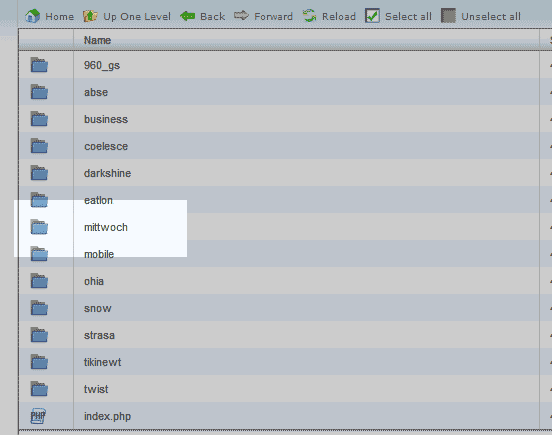
Navigate to the following location.
public_html/tikiwiki/templates/styles
Upload the templates/styles/mittwoch folder to the templates/styles/ directory on your server.
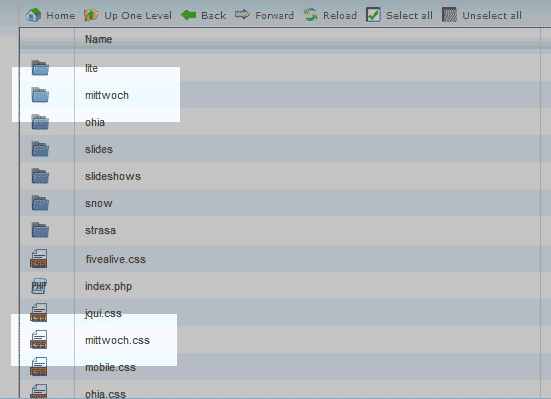
Next, Navigate to the following directory.
public_html/tikiwiki/styles
Upload the upload styles/mittwoch.css and the styles/mittwoch/ file and folder to the public_html/tikiwiki/styles location on your server.
- Log into TikiWiki.
- Go to the Quick Admin and click the Wrench.
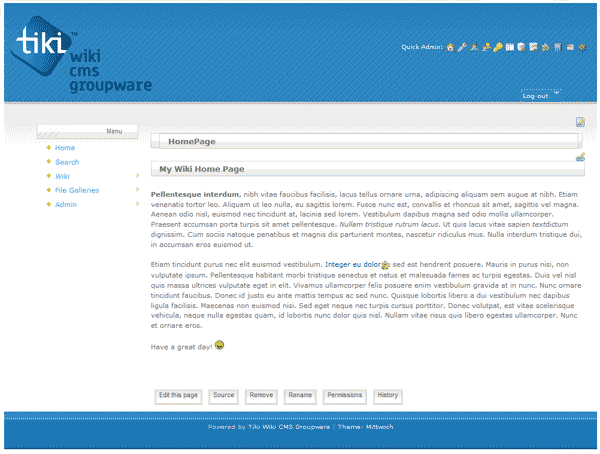
Click the theme tab and change the theme in the theme drop box to the mittwoch theme.
Now your sit will look like the snapshot to the right.
