When setting up the Sidebar, TopBar, and Bottom footer sections in your TikiWiki site, you will need to add and remove modules from the site. The Sidebar, TopBar, and Footer sections store their functions in the modules. The modules can be customized and place in particular locations on the site. The following tutorial will explain how to Add, Delete and Move modules in TikiWiki.
How to delete the Powered By module
- Log into TikiWiki
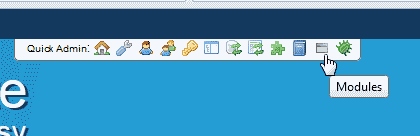
Click the modules Icon in the Quick Admin bar.
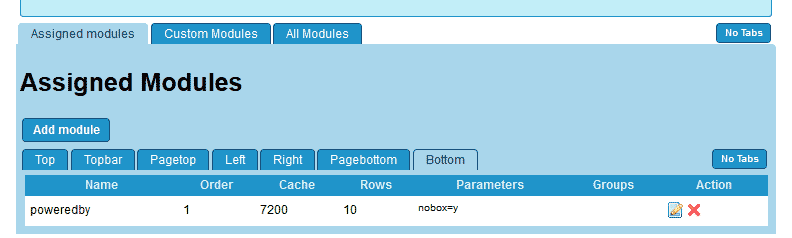
On the Admin Modules section, Click the Assigned modules tab.
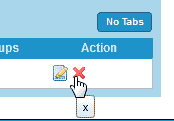
To remove the Powered By from the footer, click the Red X on the row for the Powered By Module.
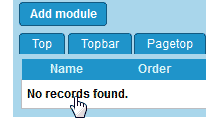
Now it will show No records here in the list nd the Powered by will not be in the footer anymore.
Adding the Quick Search module to the header
- Log into TikiWiki and Click the modules Icon in the Quick Admin bar at the top right.
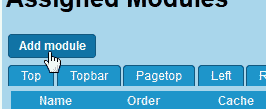
Click Add module.
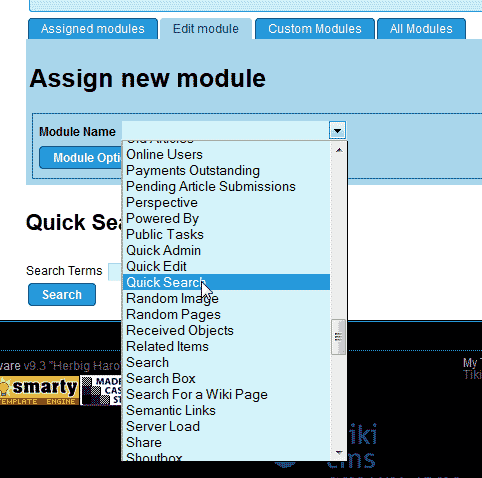
Find the module in the list you want to add. In this case we will add the Quick search module.
Select the Quick search from the list.
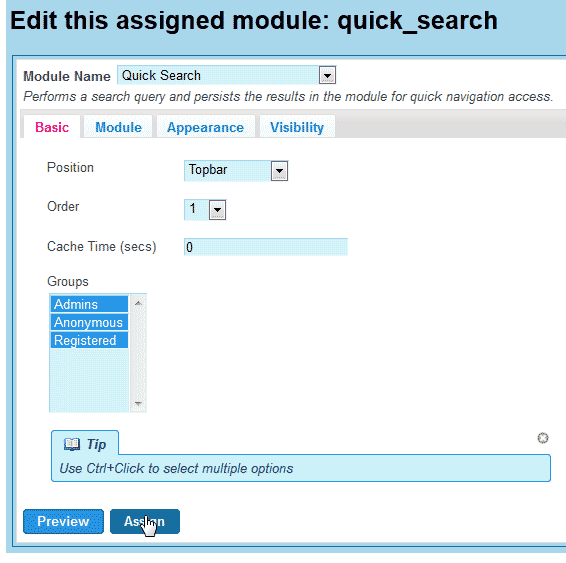
Assign to all groups and select Topbar for the Position.
Click Assign.

Now the search bar will appear at the top of the page.
Moving the Quick Search module to the sidebar
- Log into TikiWiki and Click the modules Icon in the Quick Admin bar at the top right.
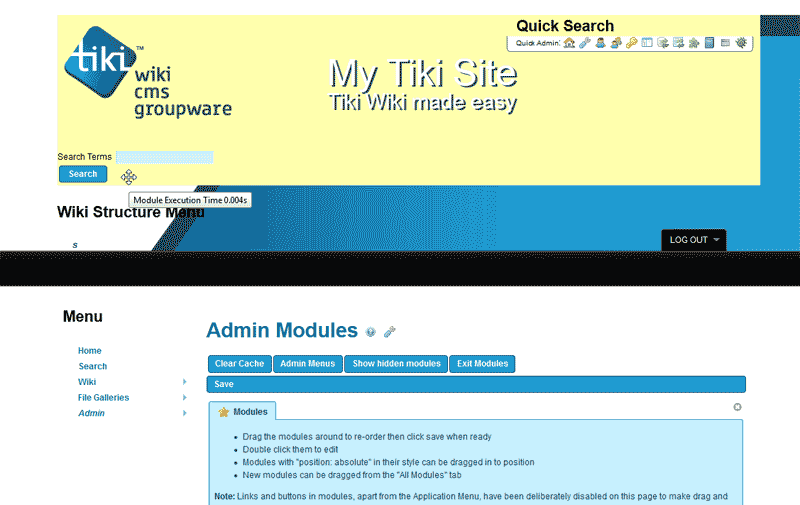
Click the search bar so it highlights yellow in the topbar.
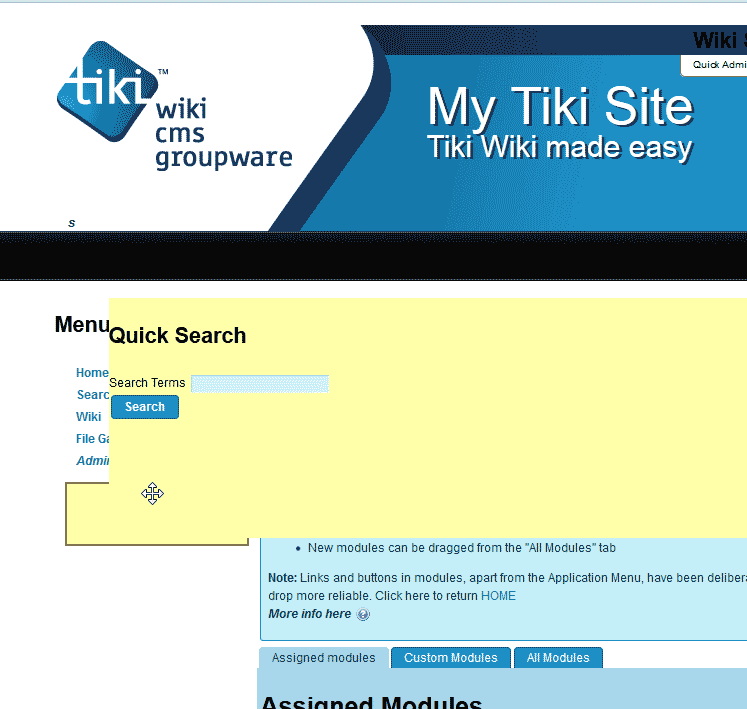
Drag the search bar module over to the sidebar.
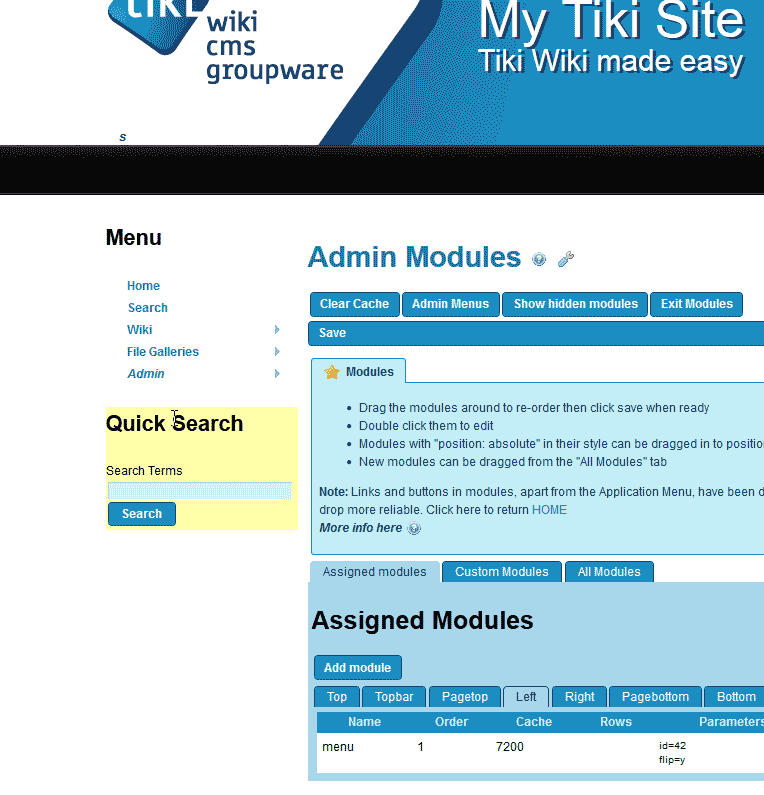
The sidebar should look like the snapshot to the right.
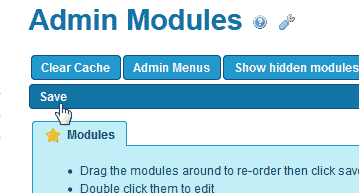
Click Save.
Now the search bar will display in the sidebar instead of the topbar.
