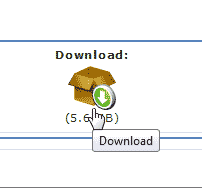
In the event you cannot install PHP-Fusion on your server using Softaculous, you can install PHP-Fusion manually by downloading the files from the PHP-Fusion site.
To get started installing PHP-Fusion manually, you will need to download the “PHP-Fusion v7.02.06 (full) 7.02.06” files. Visit the following link and click the Download icon for PH-Fusion.
https://www.php-fusion.co.uk/downloads.php?cat_id=23&download_id=264
You should have the following file on your Desktop.
PHP-Fusion_7-02-06_full.zip
After you get the files, follow the steps below to install PHP-Fusion to your server.
Steps to install PHP-Fusion manually
- Login into your cPanel.
- Go to the File Manager. Select the directory you want to install PHP-Fusion on and click Go.
- How to upload a file to your server. Extract the .zip file. Make sure the software is not in a files subfolder. If so you will need to move the files to the document root.
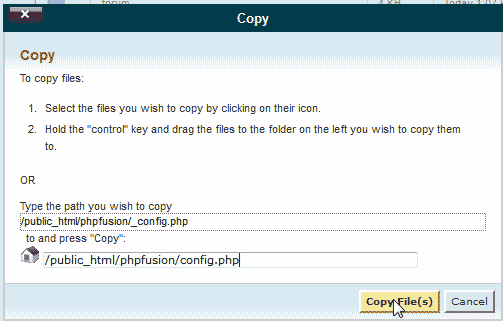
Make a copy of the _config.php file and name it config.php.
- Create a databaseand add a user with full permissions to that database.
Make sure you notate the username, database name and password you set for the Database. This will be needed on Step 3.
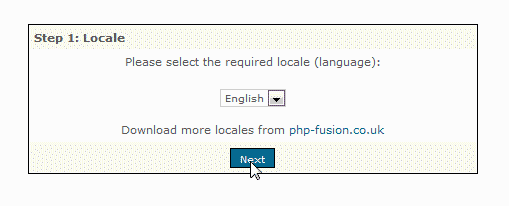
Visit the url where you uploaded the files on your server. On Step 1, select your language and click Next.
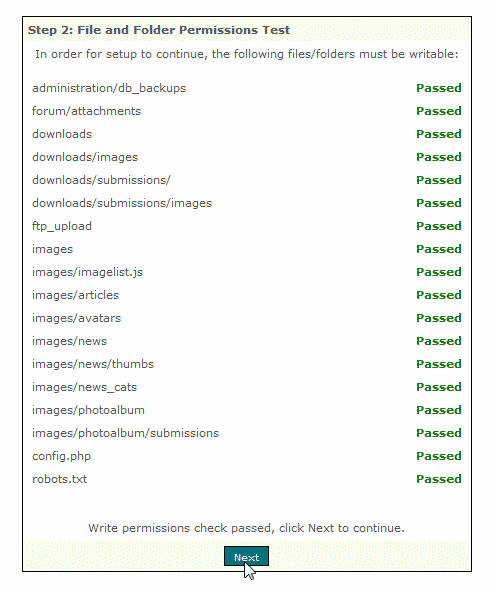
On Step 2, PHP-Fusion will check the file permissions on the server. When finished, click Next.
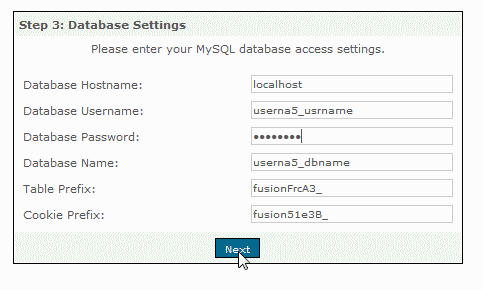
Enter the Database username, name, and password. :Leave the other settings as is. Click Next.
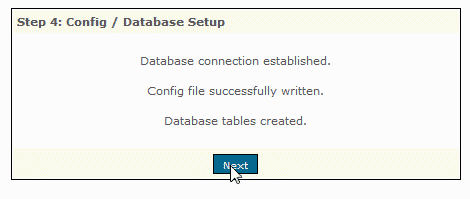
On Step 4, you should see a confirmation that the database tables were created. Click Next.
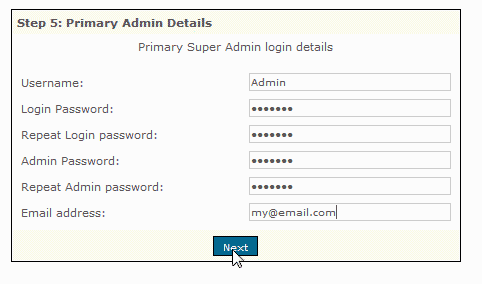
Enter the admin username. you will need 2 different passwords, one for the standard login and one for the admin login. Click Next.
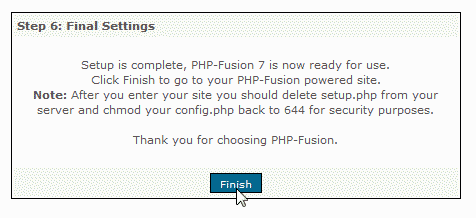
You should see a confirmation that PHP-Fusion was installed. Click Next.
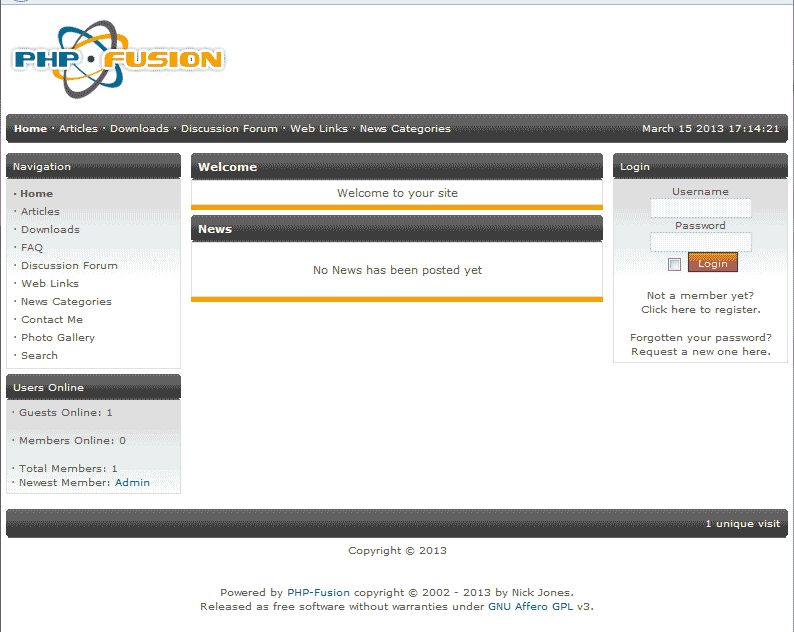
You should see a fresh install of PHP-Fusion on your domain now.
Important! When you are done installing PHP-Fusion, you will need to delete the setup.php file from your server. If you don’t you will get a “Warning: setup.php detected, please delete it immediately” error when loging in.
