All servers have a main php.ini file. This is a file that allows you to control the php settings. The main php.ini file controls the settings for the entire server. By placing a php.ini file within a folder, it will override the main server php.ini and allow you to customize settings for the files and folders under it.
Most of the time, editing a php.ini file at a more local level is sufficient, however there are times when you may want to alter the main php.in file to provide the setting change as a default to the entire server. This can only be done with the root access on VPS and dedicated servers. The instructions below walk you through how to do that.
How to change your main php.ini file on VPS and Dedicated servers
- Log into your server via SSH.
- Use the following command to open the file for editing.
nano /usr/local/lib/php.ini 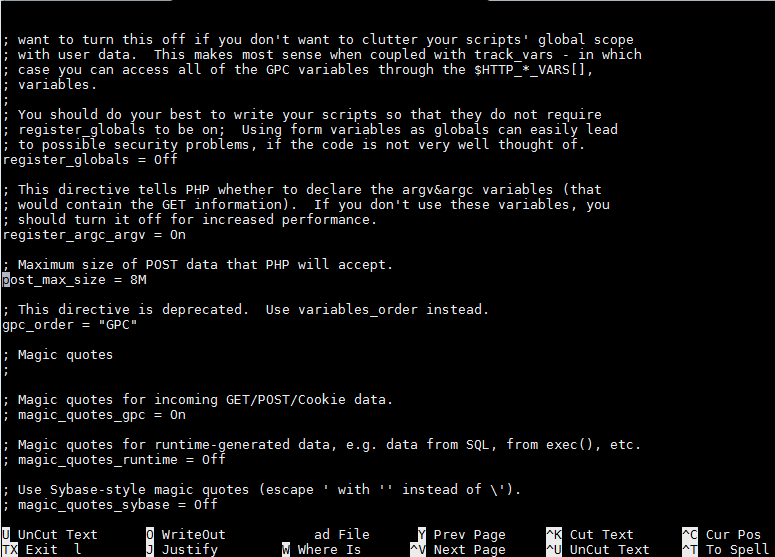
Activate the Find feature by pressing crtl+W and then entering desired setting. The interface will scroll to that setting. In our case, we searched for post_max_size.
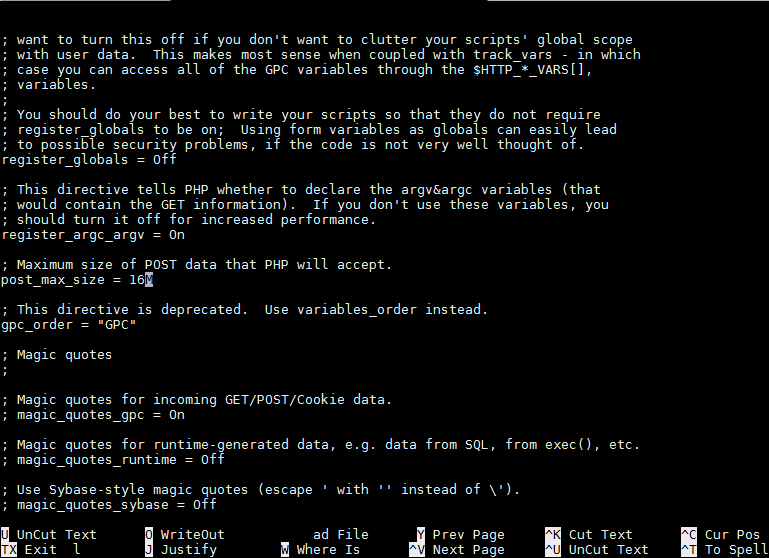
Alter the setting to your desired configuration. We changed the post_max_size setting to 16M.

Save the changes by pressing crtl+O. You will be prompted for a filename, press Enter to keep the same name.
- Exit the editor by pressing ctrl+X.
- Exit your SSH Client.



Now that your php.ini settings have been saved, they will begin to work for your server.