
If you have purchased a domain from a domain registrar called NameCheap and you intend to keep the domain registrar as NameCheap, then you will need to change the domain name servers in the NameCheap interface in order to use your domain with InMotion Hosting. The following tutorial will guide you through making the name server change within the NameCheap interface.
How to Change your Nameservers in NameCheap
- Login to the NameCheap interface
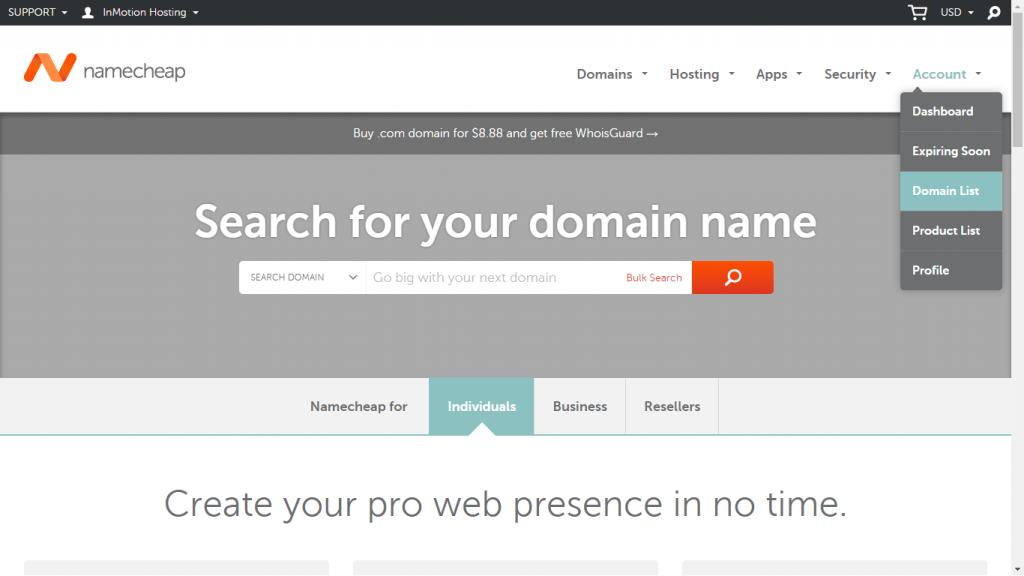
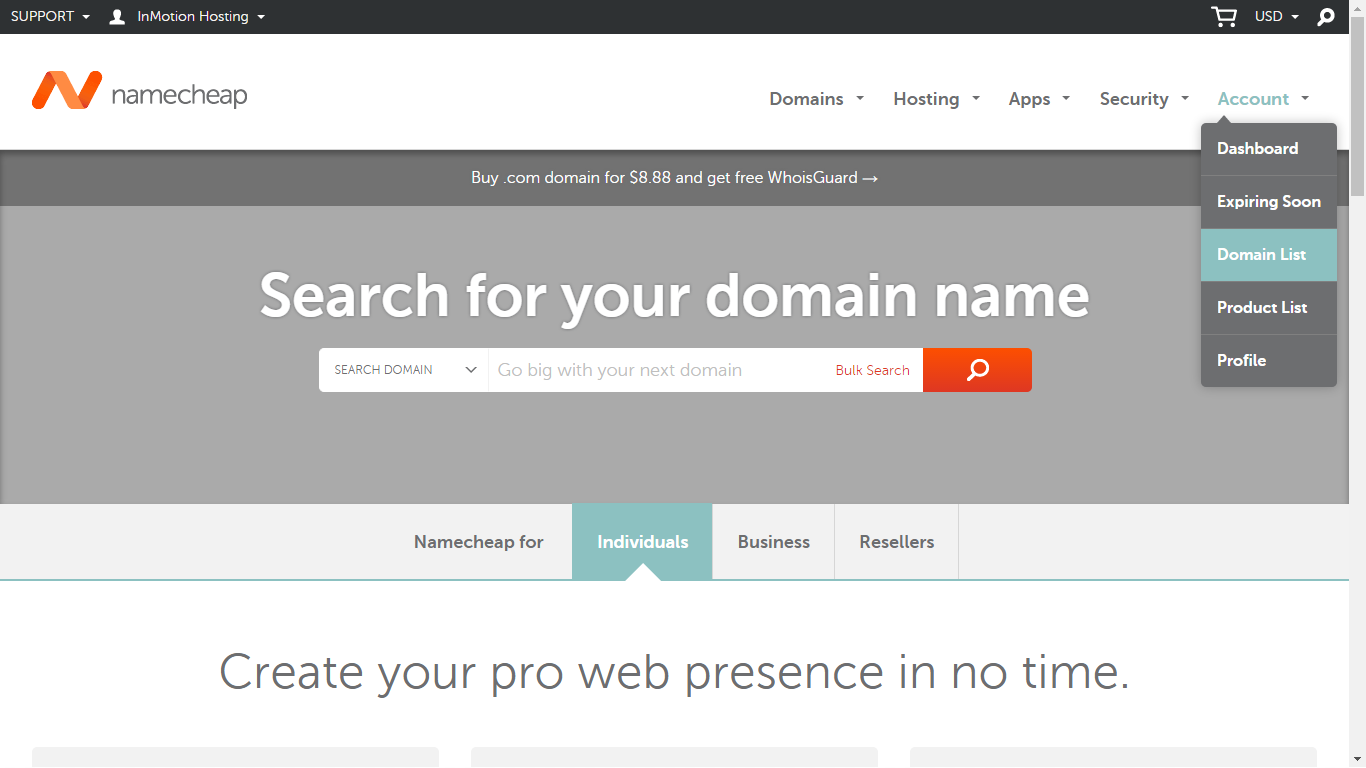
Click on Account in the menu in the top right of the screen.
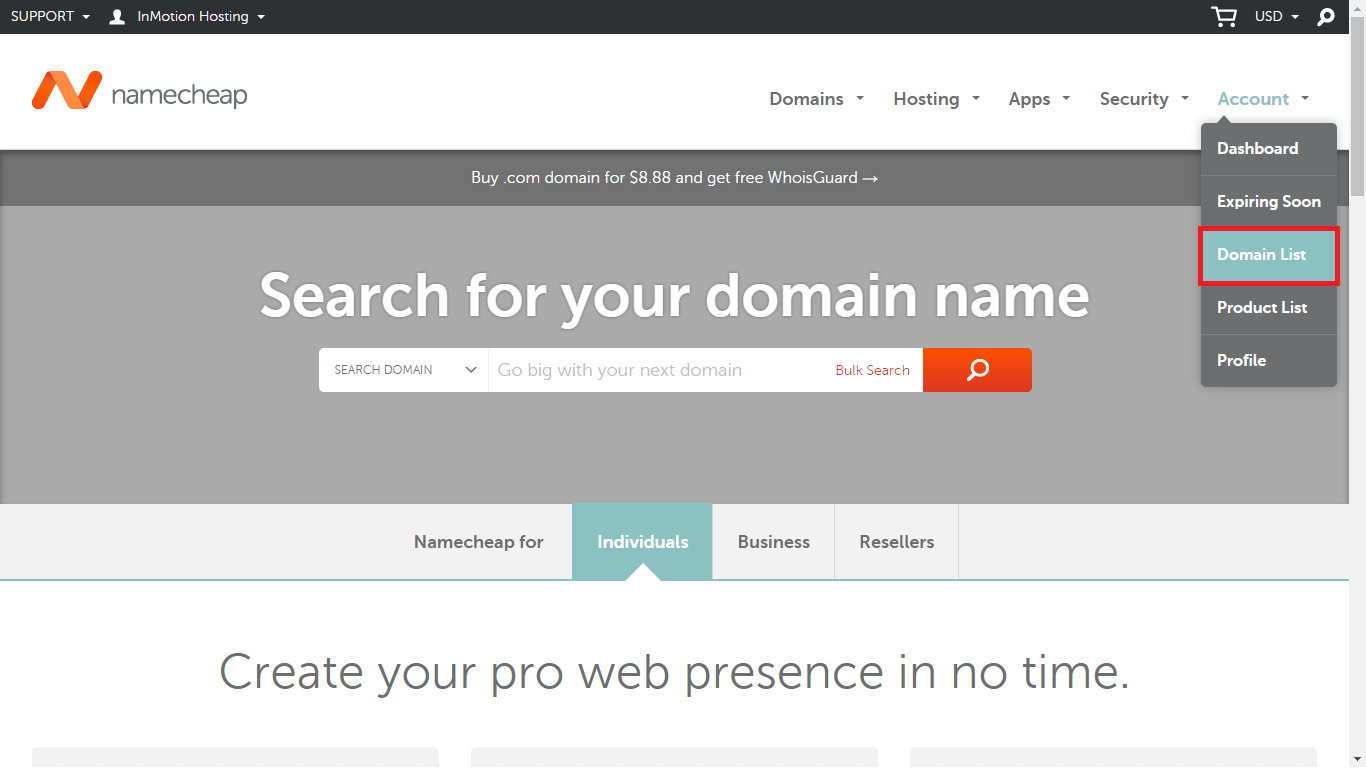
You will see a pop-up menu. Click on Domain List.

This will show you a list of the active domains that you have purchased through NameCheap.
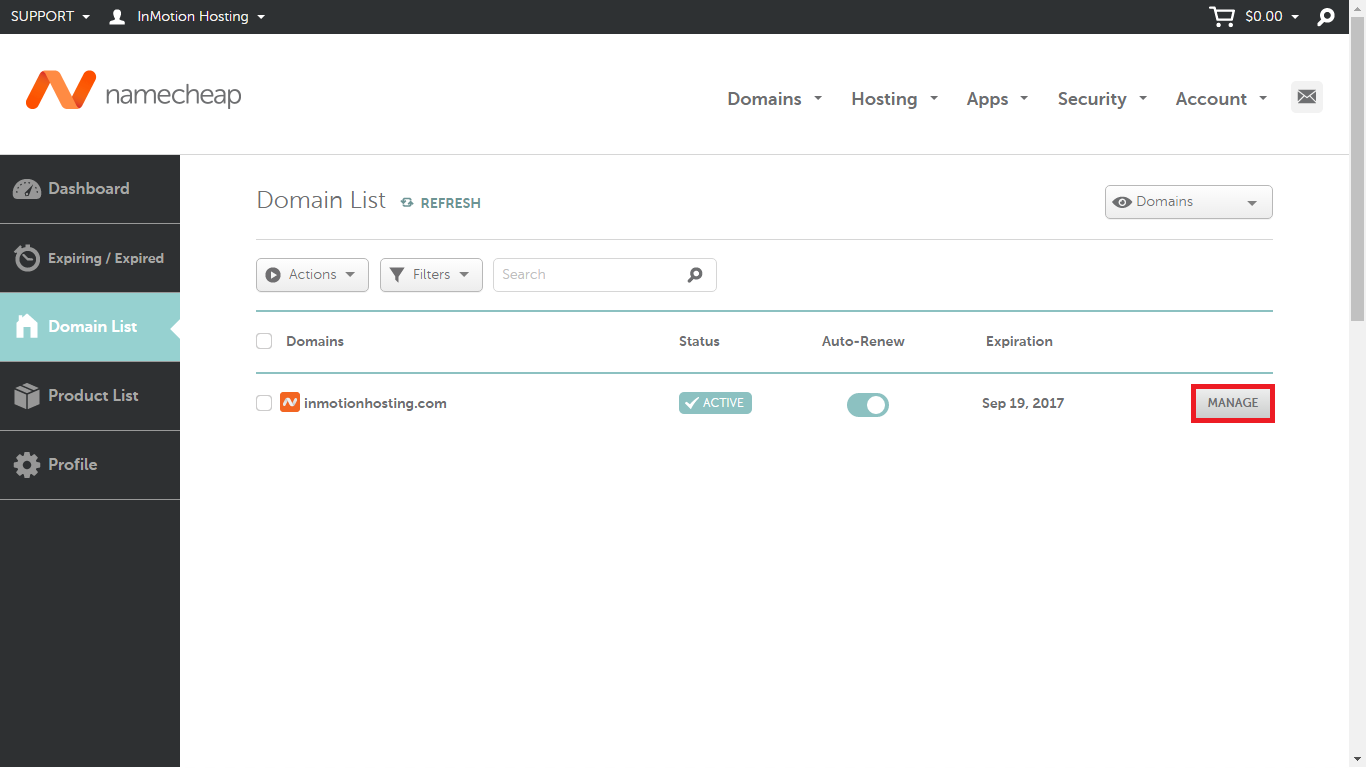
Click on Manage for the domain where you want to change the name servers.
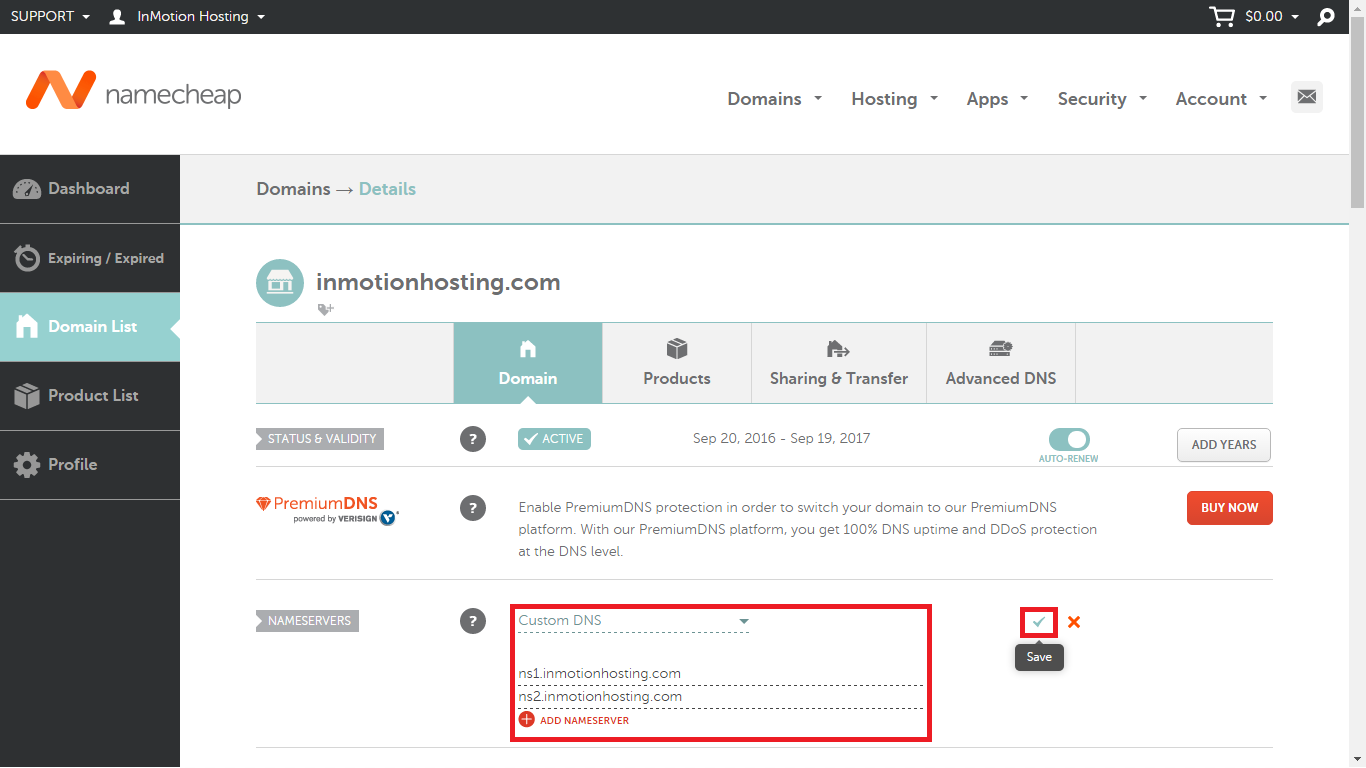
Scroll down until you see the section for Nameservers. Typically, you may see two name servers already listed. Click on the line to edit them.
- If you are using InMotion Hosting’s default name servers, then you will add the following: ns1.inmotionhosting.com and ns2.inmotionhosting.com. If you are adding custom name servers, then add your own name server names in this location. If you have more than 2 name servers, click on ADD NAMESERVER to add another name server setting.

Once you have completed adding your name server, click on the check mark next to the red X that is located to the right of your name server settings. If you hover over the checkmark, you will see that it says SAVE.





Congratulations! You have completed adding your name servers in the NamecCheap interface. Remember that any changes to DNS may require up to 24 hours of domain propagation in order for the change to take effect.