If you visit a number of websites around the internet, it is very likely that the majority of those website will have a contact form. A contact form is basically a set of questions filled out on the webpage by your visitor that is automatically sent to your email when it is filled out. Below is a basic example of a contact form on a website:
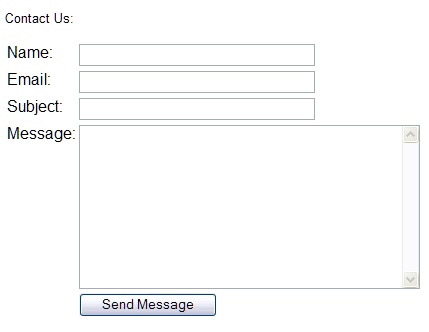
A contact form can be used for just about anything you can think of but here are a few examples of reasons to use a contact form:
- Feedback: This is a contact form that is used for general comments from your visitors
- Questions: This form allows visitors to contact you with various questions they may have relating to your business
- Service/ Information Request: If your business sells a service, or product your customers can use this to inquire more information.
Some of the major benefits to using a contact form:
- Reduce Spam: since contact forms are handled serverside and your email address is not readily available spammers cannot harvest it as easily and this is much safer than using the mailto: tag
- Information control: Since you specify the information you’d like from the customer you can capture the exact information you want from them
- Consistency: Since all the information is provided to you the same way, the emails from the contact form are consistant and can help you stay organized. See more information on email filters
Please check the next article on How Contact Forms Work. For more information on this course please visit Adding Contact Forms.