
When you create a blog, an About me section helps add personality to your content and brand. Below we cover how to add an About Me section to a Grav page.
Add About Me Section
- Log into Grav.
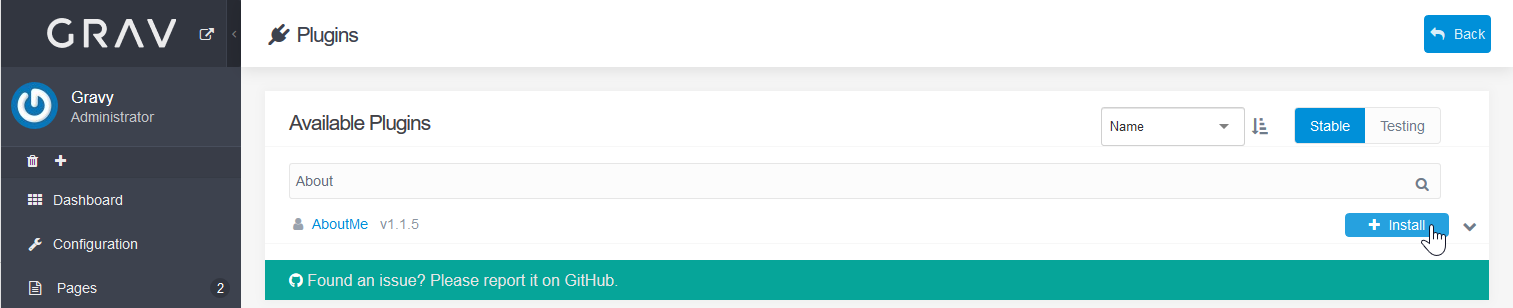
- Install the “About Me” plugin.
- Edit your About Me section.
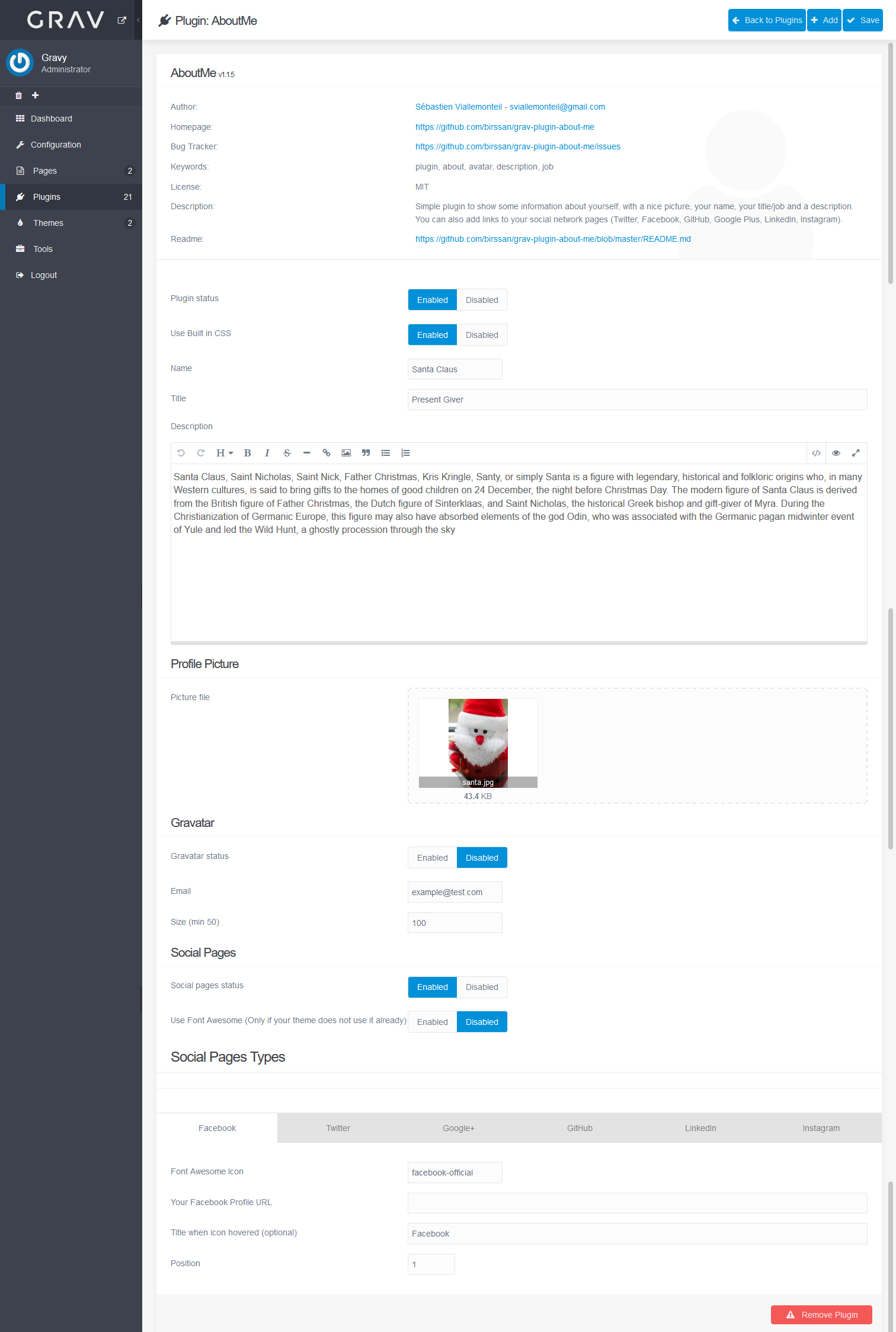
- Save your changes in the upper-right.
- Create or edit a page.
- Add {% include ‘partials/aboutme.html.twig’ %} in the content section where you’d like to include the About section.
- Override twig settings.
Normal mode: in the advanced tab, check the Twig checkbox beside Process
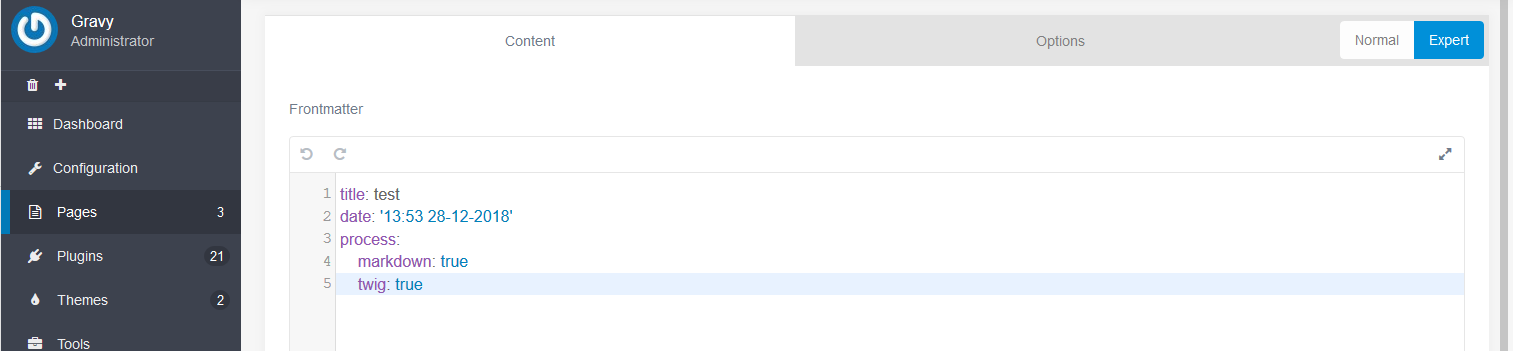
Expert mode: in the content tab, add the following to the bottom of the Frontmatter
process:
markdown: true
twig: true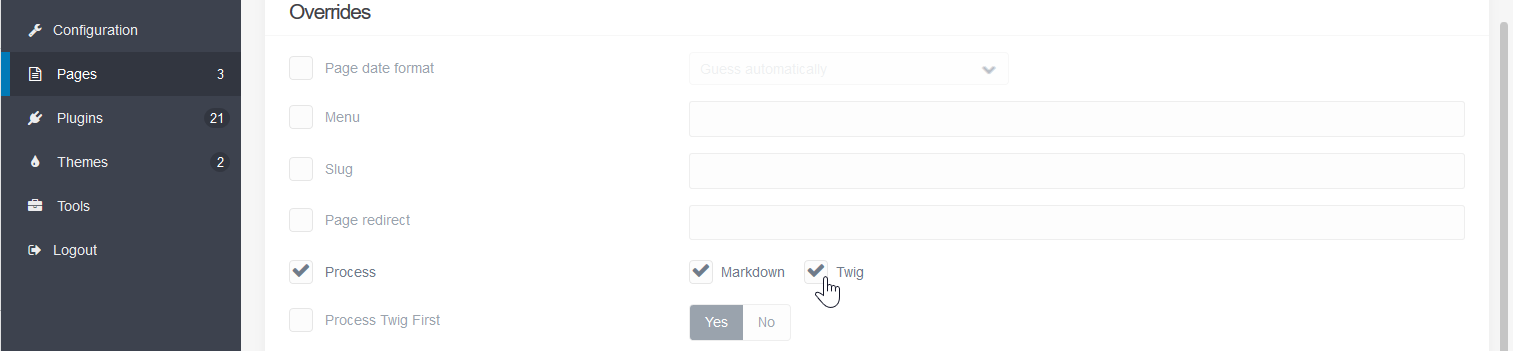
- Press Save in the upper-right corner.
- View your website.
Learn more about making the most of Grav with our Support Center and Markdown coding guide.