
Buffer is a user-friendly social media management tool with a free plan allowing social media managers to schedule up to ten posts for up to three social media accounts. You’re allowed up to 2000 scheduled posts for additional social accounts with paid plans. Below we cover how to schedule your first post with Buffer.com.
Set Up Buffer
- Create a Buffer.com account.
- Select Manage Social Accounts on the bottom left to connect social media accounts.
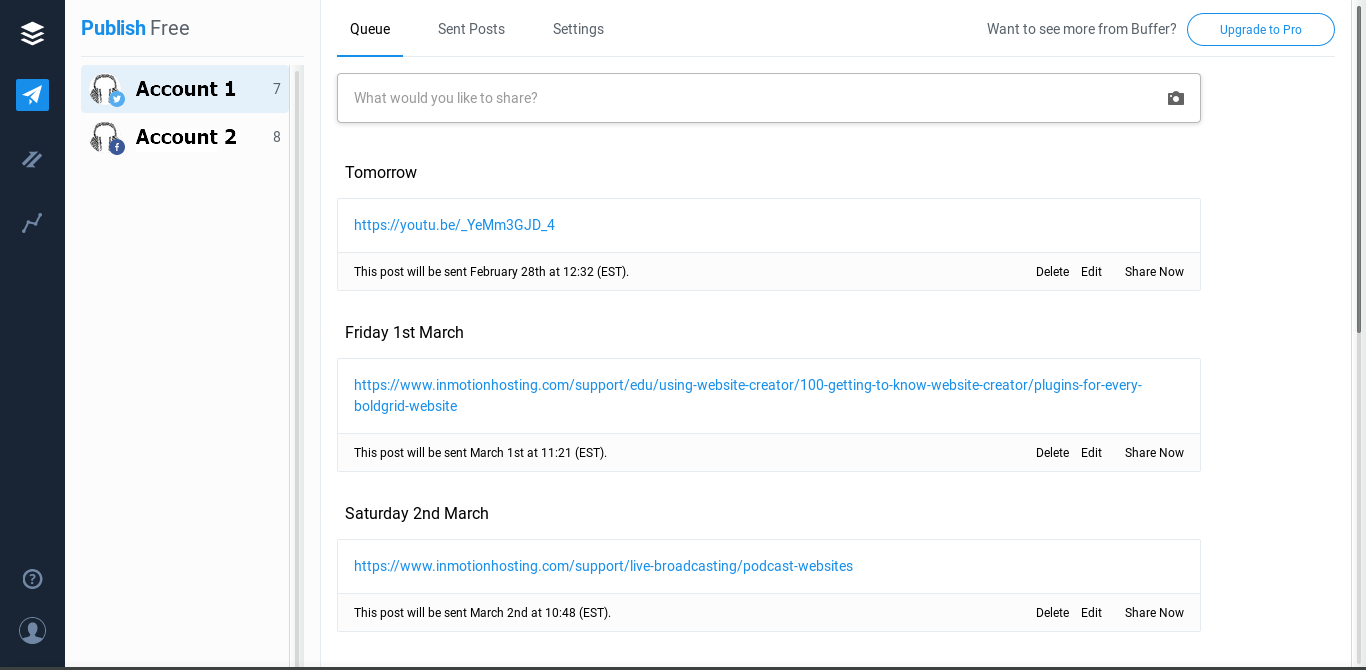
- Select Add a New Social Account for the social media account you want to connect – up to 3.
- Click Buffer Dashboard from the upper right.
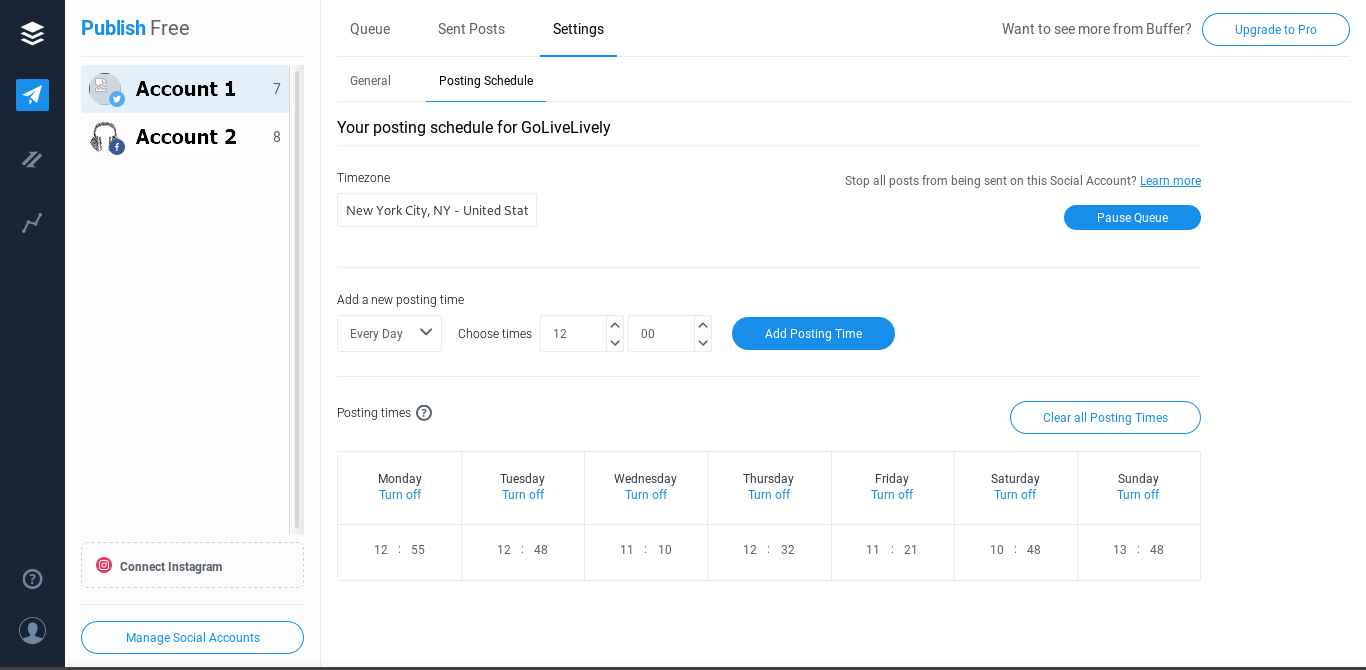
- At the top, click Settings and Posting Schedule.
- Specify the timezone and a day and time to post. Then Add Posting Time. Repeat to create a schedule at the bottom.
- Click Queue on the top.
- Press the text box to write a post.
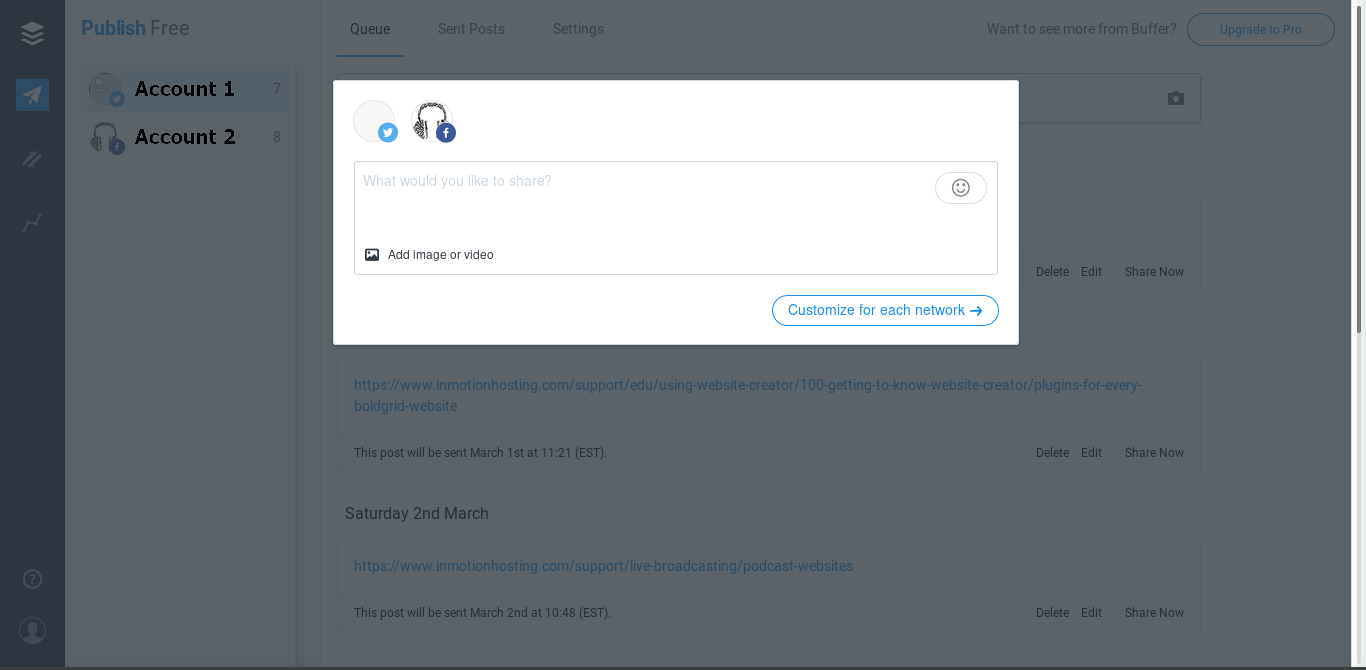
- Press Customize for each network to add applicable #hashtags and @ mentions appropriate for each social media platform.
- Share Now, Add to Queue, or Schedule Posts manually.
Learn more about social media management.