TikiWiki has a built in feature that allow you to change the language of your administrator dashboard. Some wiki software requires you to edit the code for the languages to work. For TikiWiki, you do not have to edit the code. The TikiWiki administration section has the "i18n Internationalization" feature that allows an easy language change for the interface. Below are the steps to change the admin language in the TikiWiki administrator dashboard.

Changing the language interface

  1. Log into TikiWiki and click the Admin link in the navigation on the left.
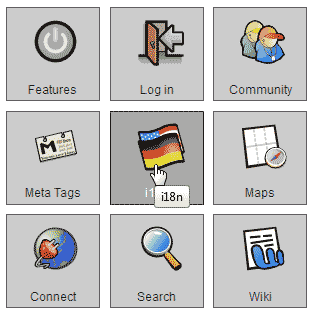
  2. Select i18n TikiWikiClick the "i18n" link with the country flags icon.
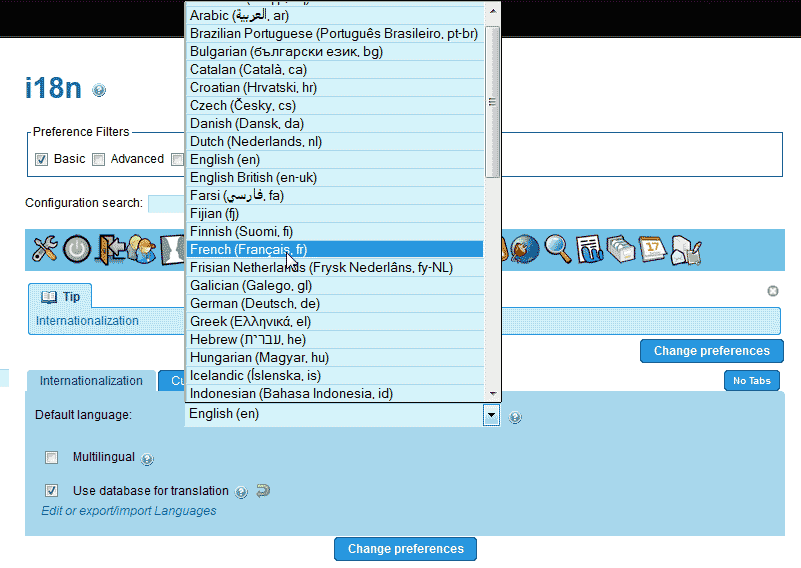
  3. Select your language TikiWikiOn the "internationalization" tab, select the language you want for your administrator dashboard. In this case we are changing the interface to French.
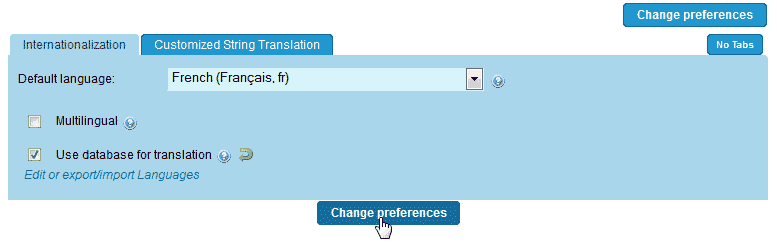
  4. Click change preferences TikiWikiClick Change Preferences.

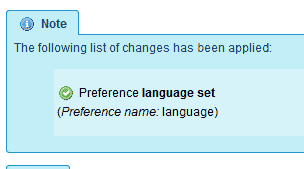
    Applied changes TikiWikiYou should see a confirmation that the language was changed.
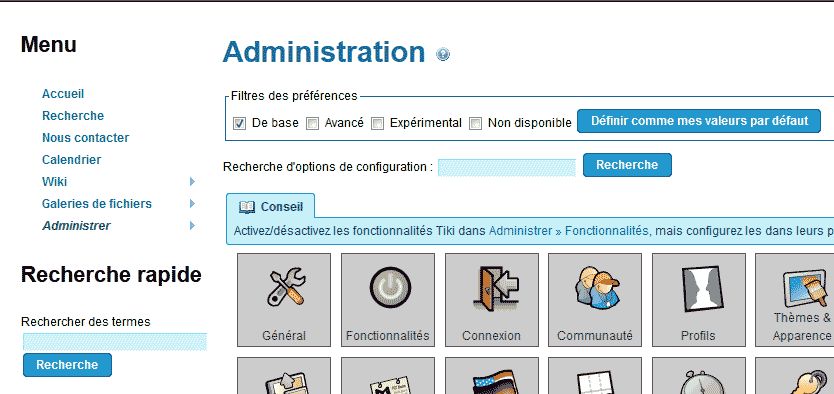
  5. Admin in French TikiWikiClick the Admin link in the navigation on the left again. You should see the administrator interface in French like the image to the right.
Like this Article?

Login to comment.

Your Opinion Matters

... but we need to know what you're thinking!

I'm James Richardson, your friendly Community Support technician, and I wrote the article you're looking at now. I like to think it's perfect, but I'm sure you have some suggestions. Please, let me know what they are!

Feedback
Your Email Address
Because we'd like to talk with you!

Latest Questions

If you need some help, submit your question to our Community!
We guarantee a response within 60 minutes (8am - 9pm EST, Monday - Friday)
Ask a Question!
Recent Questions
  1. Connection Refused
  2. renew
  3. Why isn't my subdomain showing up?

Need more Help?

Search

Ask the Community!

Get help with your questions from our community of like-minded hosting users and InMotion Hosting Staff.

Current Customers

Chat: Click to Chat Now E-mail: support@InMotionHosting.com
Call: 888-321-HOST (4678) Ticket: Submit a Support Ticket

Not a Customer?

Get web hosting from a company that is here to help. Sign up today!