PHP-Fusion has the option to change themes within the Admin panel. There are several theme pre-installed with your PHP-Fusion program by default. In this tutorial, we will change the theme to the “Atlantis” theme that comes with PHP-Fusion.
Steps to change your theme
- How to login to the PHP-Fusion Admin Panel.
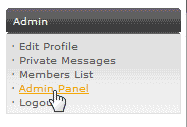
Click the Admin panel link on the right side in the Admin section.
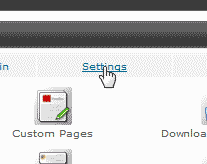
Click the Settings tab.
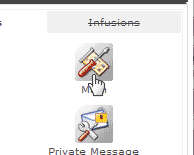
Click the Main icon.
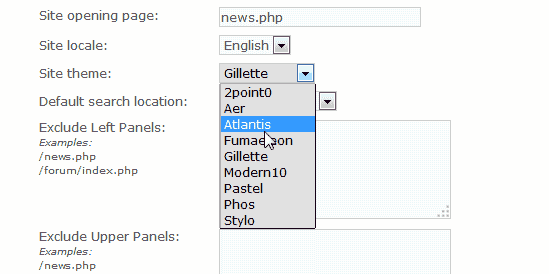
In the “Site Theme” drop box, select the theme you want to change to. In this case we are switching to the “Atlantis” theme.
Click Save Settings.
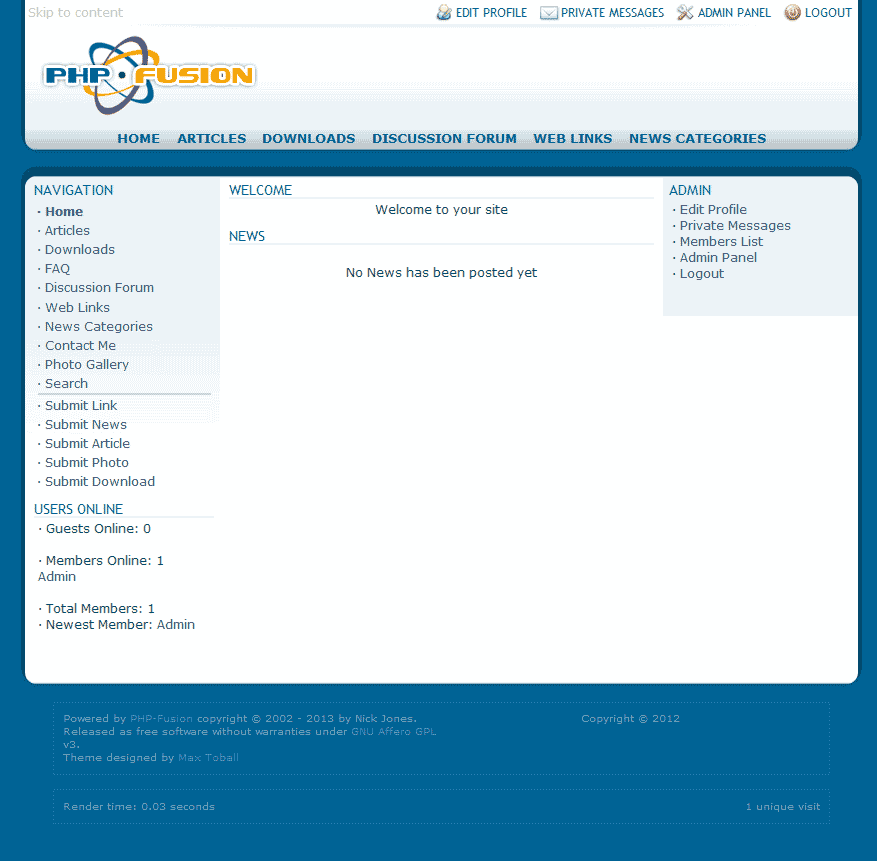
Now your site will have a different “Look and Feel“.
