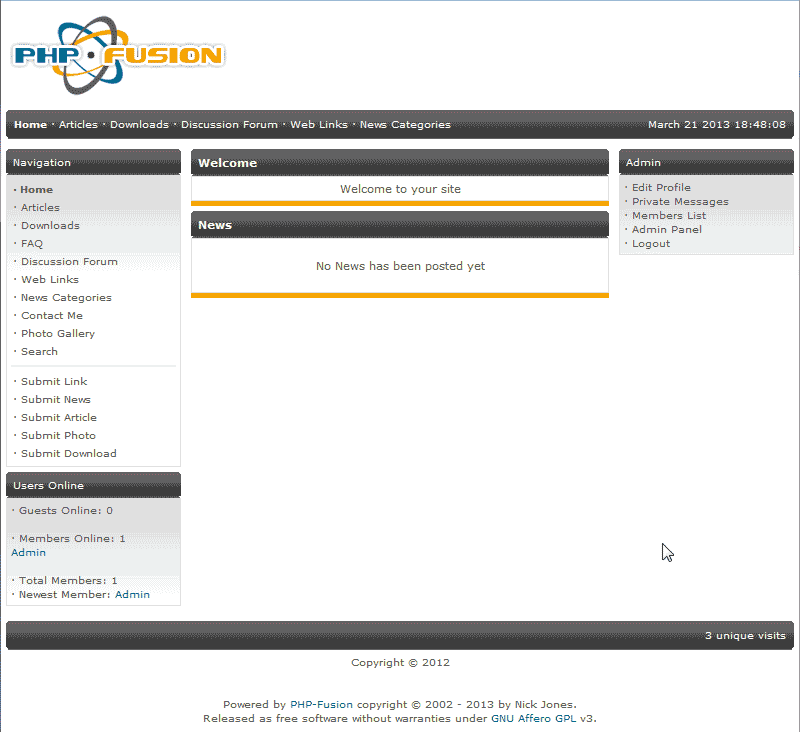
New Installations of PHP-Fusion will have a brief introduction on the home page of the site. This is called the Site Introduction. By default the site will say “Welcome to your site“. This section can be left blank if you want no site introduction or you can add whatever text you want. The following article will explain how to edit the Site Introduction on the home page of your PHP-Fusion site.
Steps to edit the Site Introduction
- Log into your PHP-Fusion Admin Panel.
- Navigate to the Admin panel > Settings > Main.
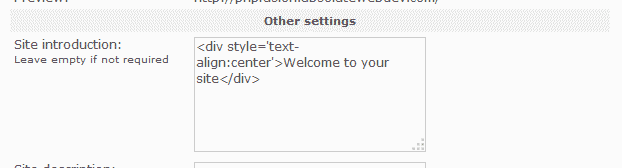
Find the Site introduction section. In the text box you can add HTML code and more information that describes your website. Add your introductory information in the text area and click Save Settings.
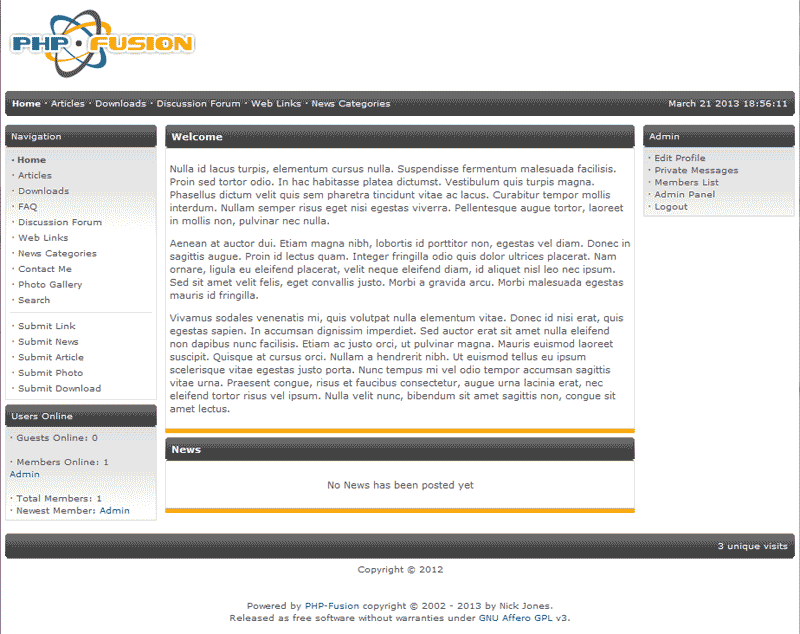
Now your site homepage will show the information you added to the site introduction text area.
