
Shell access, commonly referred to as SSH (Secure SHell), is remote command line access to a server. Having command line access (if you’re familiar with using it) can be very helpful. It can not only help you speed up certain tasks, but it also can give you access to do certain things that you cannot do within your cPanel.
What is the Command Line?
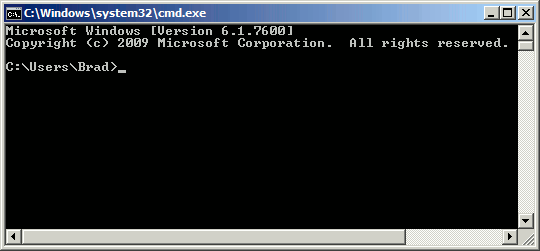
The command line is an interface that allows you to perform tasks by running text based commands. Most users are more familiar with graphical user interfaces and not the command line interface. In a GUI (graphical user interface) such as cPanel’s File Manager, you can perform tasks by pointing and clicking. For example, you can right click on a file and click “Change Permissions” if you want to update the permissions of a file. In the command line, you would instead type a command to change files, such as:
chmod 755 some_perl_script.pl
Do I need Shell Access?
For the majority of our users, shell access is not needed. Shell Access is generally required by our more advanced users. Those users are either familiar with the Linux command line and prefer to work this way, or they need install server side applications and need shell access to do so.
How can I get Shell Access?
VPS/Dedicated Shell Access
Shell access is available with all of our VPS Hosting and Dedicated Server Hosting accounts. You’ll log into shell using your cPanel username and password. If you are wanting root access to the server (similar to the Windows’ “Administrator” user), please see: How to Obtain Root Access.
Shared/Reseller Shell Access
More information on getting started with Shell Access with a Linux Shared Hosting or Reseller Hosting plans can be found here: How to SSH into your Shared/Reseller Server.