
One of the features that is built into Drupal 7 is various reports. One of the reports in Drupal 7 that you may find handy is the recent log messages. The recent log messages report contains various events that have occured within your Drupal site that have been logged. These may include actions taken by the cron, content changes, system messages, and much more. Accessing the recent log messages report is done through your Drupal admin dashboard. Since the log file may be quite large you may want to filter the results to find specific log messages.
- Log into the Drupal admin dashboard
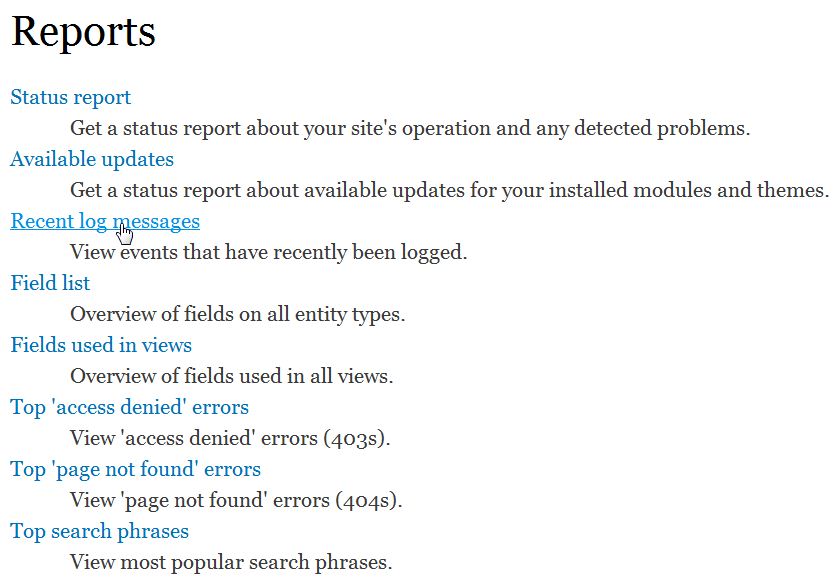
- Go to Reports
- Click on Recent Log Messages
Filtering the Logs
One of the features you may find useful, since your log file may be quite large, is the ability to filter the log file by the type of log entry. You’ll need to follow the steps above, then finish by performing the steps below. You will be able to filter them by Type (access denied, cron, mail, etc), Severity (emergency, critical, notice, etc) or both.
- Click “Filter log messages“
- Select the “Type“and/or “Severity” of the logs you want to include in the filter
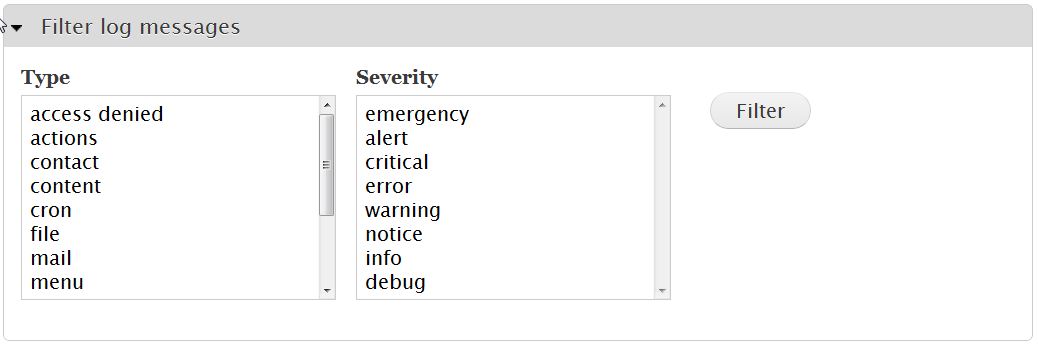
- Click “Filter“
Now that you have filtered the results of the log file, you should see the Drupal 7 dashboard display something similar to the screen shot below: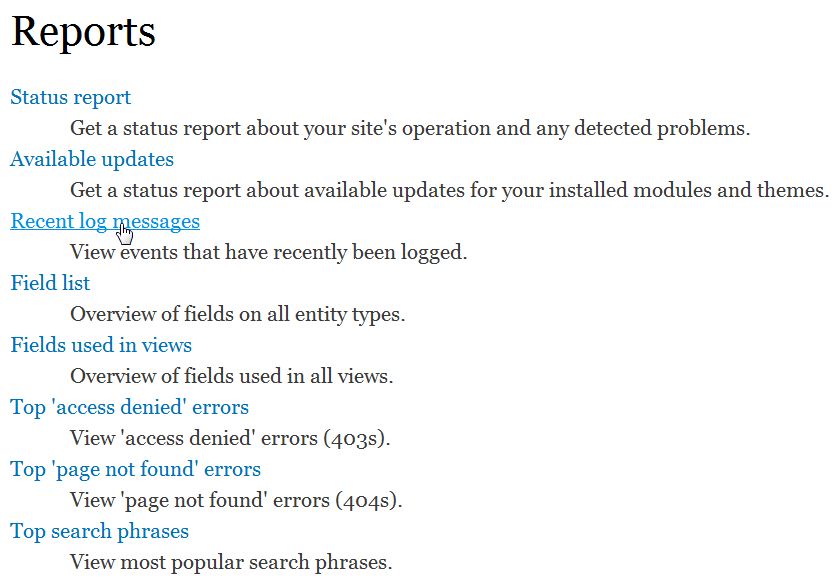
For more step-by-step guides and practical tips, visit our Drupal Education Channel.