
Now that you have installed the “contact” module in Drupal 7, it’s time to create and configure the contact form.
- Log into your Drupal Dashboard
- Go to Structure >> Contact form
- Click Edit next to the default Website feedback category
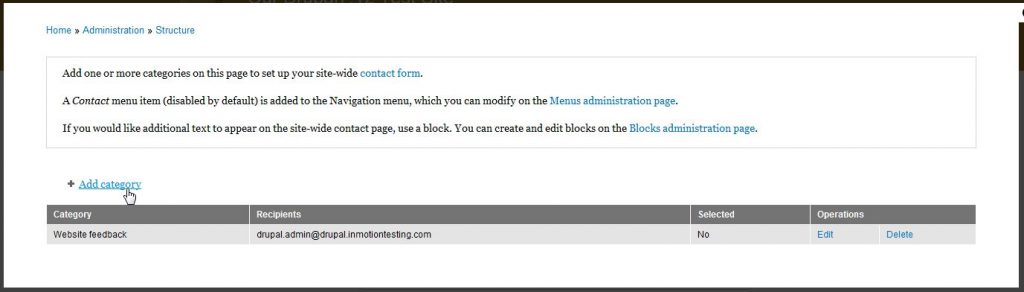
- Fill in the fields appropriately.
Category Enter a category (more like a title) for your feedback form. Recipients Enter the email addresses that you would like the results of the form emailed to. If sending to more than one email address, put each email address on its own line. Auto-reply If you would like an auto reply message sent, enter it here. For example, some users prefer to get an email similar to, “We have received your feedback and will get back to you soon.“ Weight On pages that list the available forms, you can change where this form is listed by adjusting the weight here. Selected If you would like this to be the default form, set Selected to yes. 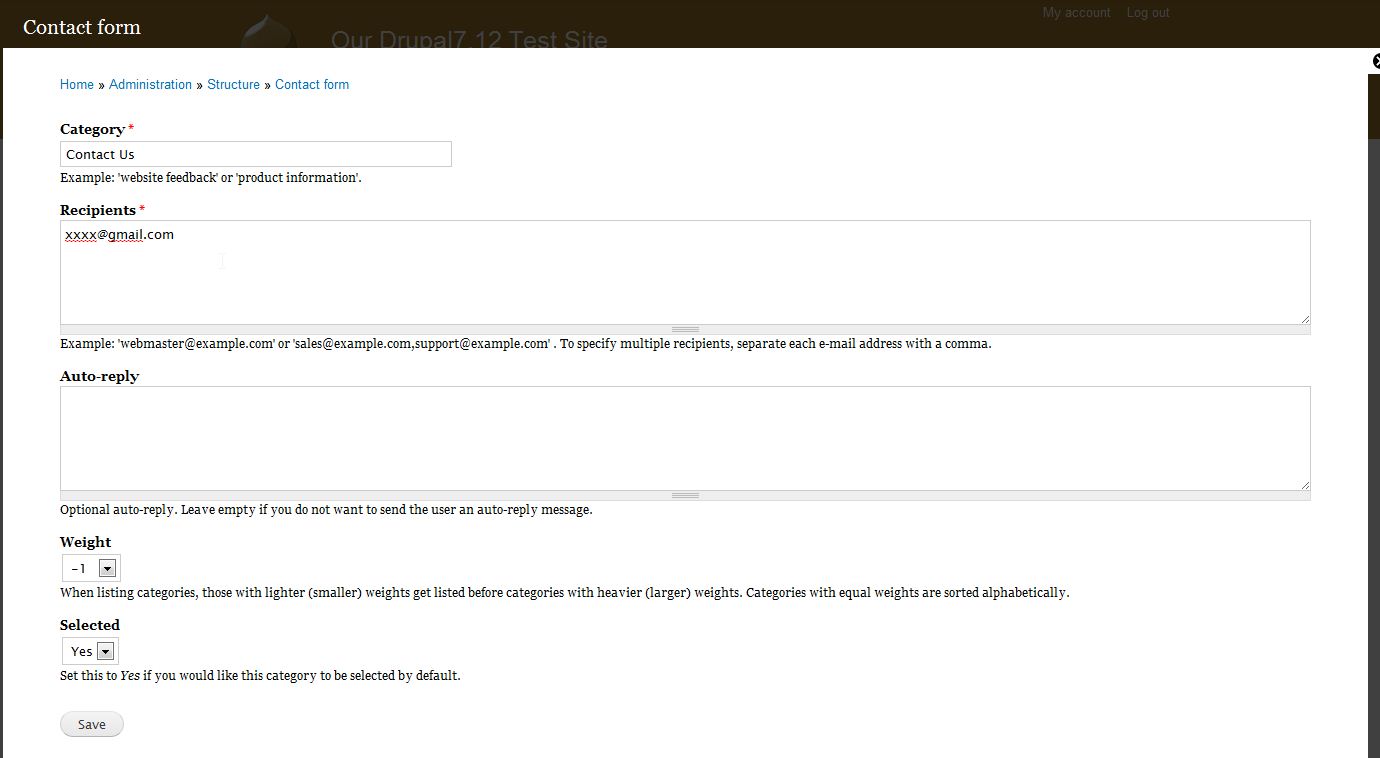
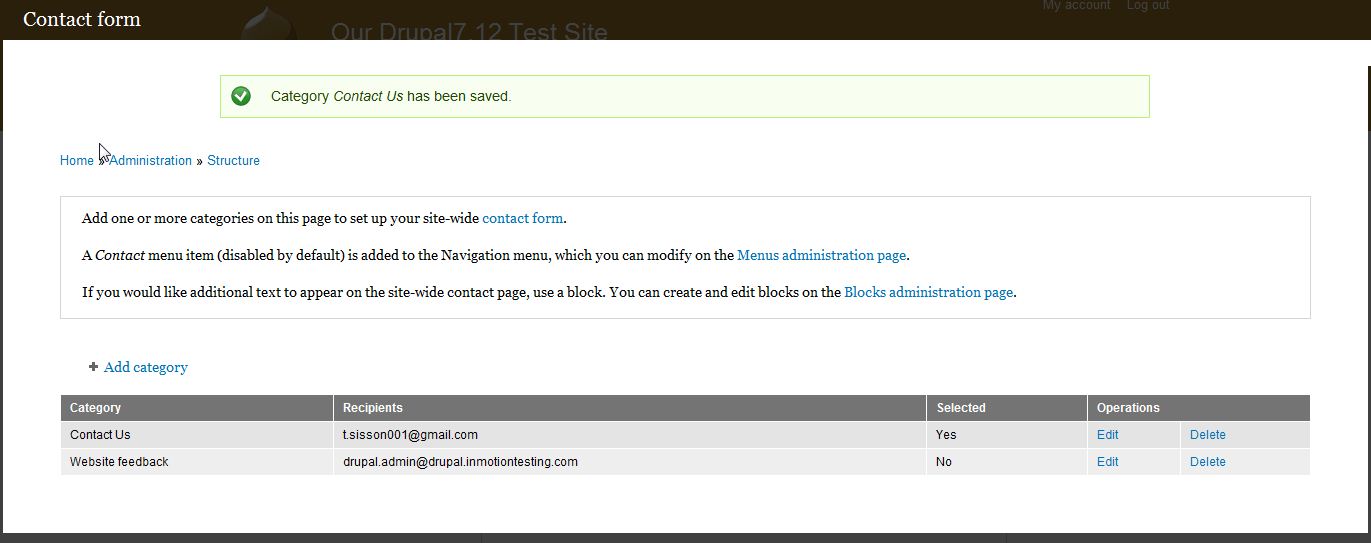
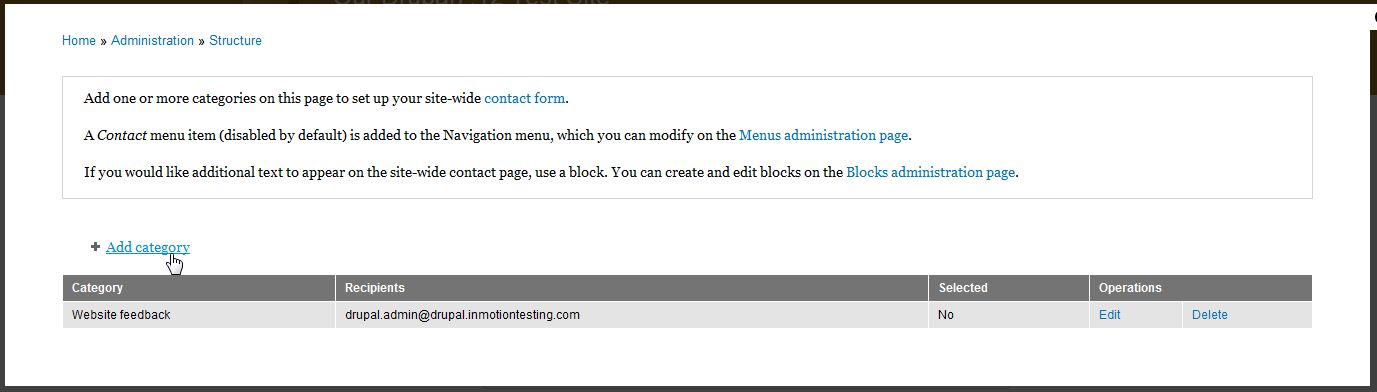
- Now you can see if the form is created. If you need to edit the form in the future, simply click “Edit” from this screen or if you want to permanently delete the form click “Delete”
The form will be available if you visit example.com/contact but will not show up on your website until you add it to the navigation. For more information on adding the contact link to your website’s navigation, please see our article.
For more step-by-step guides and practical tips, visit our Drupal Education Channel.