Movable Type has Dynamic and Static publishing built into the software. In other words, changes made to a page on the website will need to be published in order for the changes to be saved. The data is stored in a database; however, the files are written as HTML files that are not required to run MySQL queries when its visited.
This applies to the Blog as well. The initial blog entry is published to the page and stored in the database for access when the site is published again. Aftr Blog entries, comments, and other editrs are made, the static page is created on the server.
Most actions done in Movable Type are published automatically when you save the the comment, entry and so forth. When making template changes, adding plugins, and other changes, the site will need to be published. Below are the steps to publish your static pages in Movable Type.
How do I publish my static pages?
- Log into your Movable Type Dashboard.
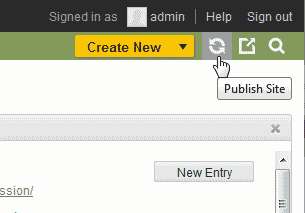
Click the Publish
 icon at the top right of the dashboard.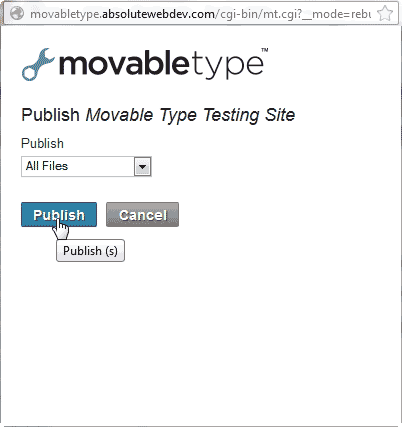
When the Publish Movable Type Site box comes up, click Publish.
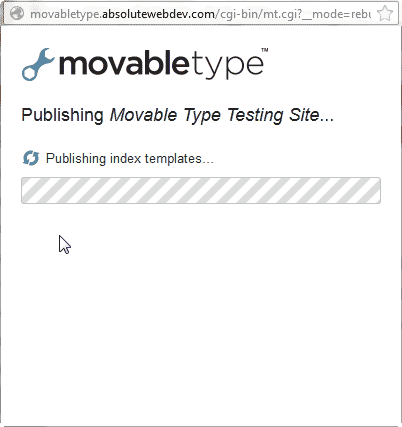
You will see the site say Publishing Index Templates.
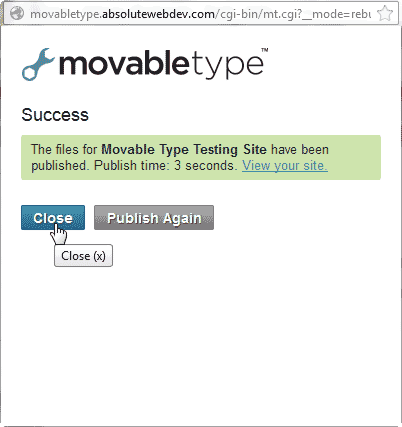
When the Success box pops up click Close.
That’s it. Your static pages will all be updated now.
