
Now, that you have installed your Magento 1.6 store, and you’re selling products on the Internet, you’ve become a global business. Anyone with an Internet connection could access your website. Magento server hosting gives the admin the ability to block access to specific countries. Also, “Postal Code is Optional” gives you the ability to select the countries that you will ship to, but where a postal code is optional. These settings can be changed in the Magento Admin Backend at any time.
Please feel free to visit our other Magento Tutorials in our Education Channel.
-
- Log into your Magento Admin Panel
- Go to System ->> Configuration
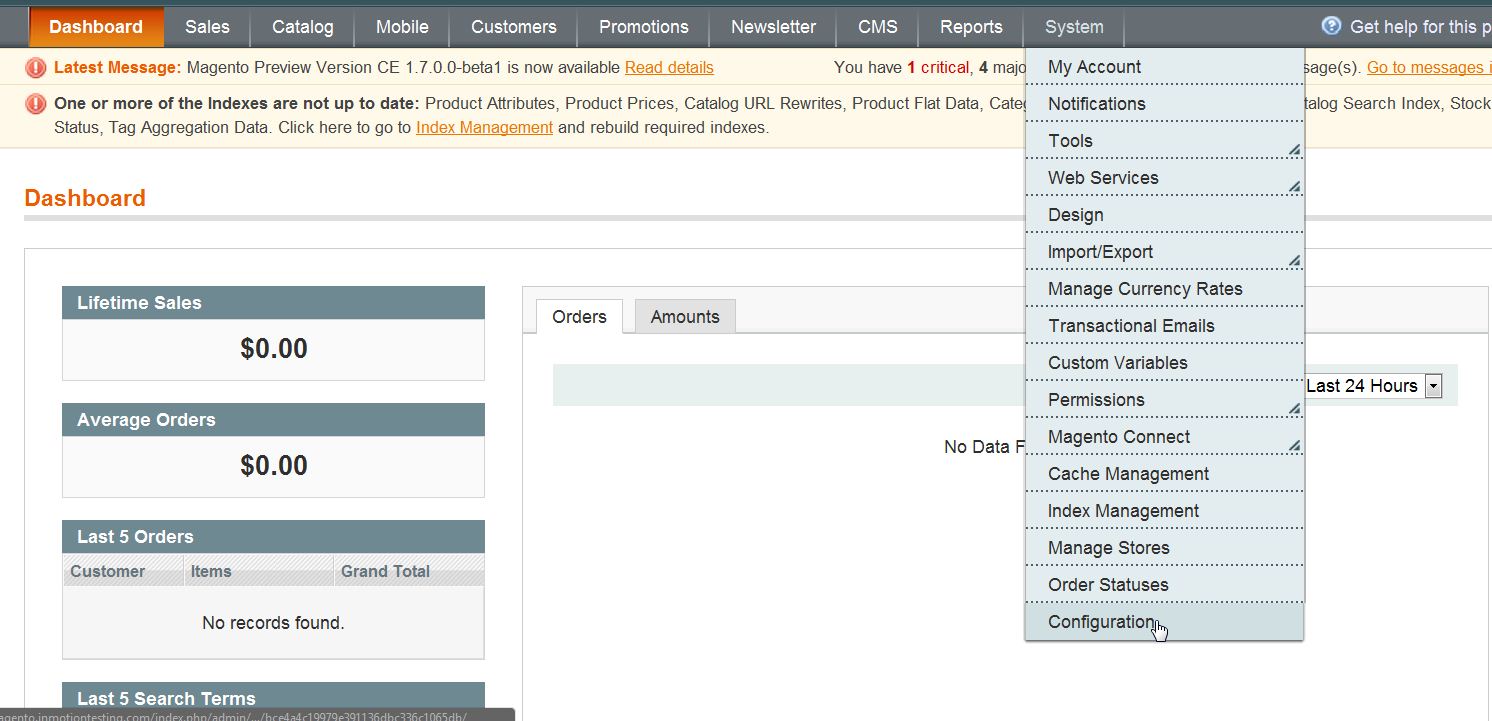
-
- In the left menu pane, click “General” under the “General” heading
- Open the section labeled “Countries Options“
- Select the Default Country from the drop down menu
- By default, all countries are allowed to access your store. If you wish to block a specific country from acessing your store, find the country in the “Allow Countries” list hold the CRTL key down and select the country. This will unhighlight the country and remove remove them from the list of allows countries.
- Select any country where the postal code is optional from the dropdown menu

- Click “Save Config”
If you need further assistance please feel free to ask a question on our support center.