
As we continue our tutorial series on getting started with Moodle, we are now going to show you how to log into your administrative dashboard. Once Moodle is installed, learning how to login is the next logical step. The administrator dashboard is where the Moodle site is updated. This tutorial will explain the administrator login process.
Logging into your Moodle Dashboard
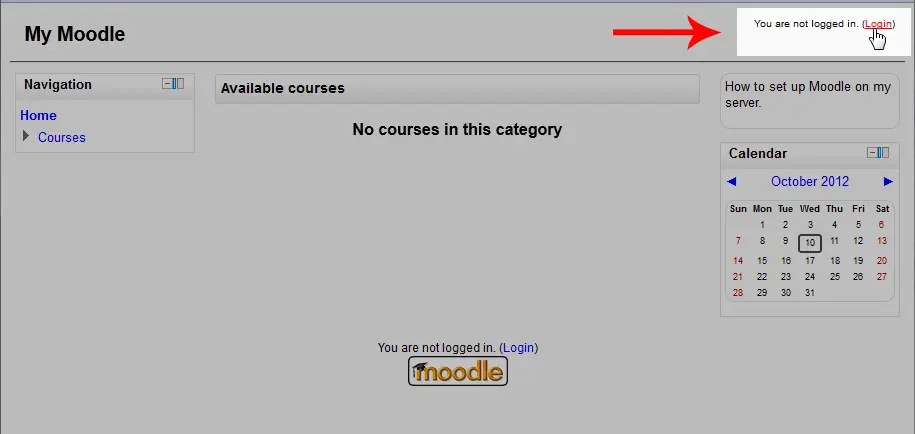
- To find the Moodle administrator login, simply navigate to the Moodle website and click the You are not logged in. (Login) towards the top right of the browser window. The login can also be located directly by visiting the Moodle login url (ie. https://example.com/login/) in the browser address bar.
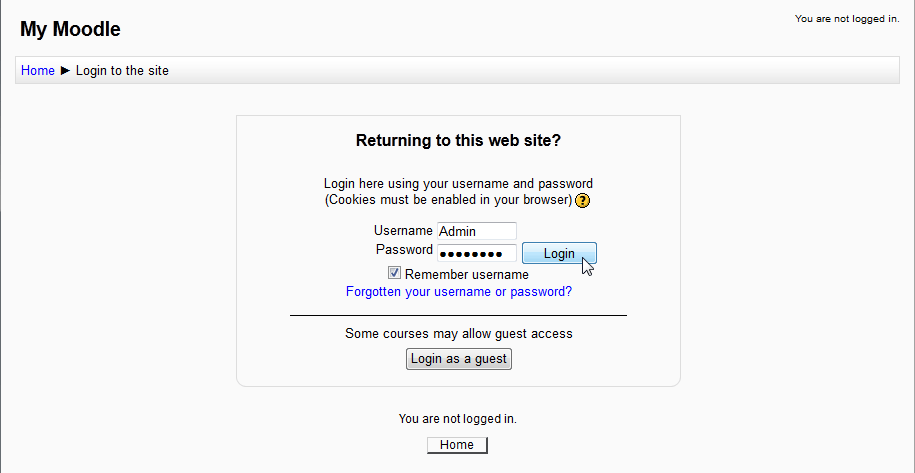
- Once clicked, the Administrator login will appear in the middle of the browser window. Type the username and password that was used when installing Moodle, then click Login.
Once logged in, Moodle will display text on the top right had side stating You are logged in as Admin User (Logout).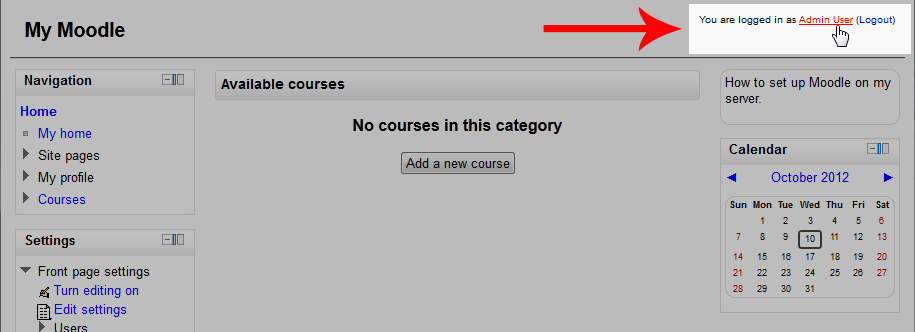
It’s common, for one reason or another, that users forget their passwords. Did you “forget your Moodle password and/or username?“, we recommend that you review our next article on how to reset the username or password through Moodles dashboard.Â