
When you set up your Moodle site for your students, you may want to customize the My Moodle Home page to show only what you want there. By Default, The My Moodle Home page is set to show the Course overview. This can be changed in your Site Administration section of your Moodle admin.
In this tutorial we will explain how to remove the Course Overview from the My Moodle Home page and add the Course categories in its place. Below are the steps to change the My Moodle home page on your site.
Customizing the Default My Moodle page
- Log into the Moodle Dashboard.
Important! Keep in mind that Editing must be turned on in the Settings section in order to edit any of these options.
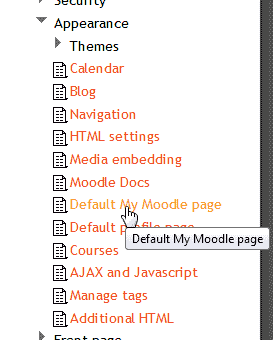
Go to Home > Site administration > Appearance > Default My Moodle page.
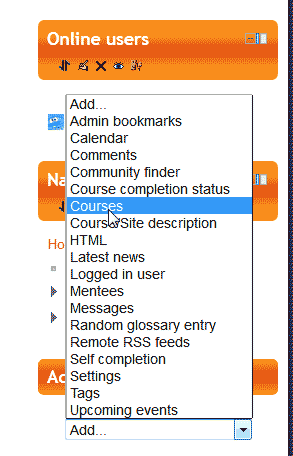
Add the Courses block to the page.
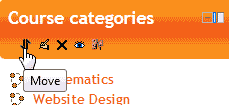
Click the Move icon in the Course categories block options.
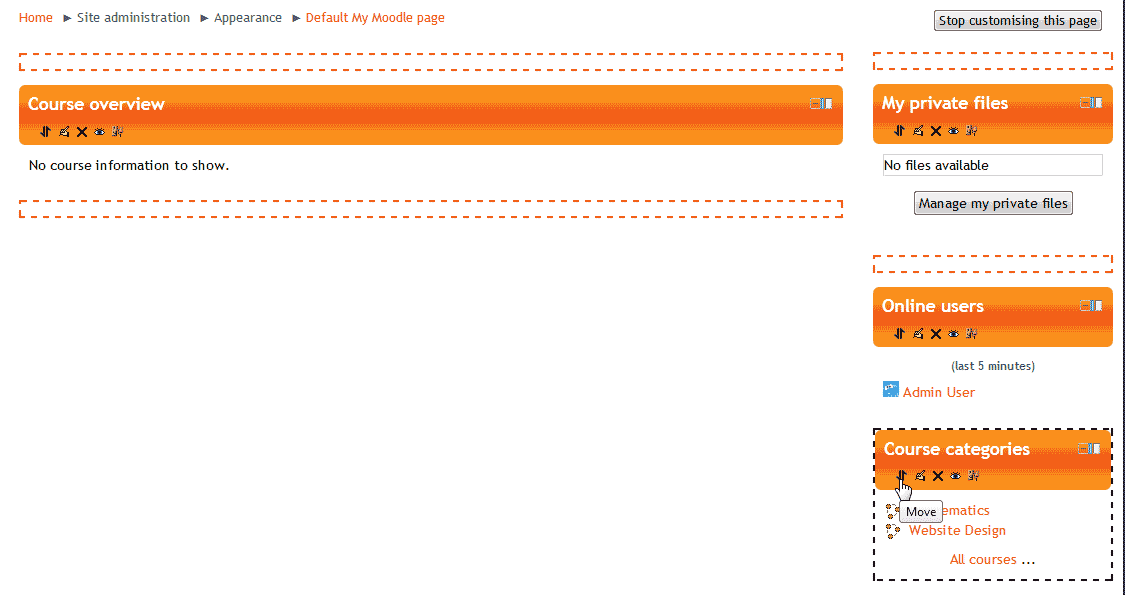
Now you will see binding boxes on the page.
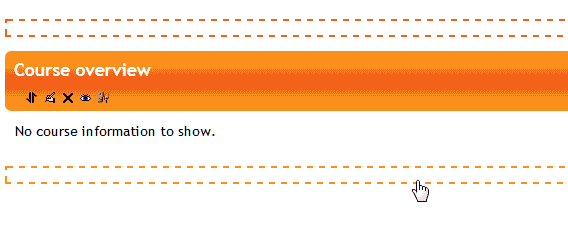
Click the binding box where you want to move the block to.
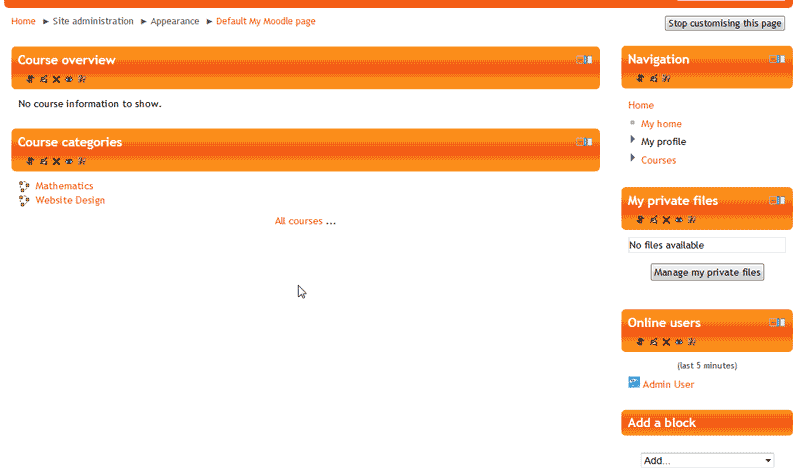
Now the Courses will show on the My Moodle Home page.
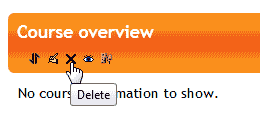
To remove the Course Overview, click the Deleteicon in the Course Overview options.
Note! You can always put the block back. Deleting a block does not permanently remove the block.
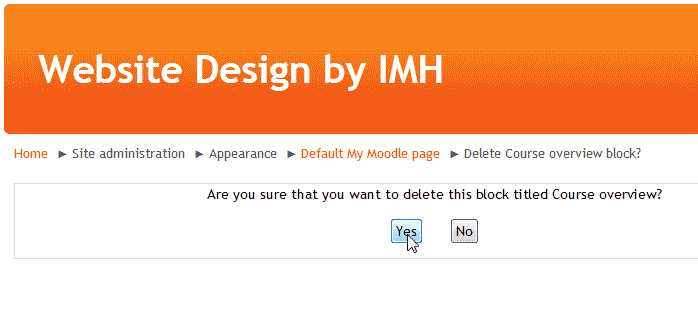
Confirm the deletion of the block.
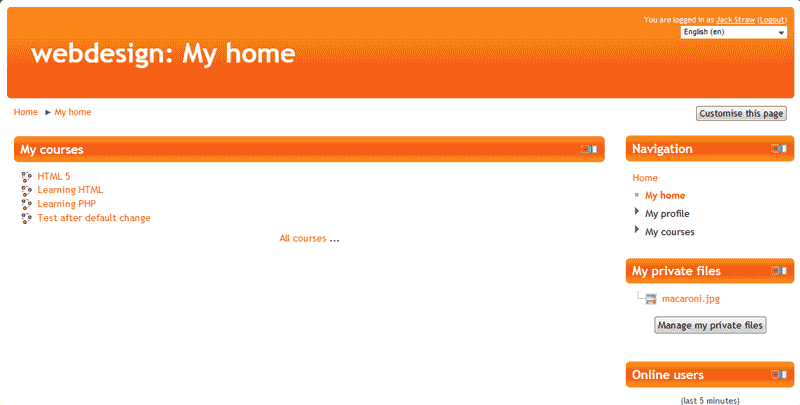
Now the My Moodle Home page will show only the Courses.
