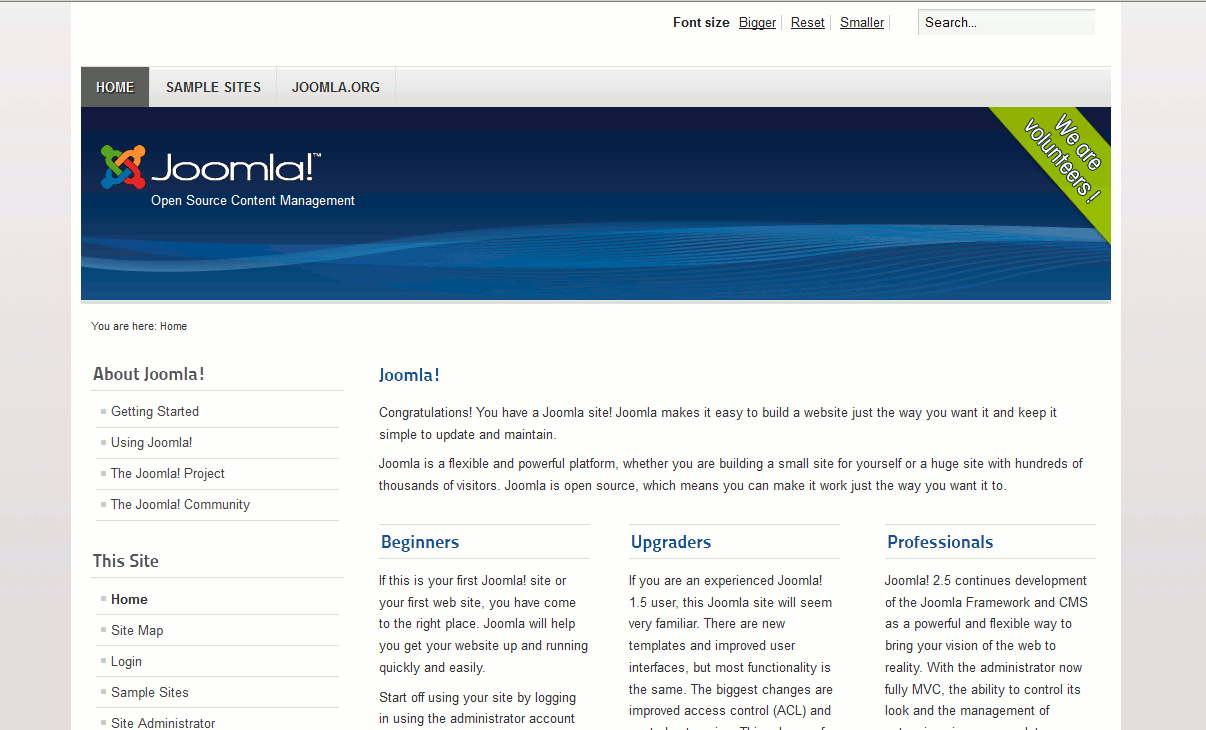
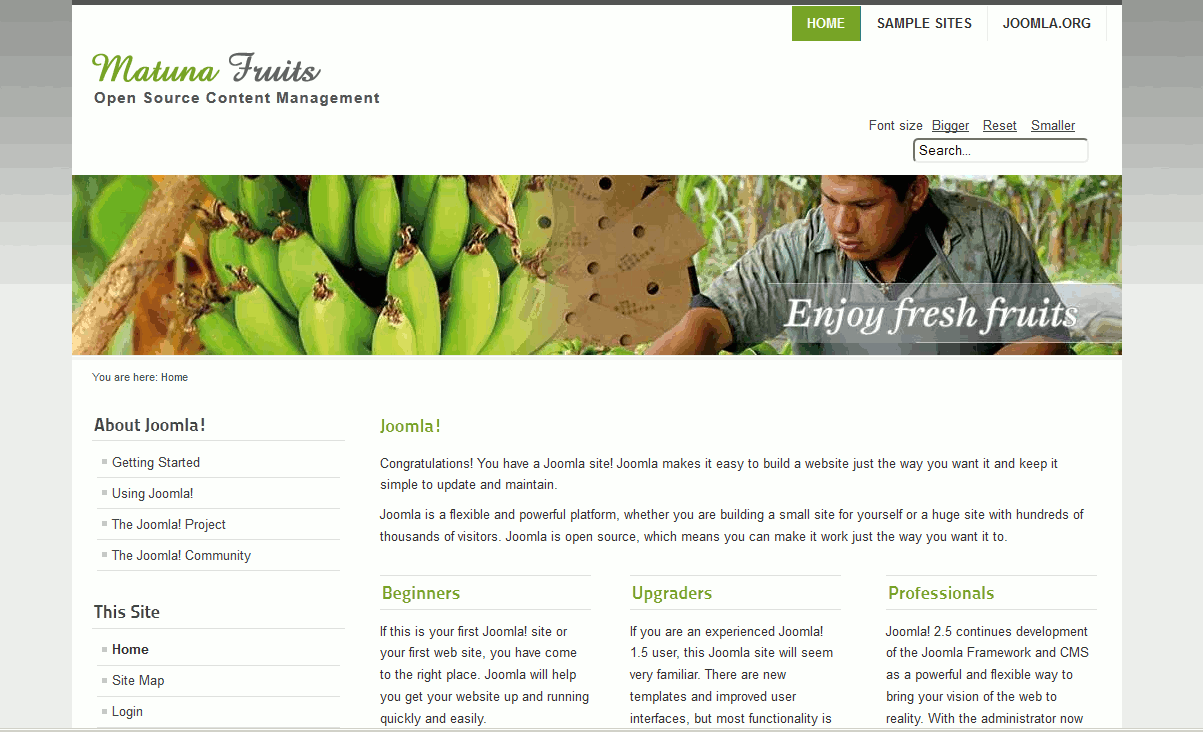
Joomla 2.5 has reached its end of life as for 12/31/2014. Please be advised this may be a security risk to your website. You can view more information about the end of life here.
Your Joomla 2.5 template is what controls your website’s appearance. Changing your Joomla 2.5 template allows you to drastically change the look and feel of your website in a matter of minutes.
To change your Joomla 2.5 Template:
- Log into your Joomla 2.5 Dashboard
- In the top menu, under Extensions click Template Manager
- Click the Star icon next to the Site Template that you would like to enable.
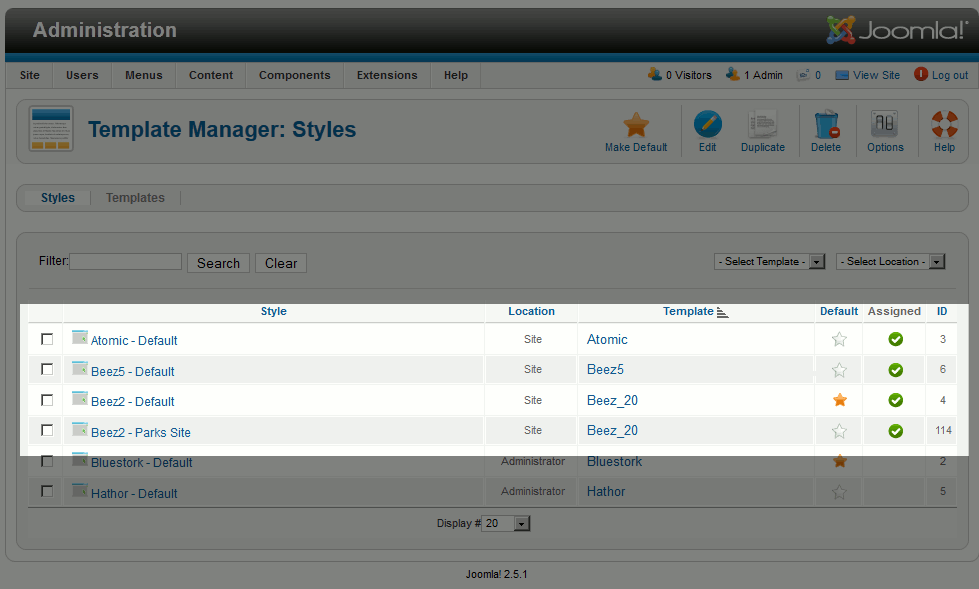
The template currently being used will have a solid star listed under Default. Be aware that there are two types of templates, Site templates and Administrator templates. The Site templates affect what your website visitors see, while the Administrator templates change the look and feel of the Joomla 2.5 Dashboard.
- Congratulations, you have just changed your Joomla 2.5 Site Template!
Before: After: