Logging in to your Joomla Administrator Dashboard is usually the first step after completing an installation. The Dashboard is where you can customize and manage many aspects of your Joomla 3.5 website. In this tutorial, we will show you how to log in to your Joomla 3.5 Admin Dashboard.
Login to Joomla
- Navigate to your Joomla website, and add “/administrator” to the URL. For instance, if your site is located at example.com, you would access the login page by going to:
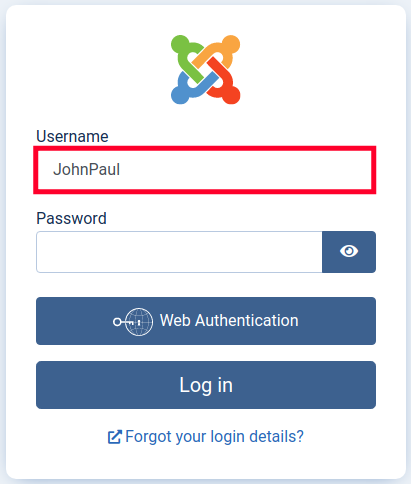
example.com/administrator - You will now see the Joomla login page. Enter your Username.
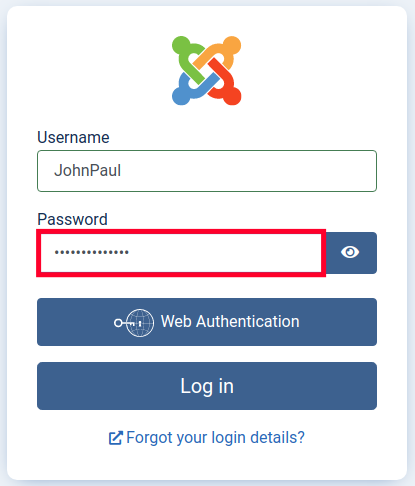
- Enter your Password in the available field, then click the Log in button.
You will then be successfully logged in to your Joomla 3.5 Dashboard. It will look similar to this: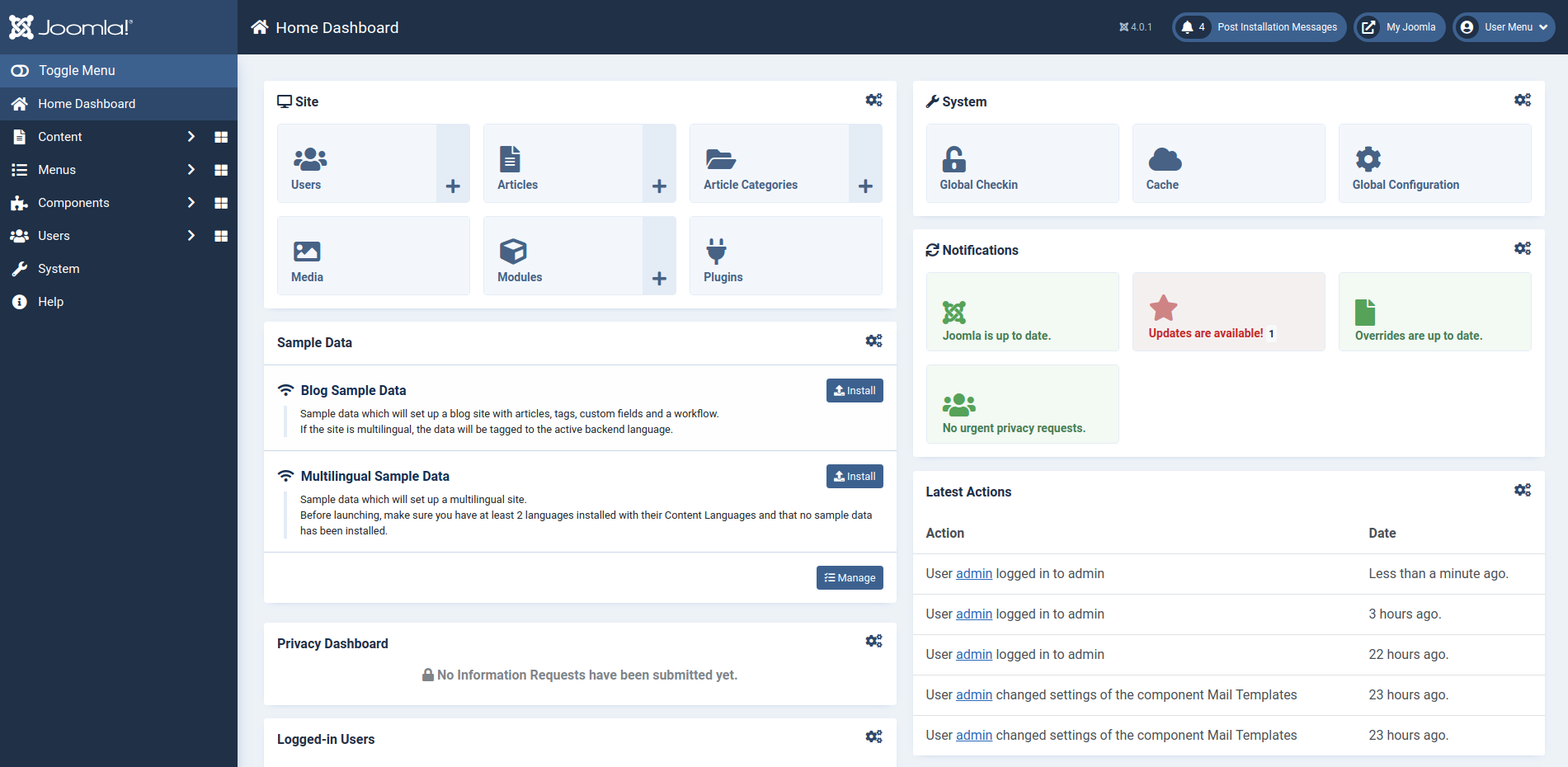
How to Login if You Get Locked Out
You will need the username or user ID to complete these steps. You can view them in the _users table of your Joomla database.
- Login to cPanel.
- Open the File Manager in the Files section.
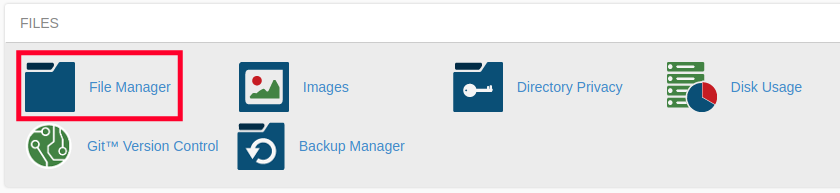
- Navigate to the document root of your Joomla site.
- Right-click the configuration.php file and choose the Edit option.
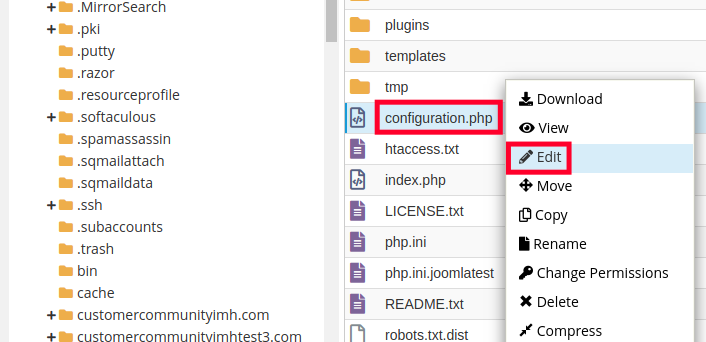
- If you see a pop-up message click the Edit button.
- Add one of the following codes to the file:
public $root_user="admin";
(Be sure to replace admin with your actual username)public $root_user="123";
(Be sure to replace 123 with your actual user ID number) - Click the Save Changes button on the top right. You should then be able to regain access to your Joomla site.
Congratulations, now you know how to login to Joomla! You can now begin managing and building your Joomla-powered website. Check out our Joomla Education Channel for more guides to help you build a successful website.