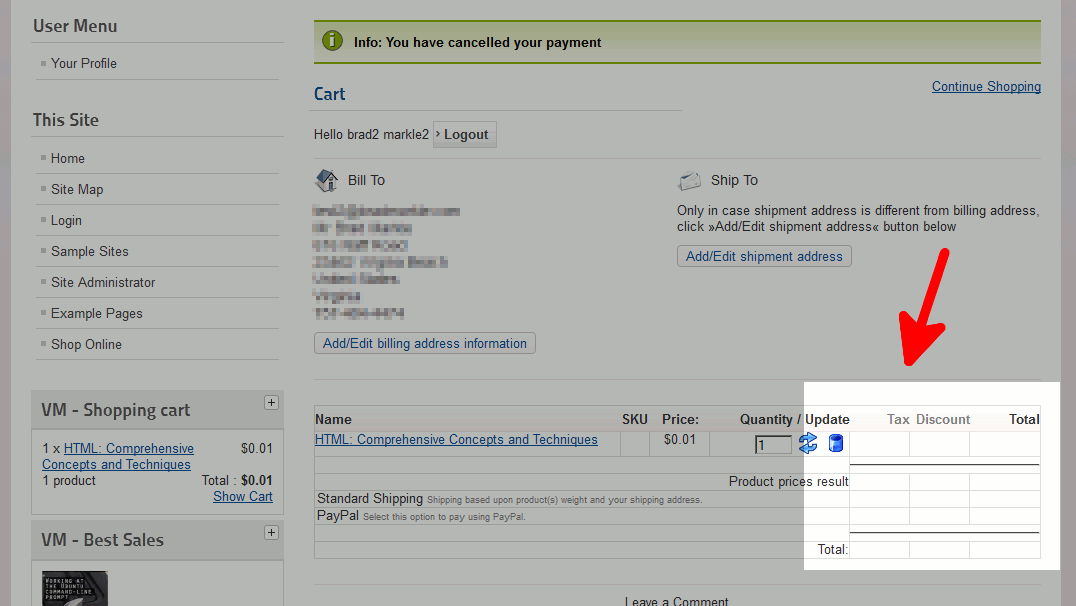
No prices shown on thank you page
During our VirtueMart testing, we noticed that on our checkout page no prices were shown (as shown in the screenshot to the right).
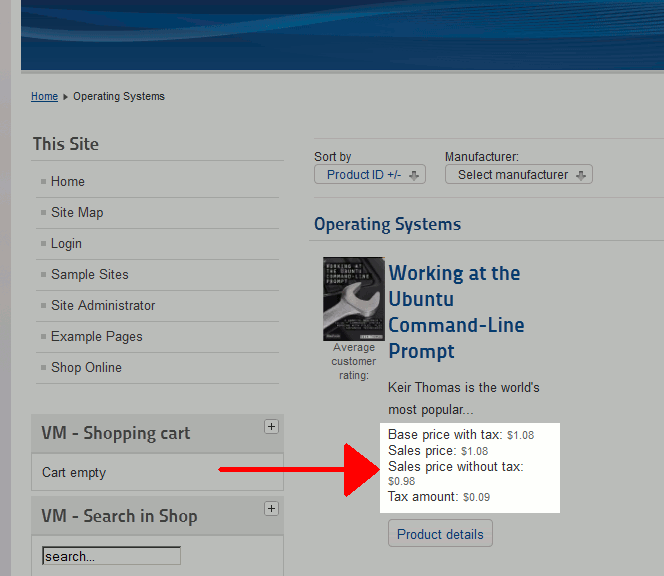
Caused by hiding prices in VirtueMart Configuration
As you can see here, the default installation of VirtueMart is configured to show several price details next to each product. If you wanted to hide this information, you may have updated VirtueMart’s configuration to hide some of these prices. While those changes work, keeping them disabled will prevent prices from showing within your ViruteMart Checkout page.
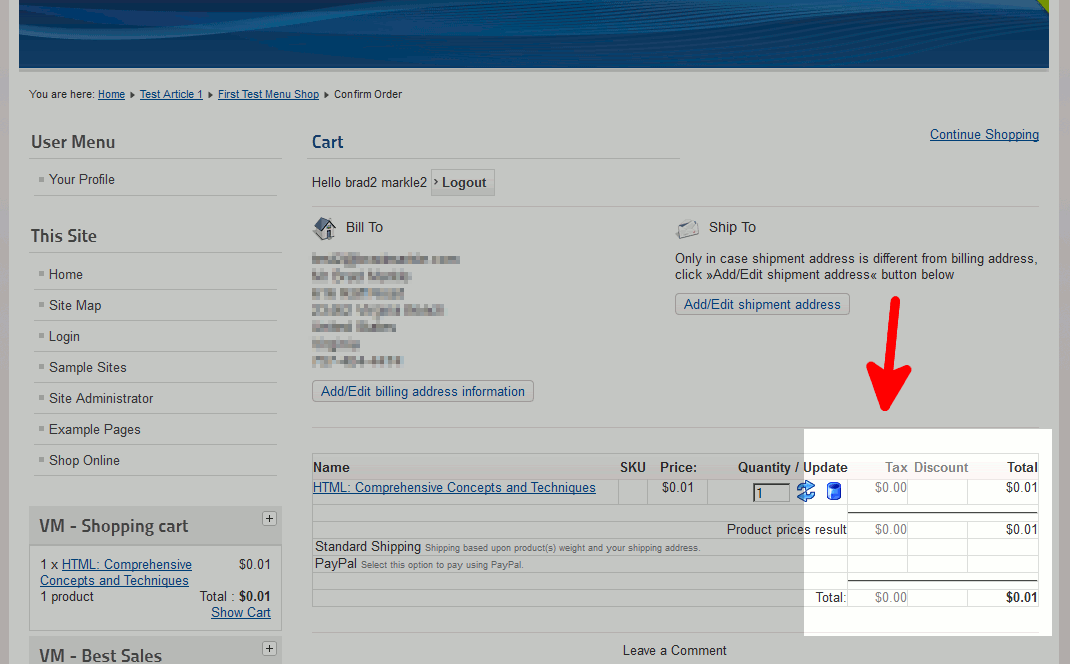
Update VirtueMart Pricing settings to show totals
To resolve this issue, you will need to ensure that within VirtueMart’s settings, you have set to show Tax amount, Baseprice with Tax, and Final salesprice. To check these settings, go the your store’s Configuration section and ensure you are on the Pricing tab. Under Show Following Prices, ensure all options are set to Show Price. After making this change, your checkout page will once again show price totals.