Now that you have installed OpenCart and configured the general system settings, you may want to add your store logo to the website. Adding a store logo can help with branding your business and add personalization to your eshop. Uploading your store logo is easily accomplished from the OpenCart Dashboard. 

  1. Log into your OpenCart Dashboard.
  2. Go to System > Settings
  3. Select your Store Name by placing a check mark next to it and click "Edit"
  4. Go to the Image Tab
  5. opencart_settings_7
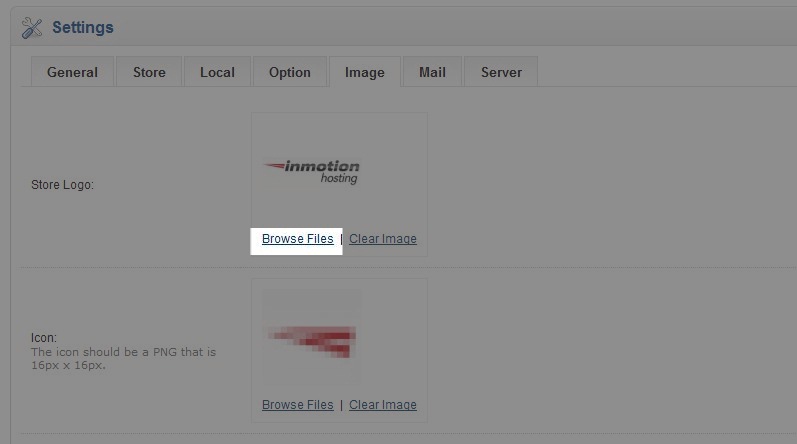
  6. Go to the first section labeled "Store Logo." Select "Browse Files" and the image manager will open a new window.
  7. opencart_settings_8
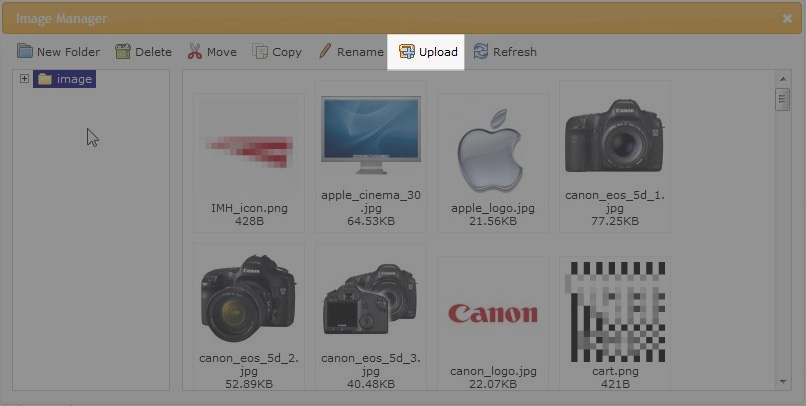
  8. Click upload. Select the image file you want to use for your store logo on your local computer and click "Open"
  9. opencart_settings_9
  10. A popup will verify the upload was successful. Click OK.
  11. Now double click on the image you just uplaoded and you've now successfully set up your store logo.
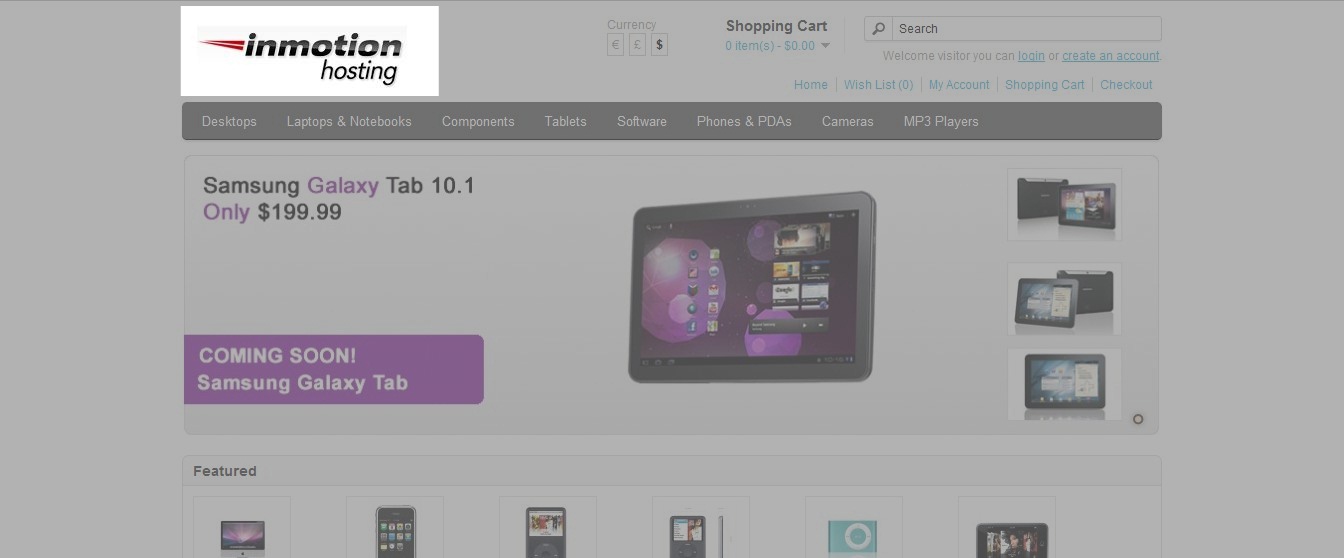
When you visit your website in a web browser you should see the logo in the upper left corner.

Like this Article?

Login to comment.

Your Opinion Matters

... but we need to know what you're thinking!

I'm Tim Sisson, your friendly Community Support technician, and I wrote the article you're looking at now. I like to think it's perfect, but I'm sure you have some suggestions. Please, let me know what they are!

Feedback
Your Email Address
Because we'd like to talk with you!

Latest Questions

If you need some help, submit your question to our Community!
We guarantee a response within 60 minutes (8am - 9pm EST, Monday - Friday)
Ask a Question!
Recent Questions
  1. need a backup of my server
  2. New Account - Control Panel Not Available
  3. Connecting email to gmail?

Need more Help?

Search

Ask the Community!

Get help with your questions from our community of like-minded hosting users and InMotion Hosting Staff.

Current Customers

Chat: Click to Chat Now E-mail: support@InMotionHosting.com
Call: 888-321-HOST (4678) Ticket: Submit a Support Ticket

Not a Customer?

Get web hosting from a company that is here to help. Sign up today!