Joomla 2.5 has reached its end of life as for 12/31/2014. Please be advised this may be a security risk to your website. You can view more information about the end of life here.
Adding a new product to our store will be the next step In our VirtueMart for Joomla 2.5 tutorial series. We just setup a new product category, Operating Systems. In this tutorial, we will show you how to add a new product to your VirtueMart store. We will add a book called, “Working at the Ubuntu Command-Line Prompt” to our Operating Systems category.
Steps for adding a new product in VirtueMart:
- Log into your Joomla 2.5 Dashboard
- In the top menu, hover over Components and click VirtueMart
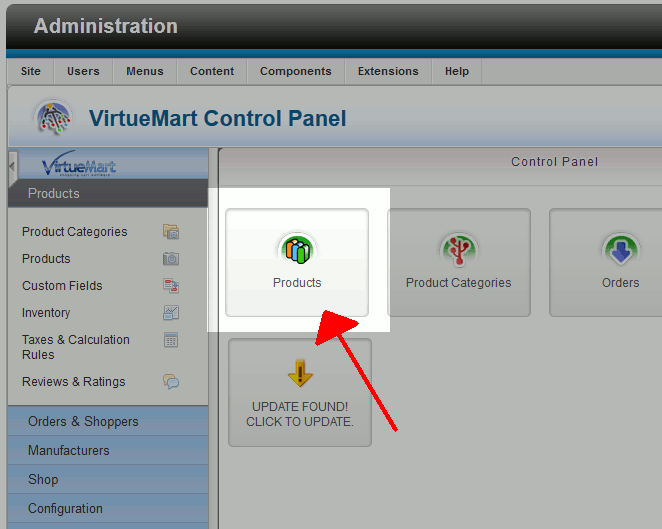
- Click the Products icon
- Click the New button in the top right menu
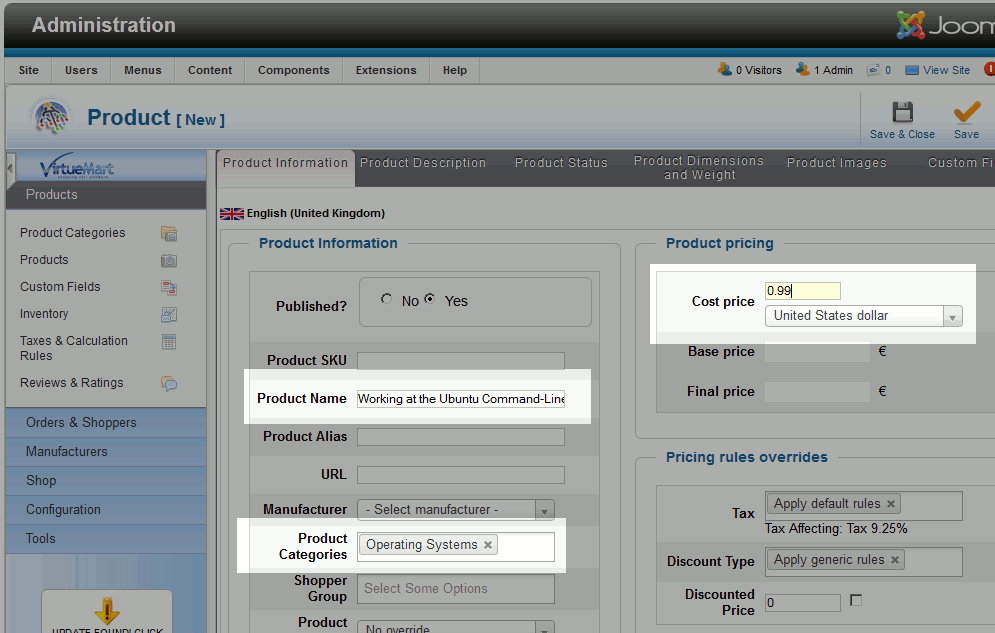
- There are many options you can enter when setting up a product. For our example, we will enter the following basic details: Product Name, Product Category, and Cost Price.
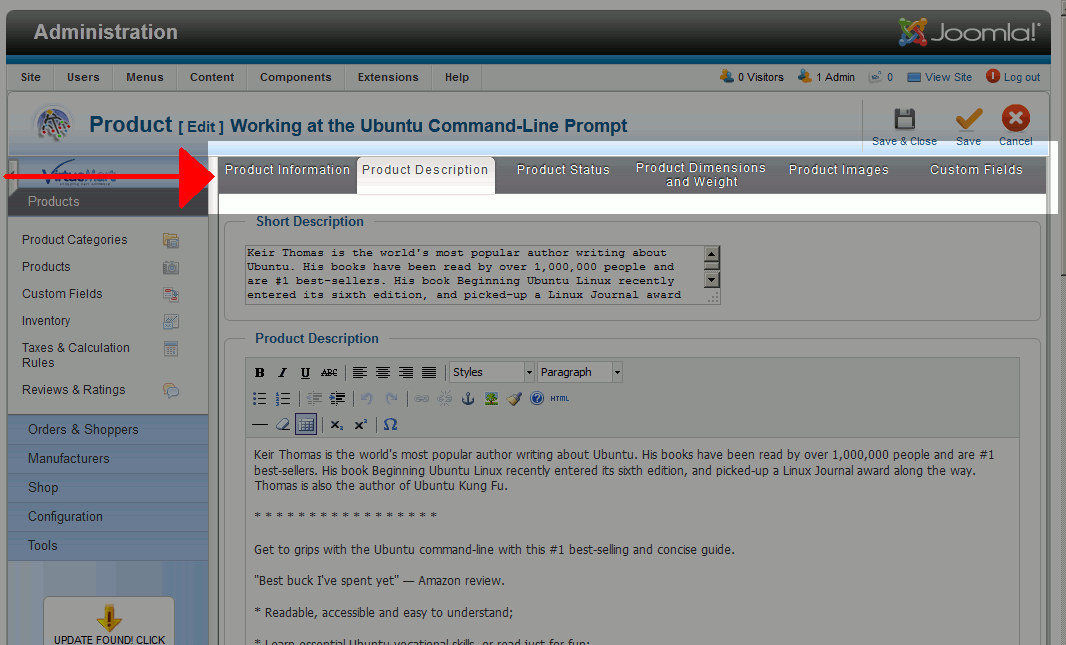
- You will also want to click the various tabs at the top so you can modify the product even further, for example adding a product image and description.
- When you are finished configuring the details of your new product, click Save in the top right menu
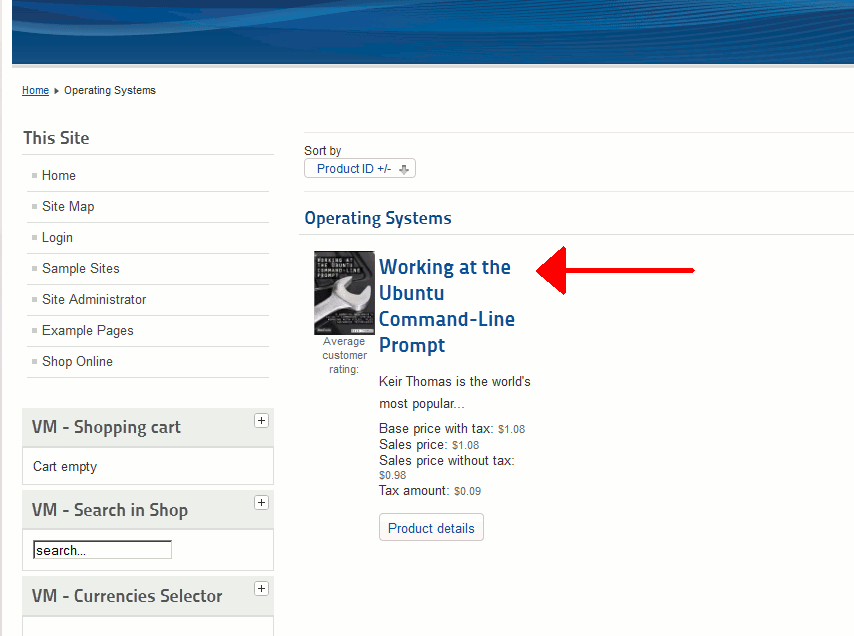
- You have succussfully added a new product to your VirtueMart store in Joomla 2.5! When you browse your store, you will now find your new product.