Joomla 2.5 has reached its end of life as for 12/31/2014. Please be advised this may be a security risk to your website. You can view more information about the end of life here.
If your Joomla 2.5 website is not community driven, for example you don’t have a forum or you don’t allow comments on articles, then there is not a need to allow users to register and sign up for accounts. In this article we’ll walk you through the steps of disabling new user registration in Joomla 2.5.
To disable new user registration in Joomla 2.5:
- Log into your Joomla Dashboard
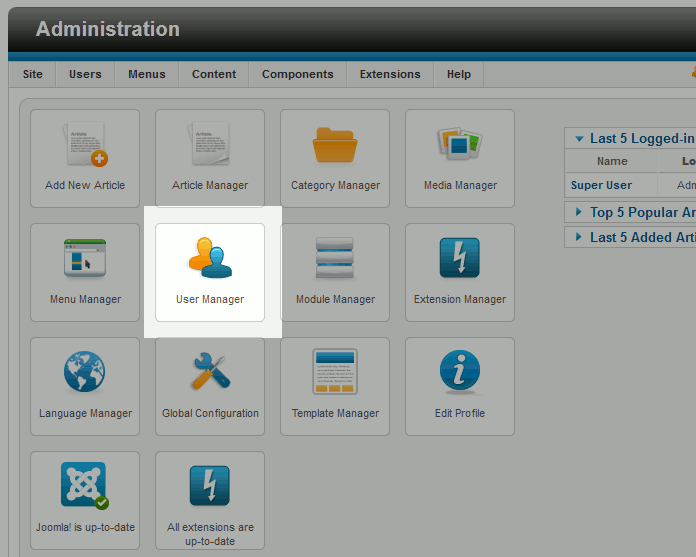
- Click the User Manager icon
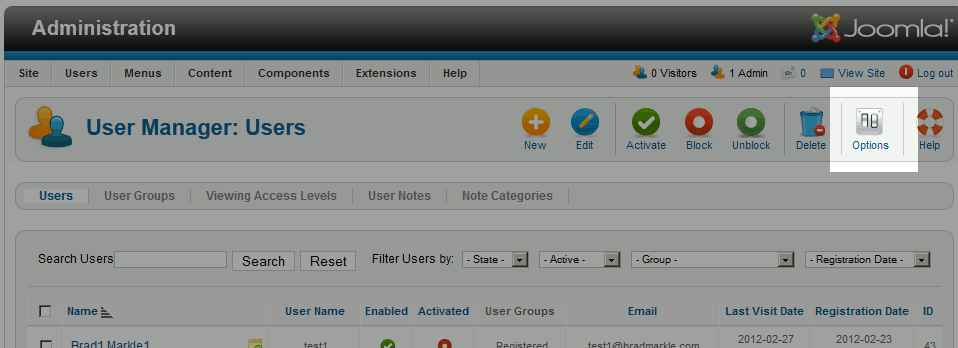
- Click the Options icon in the top right
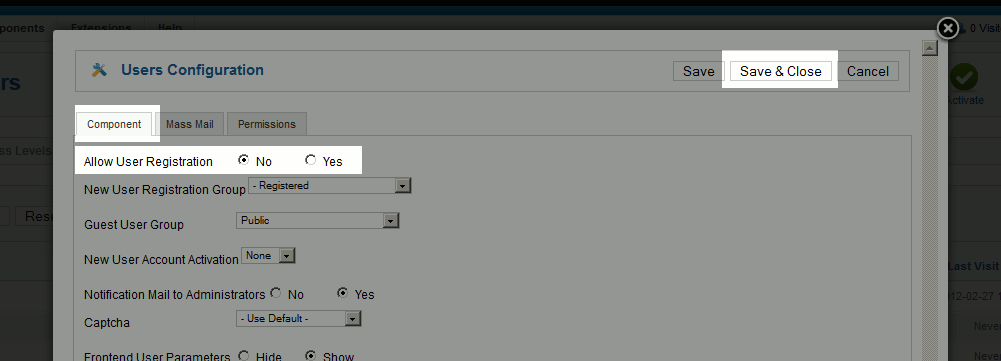
- Under the Component tab, set Allow User Registration to No and then click Save & Close
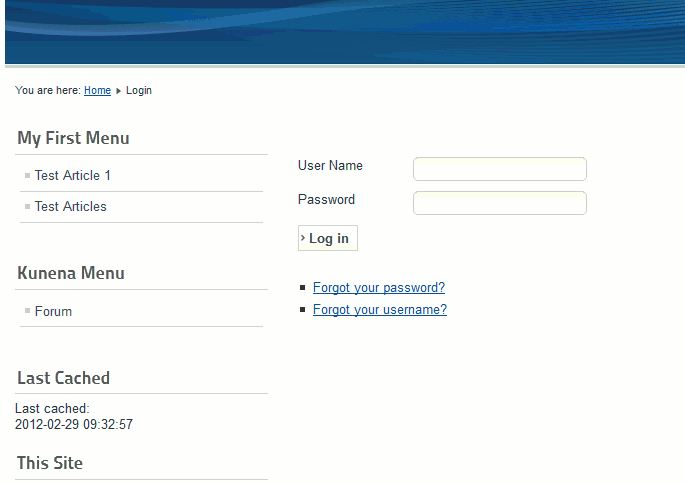
- You have now disabled user registration! Your Joomla 2.5 website will no longer have the new user registration option.
Before After