Joomla 2.5 has reached its end of life as for 12/31/2014. Please be advised this may be a security risk to your website. You can view more information about the end of life here.
In previous articles, we showed you how to enable Smart Search in Joomla 2.5 and how to index your content for the new search. In order to put Smart Search on your website, you need to create a Smart Search module. In this Joomla 2.5 tutorial, we’ll walk you through those steps.
Creating a Joomla 2.5 Smart Search Module:
- Log into your Joomla 2.5 Dashboard
- In the top menu, hover over Extensions and click Module Manager
- Click the New button in the top right menu
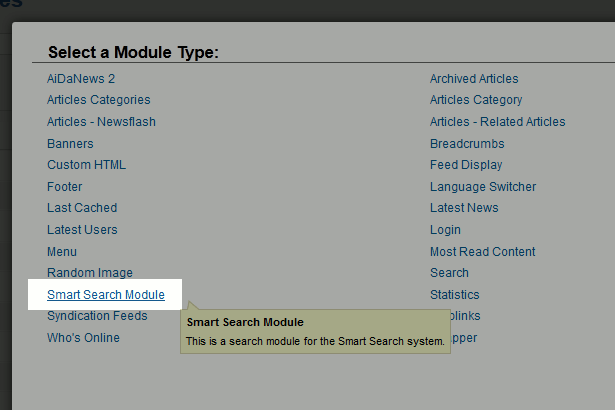
- From the Select a Module Type list, click the Smart Search Module link
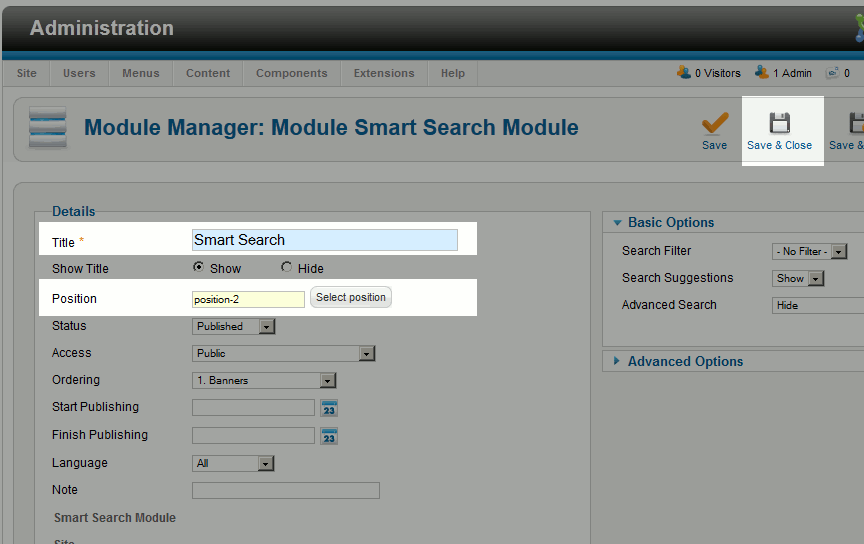
- Type in a title, select a position for the module, and then click Save & Close
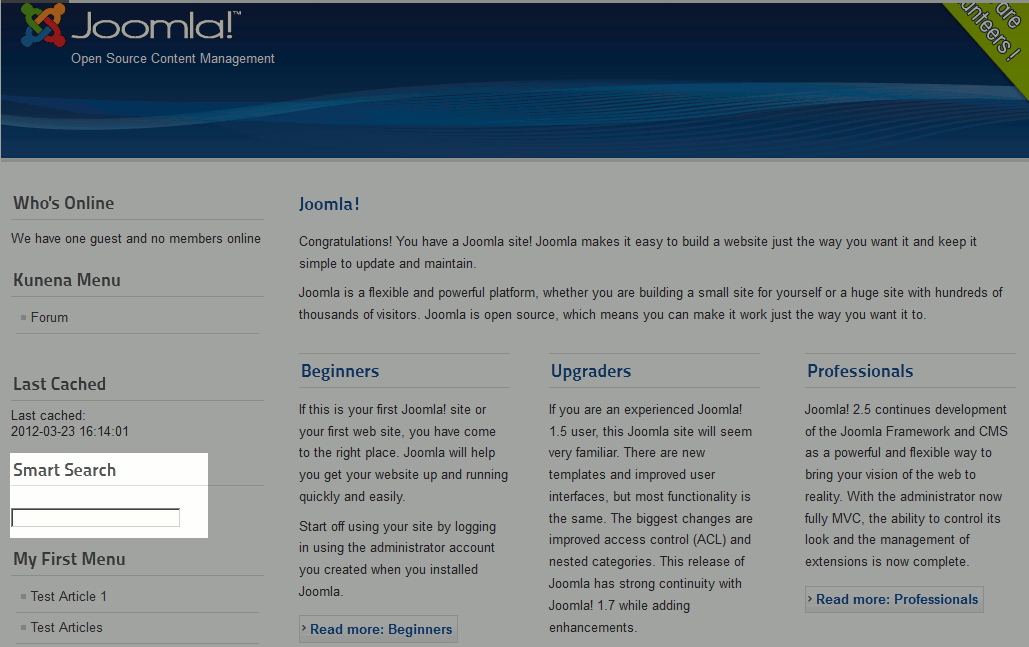
When you visit your Joomla 2.5 website, your Smart Search Module will now show!