How to use Gzip Page Compression in Joomla 3.0
Written by Brad MarkleWithin Joomla 3.0's server settings is an option labeled Gzip Page Compression. What this feature does is allow your server to compress files before sending them to the user. This means that the user has to downloaded less content because it is compressed, and thus in theory pages should load faster for your users.
To enable Gzip Page Compression in Joomla 3.0
By default, GZip Page Compressions is disabled in Joomla 3.0. You can follow these settings to turn it on:
- Log into your Joomla 3.0 dashboard
- In the left menu, click the Global Configuration link
- Within the tabs listed at the top of the page, click Server
- Under Server Settings and next to Gzip Page Compression, click Yes. Then click Save in the top left menu.
You can use this page to test if your pages are being sent to the user in a compressed format.
When not compressed When compressed using gzip 
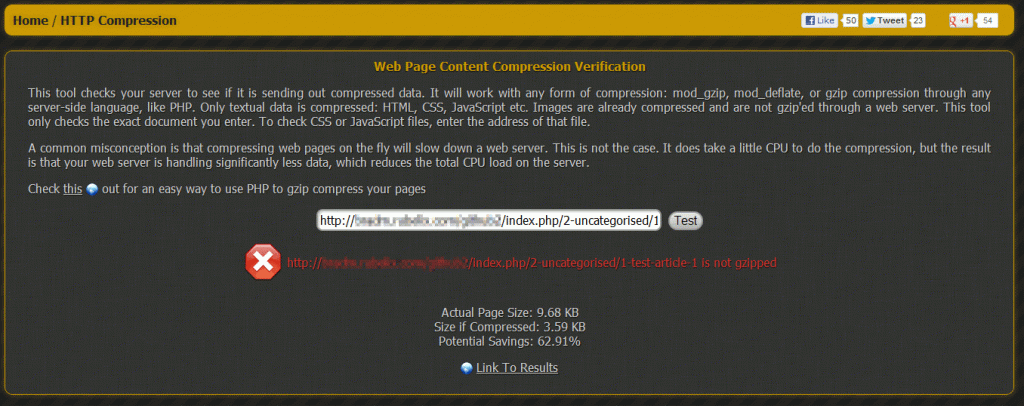
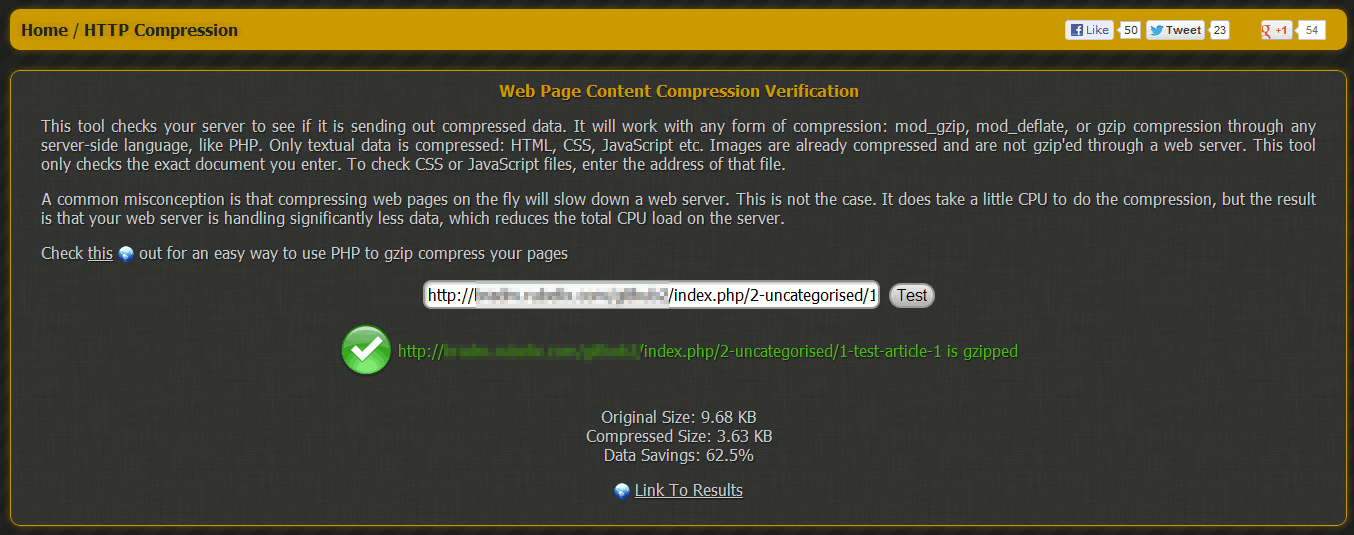
You can see that the original size of the page was 9.68KB, and when compressed the page was only 3.63KB. This is a data savings of 62.5%!
Like this Article?
Tweet
Next »
Joomla 3.0 Error Reporting
Configuring Server Settings in Joomla 3.0
Server Settings | |
| 1. | How to change the path to your Temp Directory in Joomla 3.0 |
| 2. | How to use Gzip Page Compression in Joomla 3.0 |
| 3. | Joomla 3.0 Error Reporting |
| 4. | How to Force SSL in Joomla 3.0 |
Location Settings | |
| 5. | Joomla 3.0 Server TimeZone |
FTP Settings | |
| 6. | Configuring FTP Settings in Joomla 3.0 |
Database Settings | |
| 7. | How to change Database Settings within Joomla 3.0 |
Mail Settings | |
| 8. | Changing Email Settings in Joomla 3.0 |
Latest Questions
If you need some help, submit your question to our Community!
We guarantee a response within 60 minutes (8am - 9pm EST, Monday - Friday)
Recent QuestionsNeed more Help?
Search
Ask the Community!
Get help with your questions from our community of like-minded hosting users and InMotion Hosting Staff.
Current Customers
| Chat: | Click to Chat Now | E-mail: | support@InMotionHosting.com |
|---|---|---|---|
| Call: | 888-321-HOST (4678) | Ticket: | Submit a Support Ticket |

