TikiWiki has a built in contact form that can be enabled in your TikiWiki site. This contact form will allow visitors to contact your through a form on your website. This article explains the steps in setting up a simple contact form within your TikiWiki website.
Configuring the TikiWiki contact form
- Log into TikiWiki.
Click the wrench in the “Quick Admin” links at the top right side.
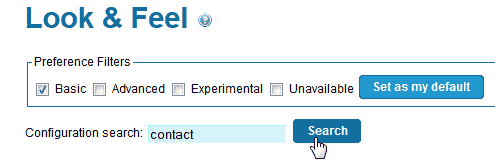
In the search box where is says “Configuration search“, type “contact“.
Click search.
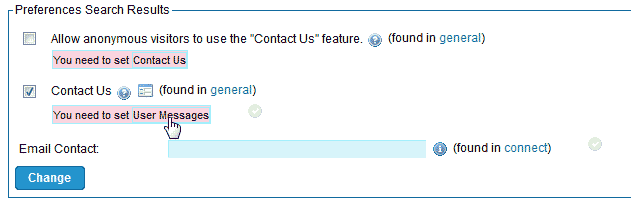
In the preference search results, you should see the “Allow Anonymous visitors” and “Contact us” with red warnings. In order to enable the Contact form, you will need to enable “User Messages” first.
Click “User Messages“.
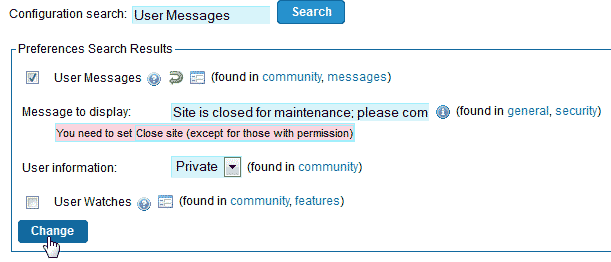
Click the check box next to “User Messages” and click Change.
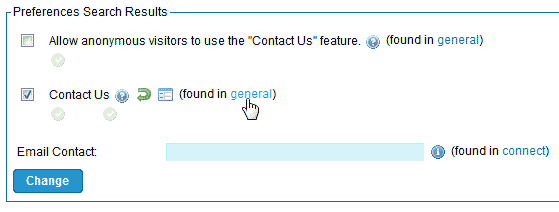
You should be redirected to the contact search results. If not Search for “contact” again in the Configuration search box.
The red warning should be gone now. Click “general“ next to the “Contact us” option.
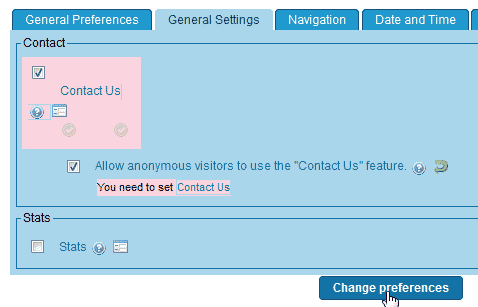
You will see the “Contact us” show in red. Check the check box next to “Contact us“. You can also allow anonymous visitors access the Contact form by checking the “Allow Anonymous visitors” box.
Click Change Preferences.
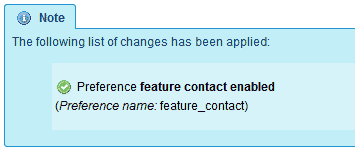
You should see a confirmation saying “Preference feature contact enabled“.
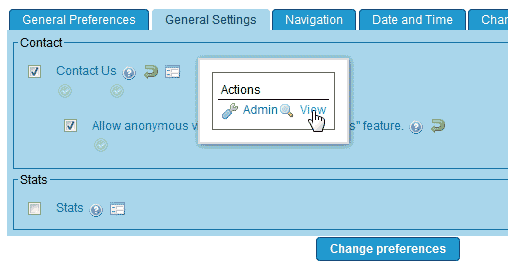
On the General Settings section where is shows the Contact Us configuration, click the “Actions” icon and click View.
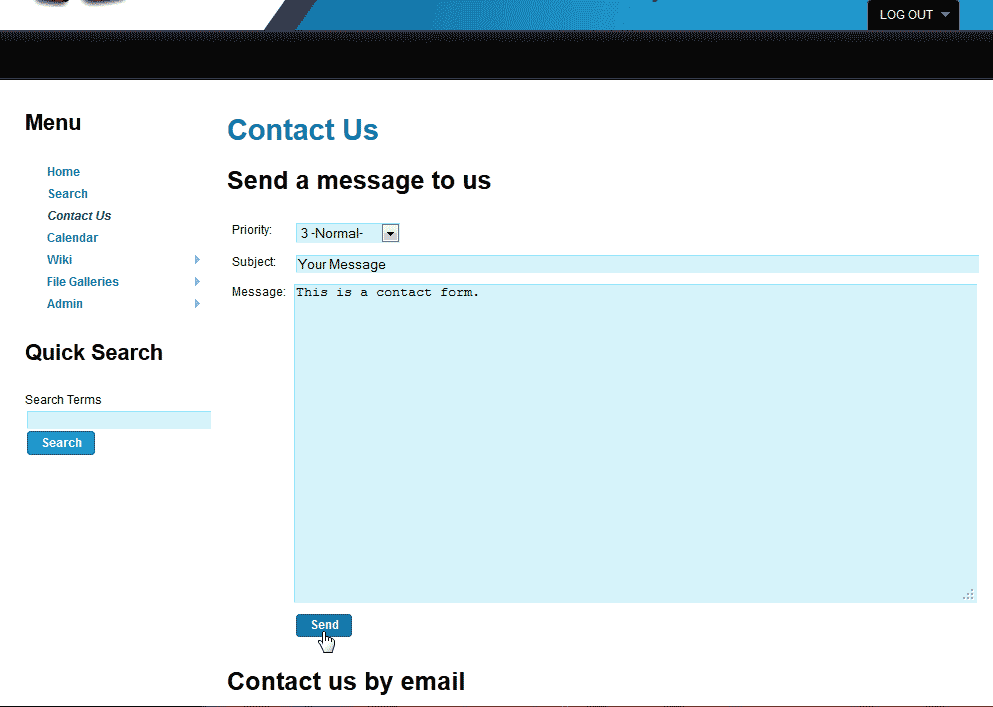
Now when going to your site you can see the contact form similar to the following:
your-domain.net/tiki-contact.php
Now your contact form is ready for use on your Tiki site.
