When creating your products in Prestashop 1.5, you may want to add a file attachment for your customer. This can be a driver, a guide or manual, or even warranty information. The instructions below will guide you on how to add your attachment to your product in PrestaShop 1.5
Creating product attachments in PrestaShop 1.5
- Log into your PrestaShop 1.5 admin dashboard.
- Using the top menu bar, hover over the Catalog tab and click on the Attachments option.
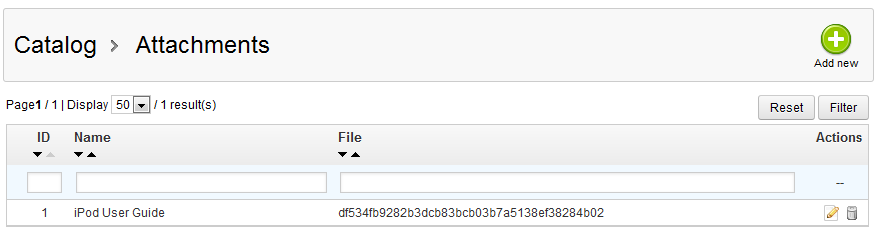
- This leads you to the Attachments screen. To add a new file attachment, click on the green Add New button in the upper right corner.

- This new screen is the attachment data screen, where you will enter the data for the attachment. Be sure to enter a name for the file and a description. The filename field does not have to be in computer file format, in our example we simply entered “Ipod User Guide”. The description The last field is for uploading the file to your site.

- Once all the information is entered and the file uploaded, click on the green Save button in the upper right corner to finalize the addition. You will return to the attachment list screen and will see your new attachment in the list.




Hello,
How do i add product attachments using external server like amszon s3 in prestashop 1.6?
Your help will be highly appreciated
Thankyou
Ronnie