If you do not know how to insert an image in MediaWiki, please see the previous article on how to insert images in MediaWiki. Formatting images in MediaWiki requires special wiki code to be inserted into your image code. Unfortunately, MediaWiki does not have the code built into their WYSIWYG editor. The following table will show how to format your images to float left and right, add captions, links and more.
MediaWiki image format code
Each MediaWiki code for formatting the image appearance can be combined with each other. The basic format for the image wiki code is as follows:
[[File:filename.extension|options|caption]]
To combine different attributes for the image, you can add the code similar to the following:
[[File:filename.extension|width|frame|border|caption]]
The following is not exhaustive; however, you will be able to format your MediaWiki images with the code in the following table.
| Image wiki code | |
|---|---|
| Image linking (Internal) |
[[File:Example.jpg|caption|link=MediaWiki]] This code will ink your image to another page within your wiki. You use the page name in the code for the link to work. In this example the link is to a page called “MediaWiki“. |
| Image linking (External) |
[[File:Example.jpg|caption|link=https://www.wikipedia.org]] You can create a hyper link to another website within an image with this code. In this example, the image will direct to https://www.wikipedia.org when clicked. |
| No Image linking |
[[File:Wiki.png|50px|link=]] |
| Caption |
[[File:Example.gif|caption]] Click here to view the larger imageThis requires the frame attribute to show caption on the webpage. The image will default to float right if no alignment is specified. Otherwise, captions will only show as the “alt” tag in HTML code. |
| Remove Image caption |
[[File:Example.jpg|<span title=""></span>]] Click here to view the larger imageSupplementing “|<span title=””></span>” for the the “|caption” code out of the wiki code will remove the “alt” text from the image HTML. |
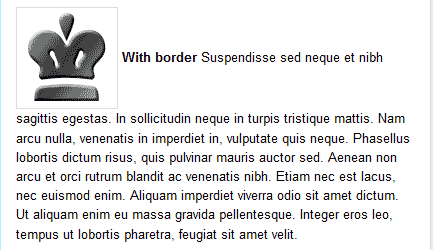
| Border |
[[File:Example.gif|border|caption]] This places a thin border around the images. |
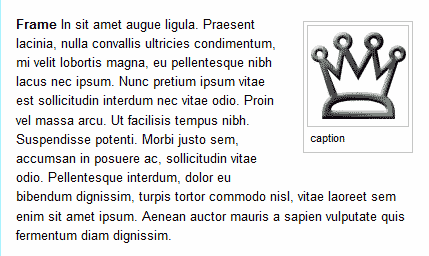
| Frame |
[[File:Example.gif|frame|caption]] The frame will display the caption text below the image. The frame is invisible without the caption. Frames are “div” tags that place the image into a specific CSS class. We will not discuss what “div” tags are in this article. |
| Frameless |
[[File:Example.gif|frameless|caption]] This removes the “div” code with CSS attributes from the images allowing only the image code to show. |
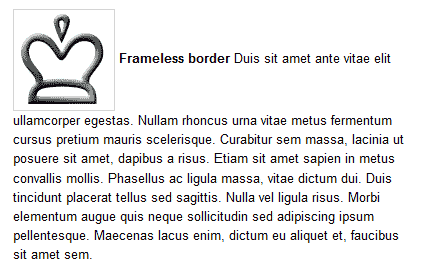
| Frameless Border |
[[File:Example.gif|frameless|border|caption]] Displays the image with no frame (no “div” code with CSS attributes) and a border. |
| Thumbnail (Thumb) |
[[File:Example.gif|thumb|caption]] Shows a small icon at the bottom of the image to allow the image to be enlarged. |
| Center |
[[File:Example.gif|center|caption]] Centers the image in the text. Words do not wrap on centered images.. |
| Float Left |
[[File:Example.gif|left|caption]] Floats the image to the left allowing the text to wrap around the image. |
| Float Right |
[[File:Example.gif|right|caption]] Floats the image to the right allowing the text to wrap around the image. |
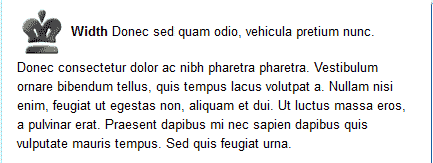
| Width |
[[File:Example.gif|50px|caption]] Sets the width of the image. In this example, the width is set to 50 pixels. |