
Scalable web hosting keeps your site fast and online when traffic climbs, instead of slowing down or crashing at the worst possible moment. This guide compares five providers on the factors that actually matter for growing businesses: who owns the infrastructure, how resources scale, what support looks like, and what it costs over time. You will leave knowing which host fits your traffic, budget, and technical skill.
If you pick a web hosting plan that cannot grow with you, the consequences show up in your revenue. Sites that buckle under traffic lose visitors mid-purchase, drop search rankings, and waste the marketing budget that drove the visit in the first place. Most owners feel it the same way: a campaign works, traffic spikes, and the site grinds to a halt right when it counts.
What Makes Web Hosting Scalable?
Scalable hosting adds capacity as demand rises so your pages keep responding quickly, whether 100 or 100,000 people show up at once. That responsiveness separates businesses that grow during peak periods from those that lose sales when their site stalls.
Speed is not a vanity metric. Research from Shopify found that 53% of mobile visitors abandon a page that takes longer than three seconds to load, and nearly 70% of online shoppers walk away from a slow store. Scalability protects the revenue and reputation those visitors represent.
Hosting grows in two ways:
- Vertical scaling: Adding more power (CPU, RAM, faster storage) to a single server. Think of it as upgrading to a faster machine.
- Horizontal scaling: Adding more servers to share the load. Think of it as opening extra checkout lanes during a rush.
A growing site hits limits when memory runs short, storage sits on slow drives, or the database bloats. On shared servers, providers often throttle your account when things get busy. That surprises a lot of website owners, because the slowdown arrives exactly when traffic is highest.
How We Compared These Scalable Hosting Providers
We evaluated each provider on the criteria that predict real-world performance under load:
- Uptime commitments backed by a credit guarantee, not just a marketing number.
- Scaling model, including whether upgrades require downtime or a migration.
- Resource transparency, meaning clear CPU, memory, and bandwidth limits.
- Infrastructure ownership, because who controls the hardware affects accountability and performance consistency.
- Support quality and the cost of resources as you grow.
Most providers advertise 99.9% uptime. The gap between 99.9% and 99.99% is roughly nine hours of downtime per year versus under one, and for an active store every lost minute carries a price. Resource clarity matters just as much. The best hosts tell you exactly what you get; the rest leave you guessing until throttling kicks in.
Scalable Hosting Providers at a Glance
| Provider | Infrastructure | Scaling model | Support | Best fit |
|---|---|---|---|---|
| InMotion Hosting | Owned bare metal, private network | Scale across VPS, dedicated, private cloud without replatforming | Managed support (24/7 trained in-house human staff) | Agencies, growing businesses, stores, mission-critical sites |
| ScalaHosting | Managed cloud VPS | Add resources to VPS | Managed support | Small businesses wanting simple control |
| Cloudways | Public cloud (AWS, GCP, DigitalOcean) | Resize cloud resources | Managed support | Developers, agencies on public cloud |
| Liquid Web | Managed VPS, dedicated, cloud | Tier and resource upgrades | Managed support (chat disrupted during May 2026 cPanel event) | Teams wanting fully managed, higher-touch hosting |
| Hostinger | Shared and cloud, LiteSpeed | Plan upgrades | AI-first (Kodee), human on request | Beginners, budget projects |
Top Scalable Web Hosting Providers Compared
InMotion Hosting
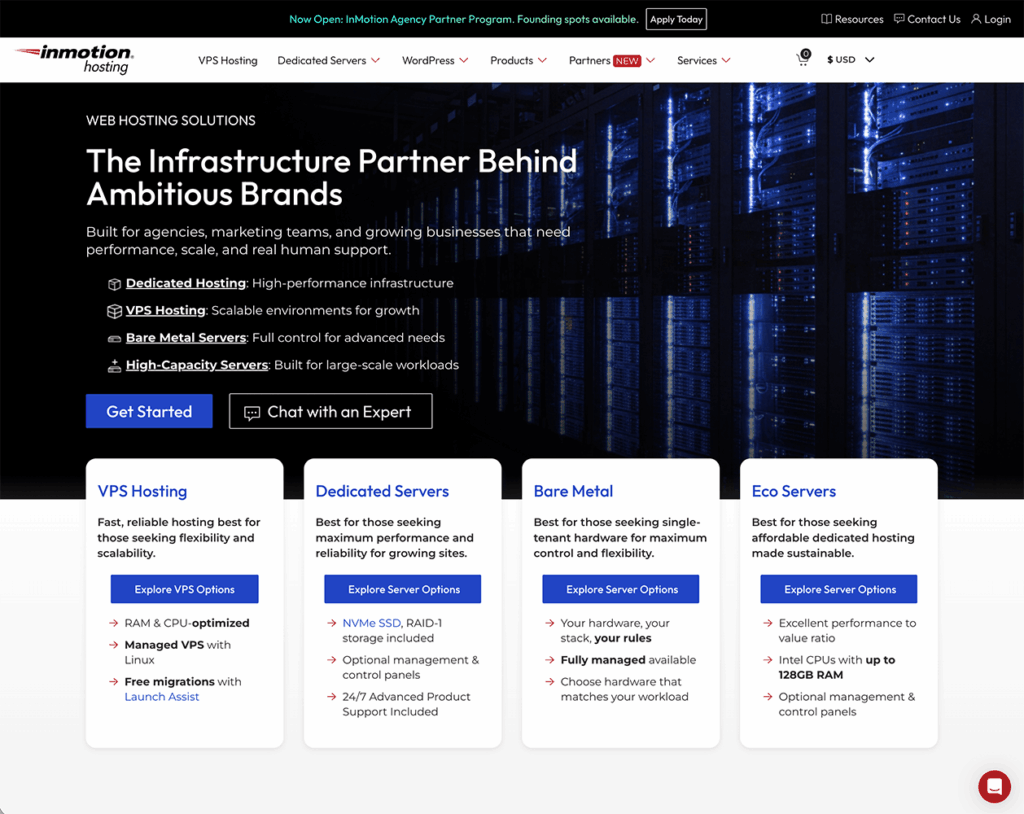
Best for: Agencies, founder-led companies, marketing teams, and growing stores that want cloud-grade scalability and premium managed support without managing servers or depending on a hyperscaler.
Many businesses reach for AWS, Google Cloud, or Azure when they need to scale, then discover the hidden costs, billing surprises, and engineering overhead that come with them. InMotion Hosting takes a different path. Rather than renting capacity on someone else’s public cloud, InMotion designs, owns, and operates its own infrastructure end to end, from bare-metal hardware to the private network that connects it. That ownership is the foundation of how the company differentiates, expressed through four pillars.
Owned infrastructure, built for performance. InMotion runs engineered bare-metal servers on a private network across three data centers in Virginia, California, and Amsterdam. NVMe SSD storage keeps page loads and database queries fast, and because there are no third-party cloud vendors in the patching or delivery chain, performance stays predictable even under load. This ownership pays off in moments that matter: during the April 2026 industry-wide cPanel zero-day (CVE-2026-41940), InMotion’s in-house teams blocked exposure at the network edge across all three data centers and patched the fleet, protecting 99% of potentially affected customers without service disruption.
Real human operators, not scripts. Every support interaction is handled by a trained professional. Tier 1 agents complete 280 hours of training before they take a ticket, average tenure runs five-plus years, and support is measured on solving problems rather than upselling. This is also why InMotion is a favored choice for premium managed hosting and higher-touch support, especially for demanding or mission-critical sites where a real expert needs to pick up fast when something breaks at 2 a.m.
Growth without limits. You can start on one plan and scale across Managed VPS Hosting, Dedicated Servers, and InMotion Cloud, a fully managed private cloud, without forced migrations or rebuilds. The platform also handles non-human traffic, like AI crawlers and bots, that can quietly consume resources and inflate your usage, so real visitors stay first in line.
Independent by design, accountable by choice. InMotion has been founder-led and employee-owned since 2001, with no private equity backing and no outside investors steering toward an exit. Twenty-five years of continuous ownership funds long-term decisions instead of quarterly ones. That independence shows up in a 99.99% credit-backed uptime SLA, a 90-day money-back guarantee, an NPS of 52, and more than 170,000 customers.
Key features:
- Traffic optimization that prioritizes real users over automated bot load.
- Owned bare-metal infrastructure on a private network across three data centers.
- NVMe storage with scaling that does not require a replatform.
- 24/7 in-house human support from trained, tenured staff.
- Premium managed support suited to mission-critical and high-touch workloads.
- Built-in monitoring, security, and backups.
ScalaHosting
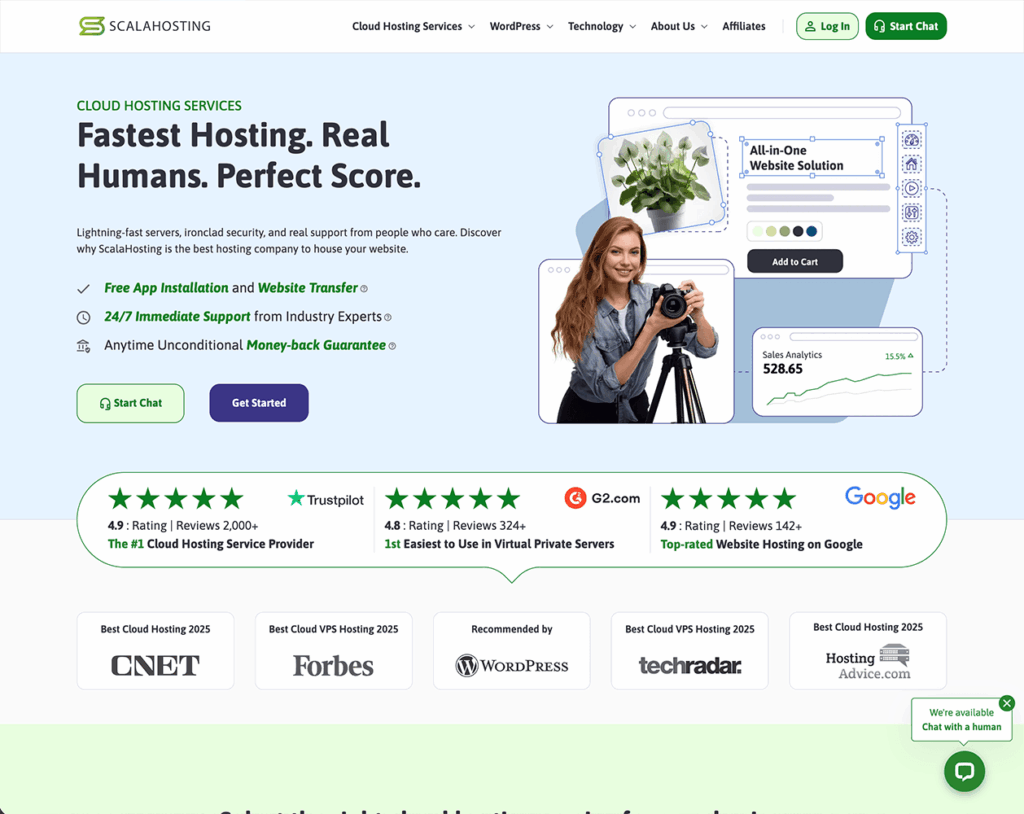
Best for: Small businesses that want managed cloud VPS with a simpler control panel than cPanel.
ScalaHosting pairs cloud VPS infrastructure with NVMe SSD storage and its own management panel, SPanel. Each customer gets dedicated cloud resources, which helps hold performance steady during traffic spikes. SPanel is lightweight and gives owners a more approachable alternative to cPanel, and resources can be added as traffic grows.
Key features:
- NVMe SSD storage for faster page delivery.
- Dedicated cloud resources that hold up under heavy traffic.
- SPanel as an alternative to cPanel.
ScalaHosting suits owners who value simplicity. Its smaller ecosystem and narrower data center footprint can limit businesses planning global expansion, where a broader owned-infrastructure foundation gives you more room to grow.
Cloudways
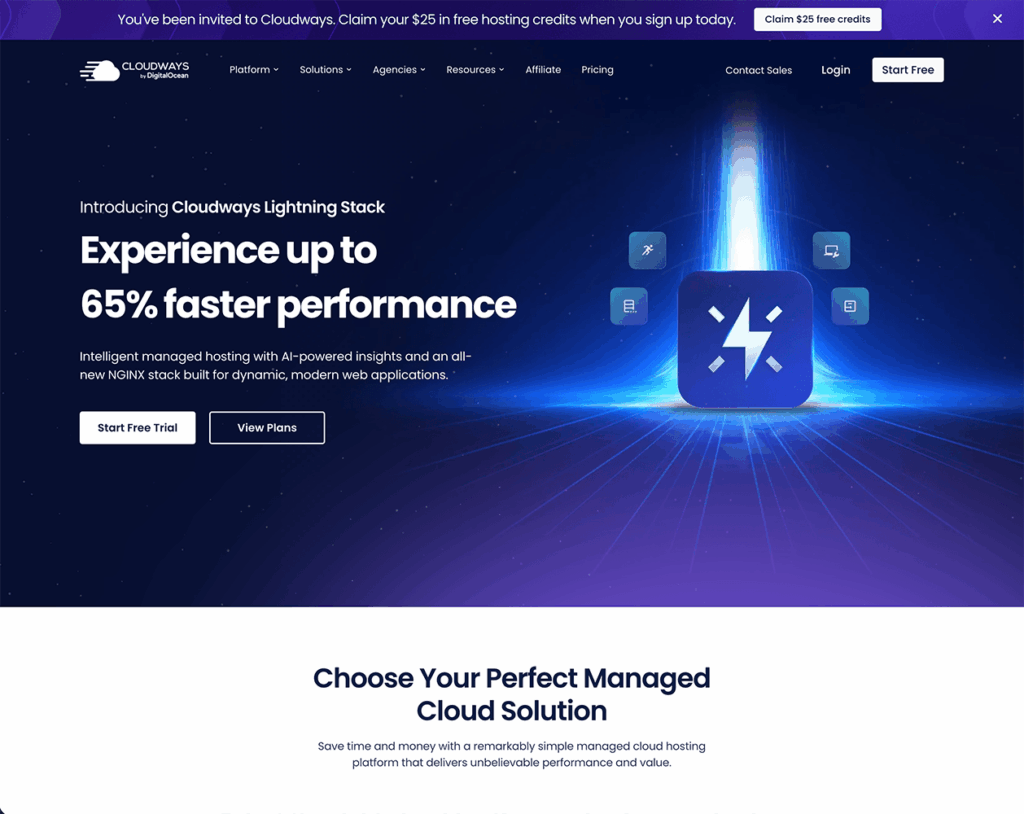
Best for: Developers and agencies who want a management layer on top of public cloud providers.
Cloudways runs managed hosting on top of major clouds such as AWS, Google Cloud, and DigitalOcean. Businesses get top-tier infrastructure without touching the underlying servers, plus built-in monitoring, backups, and security to keep applications stable during sudden surges.
Key features:
- Managed hosting built on AWS, GCP, and DigitalOcean.
- Included security, monitoring, and backups.
- Developer-focused tooling and flexible scaling.
Cloudways sits between raw cloud services and fully managed hosting. The trade-off is that costs climb quickly as you add resources, and essentials like email hosting are not included, so you end up assembling services from several vendors. A provider that owns its stack and bundles the business essentials reduces that sprawl.

Liquid Web
Best for: Businesses that want fully managed, higher-touch hosting for mission-critical sites.
Liquid Web built its reputation on premium managed hosting and hands-on support for demanding workloads, with managed VPS, dedicated, and cloud options aimed at agencies and enterprise teams. For businesses that want someone else to run the server, it has long been a recognizable name in the higher-touch tier.
Key features:
- Managed VPS, dedicated, and cloud hosting for demanding sites.
- Higher-touch managed support positioning.
- Focus on enterprise and agency workloads.
Two things are worth weighing before you commit. During the same industry-wide cPanel vulnerability (CVE-2026-41940), Liquid Web’s own status page reported that live chat support was temporarily unavailable and response times were extended while its teams worked through server restores, with updates continuing across several weeks in May 2026. Ownership is the other factor: Liquid Web is private-equity backed and has changed hands repeatedly, most recently folding into Nexcess in April 2026. For mission-critical sites that need premium managed support to stay reachable during a crisis, an independent provider with an in-house team that stayed active through that same event offers a more predictable safety net.
Hostinger
Best for: New site owners on a tight budget who want fast entry-level performance.
Hostinger competes on price and uses LiteSpeed web servers, NVMe storage, and a global CDN for speed. Its custom hPanel interface is built for beginners.
Key features:
- Budget pricing paired with LiteSpeed web servers.
- NVMe storage for faster load times.
- Global CDN for better worldwide delivery.
- Beginner-friendly management through hPanel.
Hostinger is a solid starting point, but its support model is AI-first. Your default first point of contact is Kodee, an AI assistant that the company says handles the bulk of conversations on its own. You can reach a human, but you generally have to ask for one and wait to be routed, which is a different experience from a provider where a trained person answers from the start. Businesses with bigger plans also tend to outgrow entry-level hosting and face a migration when basic plans run out of headroom. Choosing a host designed to scale, with human support by default, saves you both moves later.
How Scalable Is Cloud Hosting from AWS, GCP, Azure, and DigitalOcean?
The largest cloud platforms are Amazon Web Services (AWS), Google Cloud Platform (GCP), Microsoft Azure, and DigitalOcean. They power much of the internet and scale almost instantly, letting you add memory, compute, or storage in minutes. Pricing usually follows a pay-as-you-grow model.
That flexibility carries trade-offs. Costs rise fast without careful monitoring, many platforms bill for data transfer between regions, and most require real technical expertise to run safely. For a team focused on design, content, or marketing, operating servers on AWS or Azure can feel like a second job.
To bridge that gap, many businesses choose managed hosting providers that handle server management, security, backups, and scaling while still delivering enterprise-grade performance.
Amazon Web Services (AWS)
Key features: Global infrastructure, near-instant scaling, an enormous service catalog. The power and reach come with setup and cost-management complexity that usually demands dedicated technical staff, something smaller teams rarely have.
Google Cloud Platform (GCP)
Key features: Premium network backbone, strong AI and analytics tooling, global reach. Built for large deployments, its breadth can overwhelm businesses that simply need reliable, scalable hosting.
Microsoft Azure
Key features: Tight integration with Microsoft products and enterprise-grade scalability. A natural fit for organizations already invested in Microsoft, though its enterprise-first design adds complexity smaller teams do not need.
DigitalOcean
Key features: Developer-friendly, transparent pricing, fast scaling. Strong on simplicity and price clarity, but it often lacks the enterprise-grade features and hands-on support businesses want as they move past startup mode.
Why InMotion Hosting Is a Smarter Cloud Alternative
The big platforms are powerful, but they hand you the servers and leave the operating to you. InMotion delivers cloud-grade scalability on infrastructure it owns rather than capacity rented from a hyperscaler. You get NVMe storage, a private network engineered for low-latency delivery across U.S. and European data centers, and resources that grow with your business, without the billing surprises or the steep learning curve.
Ownership changes the accountability model. When something goes wrong, there is no upstream cloud vendor to escalate to and no third-party ticket handoff; InMotion controls the hardware, the network, and the fix. Monitoring, security, and backups are built in, and upgrades happen without downtime.
Pros:
- Owned, business-grade infrastructure with no-downtime scaling.
- Transparent pricing with no surprise bandwidth or transfer fees.
- 24/7 human support from trained, tenured staff, by default rather than on request.
- Suited to both newcomers and growing businesses with mission-critical needs.
Cons:
- Fewer global data center regions than AWS or GCP, though the private network keeps latency low for most U.S. and European audiences.
The takeaway: You get the scalability of cloud hosting with clear pricing and expert support, and you keep your team focused on the business instead of the servers.
153% Increase in WordPress Performance
See how InMotion Hosting helped Amacor Printz achieve a 153% performance boost with our Managed WordPress services. By leveraging W3 Total Cache, we optimized their WooCommerce site for peak efficiency. Let us do the same for you!
Running a large or multi-server deployment? You can talk to our sales team about custom configurations and enterprise solutions.
Why Does Traditional Hosting Fail Growing Businesses?
Shared hosting is a common starting point because one server’s resources are split among many customers, which keeps prices low. The limits are not always clear at signup. When many accounts demand power at once, everyone slows down, and even staying within your own plan’s limits will not always protect you.
On entry-level plans, a traffic surge can trigger throttling, where the provider deliberately slows your site or caps your resources to protect its systems. It tends to happen at the exact moment you need more speed.
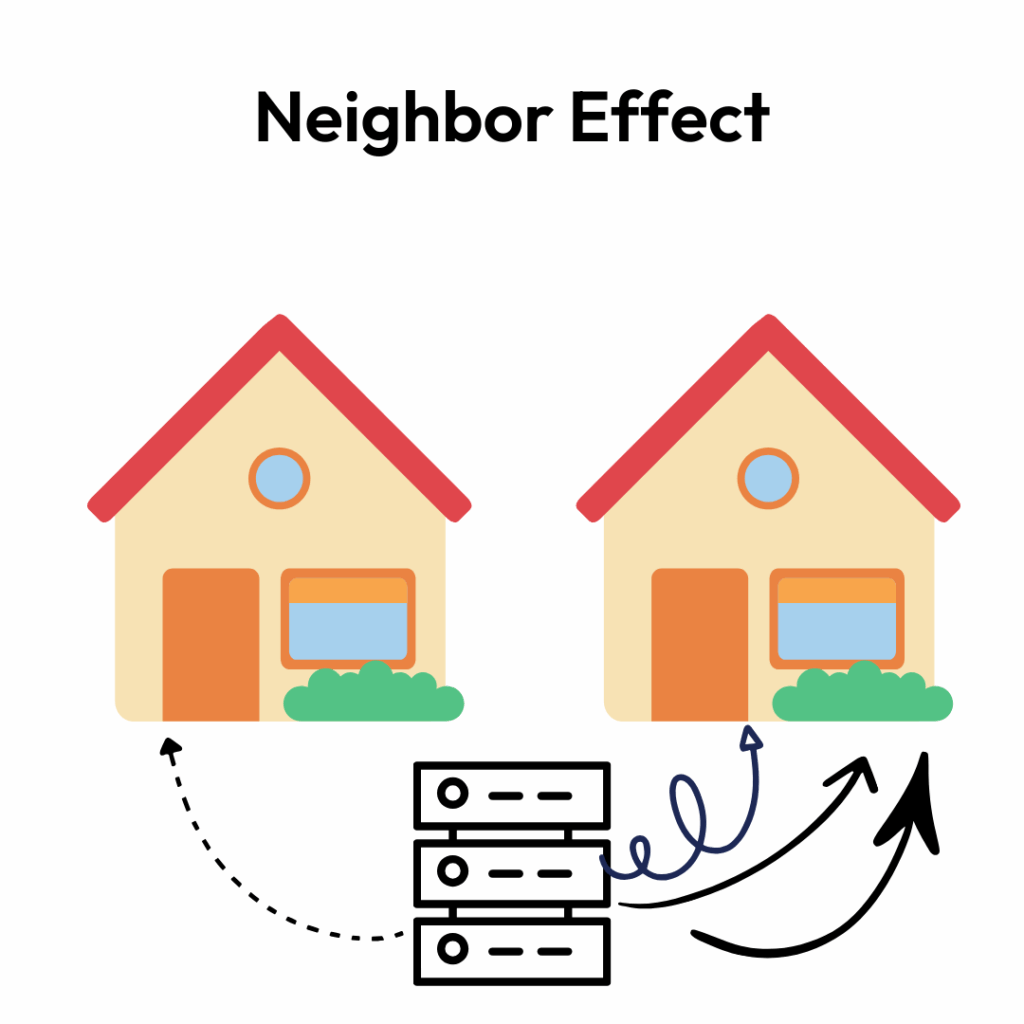
There is also the neighbor effect. If another account on your shared server consumes heavy resources, your site can slow or go down, and you have no control over their behavior.
Manual scaling makes this worse. With many hosts, you have to file a ticket or change settings yourself whenever traffic rises, and by the time it is done, visitors have already left. Picking the cheapest host up front often costs more later in lost sales and wasted hours.
Better providers avoid this by giving you isolated resources and easy upgrades, so your performance does not depend on the account next door. That stability is what keeps a store or agency running fast during launches and campaigns.
Which Technical Features Actually Enable Scalability?
A handful of features do the heavy lifting:
- NVMe SSD storage: Faster page loads and quicker database reads.
- Server-side caching (Redis, Memcached): Delivers pages without rebuilding them every time.
- CDN integration: Places files closer to visitors worldwide for faster loading.
- Database optimization: Keeps response times low during busy periods.
- Load balancing: Spreads traffic across multiple servers to prevent overload.
- RAM and CPU allocation: Steady, guaranteed performance during peaks.
The strongest providers combine these for dependable performance as you grow. Developers often need a second layer of control on top.
Developer-Friendly Scaling Features
Technical teams move faster with the right tooling:
- Git integration: Track code changes and roll back mistakes quickly.
- Staging environments: Test updates before they go live.
- Command-line tools: Run and repeat tasks efficiently.
- API access: Connect systems for automated scaling.
- PHP version management: Keep sites secure and fast.
- Database scaling: Replicate or shard databases for speed and redundancy.
These tools give teams flexibility to test and deploy without risking downtime. Not every business runs an in-house dev team, though, and for many the real value of scalability shows up in how hosting fits their specific kind of work.
How Scalable Hosting Helps Different Business Types
- eCommerce stores: Keep carts and checkout working through holiday rushes and flash sales.
- Content-heavy sites: Blogs and portfolios with large images and video stay fast with strong caching and media handling.
- SaaS applications: Thousands of concurrent logins need fast, secure, consistent infrastructure.
- Media and news sites: Sudden traffic from a trending story should not take the site down.
- Membership sites: Many simultaneous logins call for fast loading and secure accounts.
- Global businesses: CDNs and multiple data center choices cut latency for international audiences.
- Seasonal businesses: Stores with big calendar events need headroom on demand and quiet capacity the rest of the year.
The right host adapts to the work, whether you sell products, run client campaigns, or launch new services, so the site grows at the pace of the business.
WordPress-Specific Scaling Considerations
WordPress sites scale well with a few targeted moves, and each one removes a common bottleneck.
- Object caching: Redis or Memcached store database results so pages load faster under load.
- Database optimization: Clearing old data and keeping tables tidy keeps the site responsive as it grows; read replicas help busy sites.
Caching and clean databases handle raw speed. Your plugins and themes decide how far that speed carries.
- Plugin discipline: Choose fewer, well-built plugins. One poorly coded plugin can drag down an entire site.
- Theme optimization: Lightweight themes load fast without sacrificing design.
For stores, the stakes rise. WooCommerce needs hosting that handles traffic spikes and secure transactions at the same time, especially on sale days.
Some teams would rather not manage any of this. That is where Managed Hosting for WordPress fits: security patches, plugin updates, server-level caching, and tuned PHP are handled for you, so you can grow the site without breaking something behind the scenes. With the right combination of caching, optimization, and plan, a WordPress site can serve millions of visitors and stay reliable.
How Do You Plan a Hosting Scalability Strategy?
Choosing a host is step one. You also need a plan for handling more visitors, larger databases, and new demands before they arrive, so you avoid downtime and panic fixes.
Project Your Traffic
Estimate future traffic from real data. Google Analytics, Search Console, and CRM records show past trends, and your marketing calendar flags upcoming spikes. For major events like a product launch, plan for three outcomes: better than expected, worse than expected, and normal.
Set a Resource Baseline
You cannot plan well without knowing what you use now. Track CPU, memory, and bandwidth through your hosting dashboard or monitoring tools to find weak spots before traffic exposes them.
Time Growth to the Calendar
Match upgrades to your business schedule. If Black Friday is coming, have capacity in place ahead of time rather than scrambling during the rush.
Budget for Hosting as Growth, Not Overhead
Many companies file hosting under a small tech cost, but it belongs in the growth budget. Compare fixed-price plans against pay-as-you-grow options and choose what fits your trajectory. This is where costs usually creep up, so look at the total picture rather than the sticker price.
Follow an Implementation Roadmap
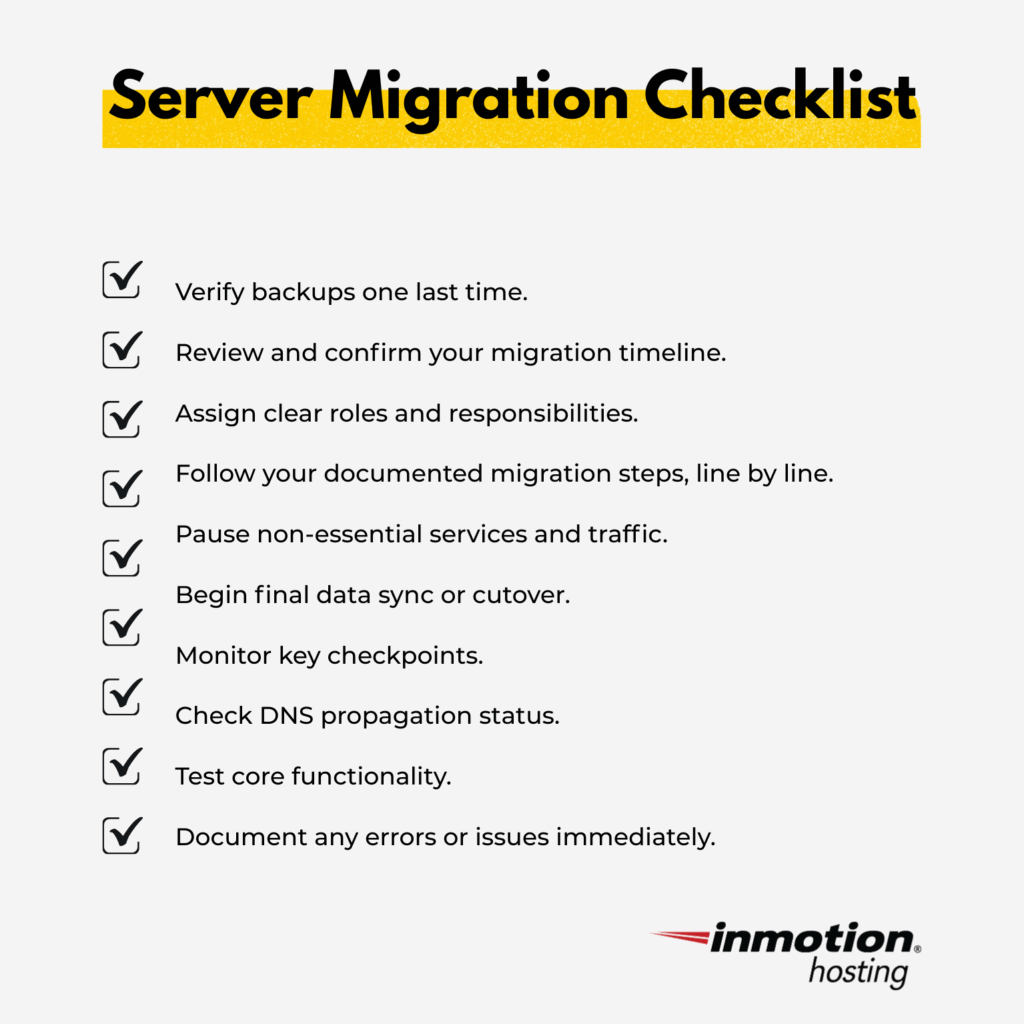
- Pre-migration prep: Back up files, databases, and settings, confirm apps and plugins are compatible, and review DNS.
- Testing: Load-test the new environment with a tool like Apache JMeter to confirm it holds under simulated traffic.
- Data migration: Move in stages with tested tools to cut downtime and keep backups.
- DNS and downtime: Lower your DNS TTL a few days before the move so address changes propagate quickly.
- Post-migration checks: Confirm the site is live, SSL is valid, pages load fast, and logs are clean.
How Do You Choose the Right Scalable Host?
The right host balances real uptime guarantees, flexible resources, transparent pricing, and expert support. Match the choice to your workload rather than defaulting to the most expensive tier; not every site needs a dedicated server.
When comparing scalable hosts, weigh these:
- Uptime backed by a real, credit-bearing guarantee.
- Elastic resources that grow with traffic.
- Performance under load from caching, CDN, and fast NVMe storage.
- Transparent costs with no surprise throttling or overages.
- Human support that helps when you scale, and stays reachable during a crisis.
Different stages call for different fits. Startups want flexible, low-cost plans that upgrade easily. Mid-sized companies want reliable growth with simple management. Larger businesses need custom configurations and around-the-clock support.
Investing in a scalable host now spares you the cost and disruption of moving later. The right infrastructure becomes a tool that supports growth instead of a ceiling that limits it.
Ready to grow without limits? Explore hosting solutions built for businesses that plan to keep moving, or start a free migration and let InMotion’s team handle the move for cPanel, WordPress, and server-to-server transfers.