Learn how to setup your very own eCommerce store using WordPress and WooCommerce. This is the perfect ebook for any beginner, offering helpful tips on setting up shipping, using coupons, managing inventory and more!
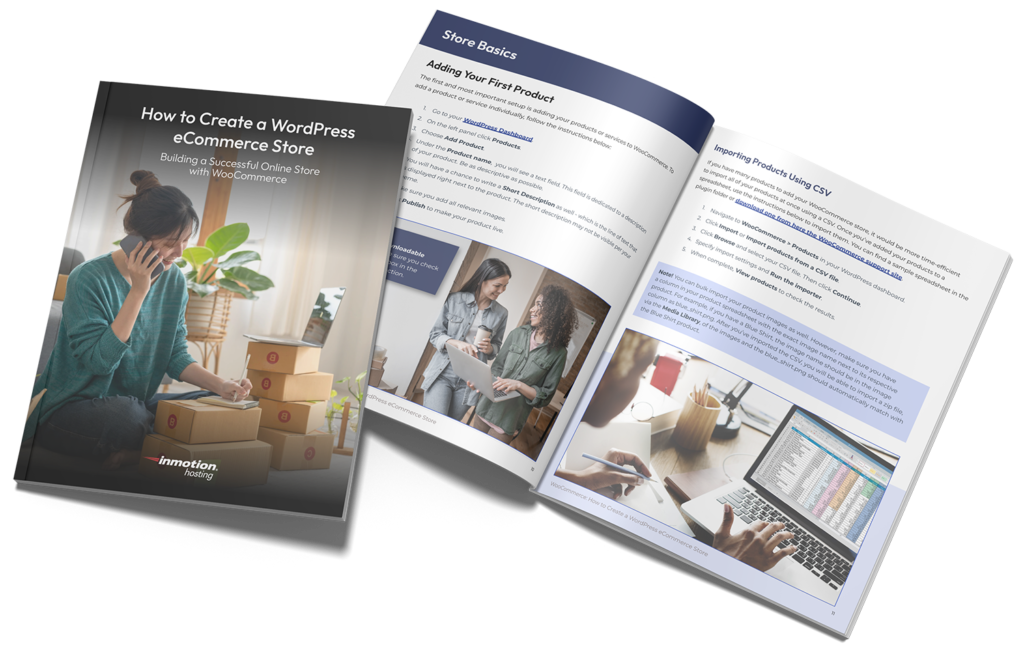
Learn How to Create an Online Store with WooCommerce and WordPress
Launching an online store makes it easier to attract more customers to purchase your products or services. In this guide, we will teach you how to set up a WordPress site. Then we’ll go over how to install and use the powerful eCommerce plugin WooCommerce. By the end, you should have a beautiful, easy-to-use website that scales as your business grows.
By the end of this book, you will be able to do the following:
- Choose the Best eCommerce Hosting Plan
- Set Up WordPress
- Choose a Theme
- Install WooCommerce
- Configure Payments and Shipping
- Add and Manage Products
- Manage Inventory
- Working with Orders, Customers & Taxes
- … and so much more!
Improve the performance and security of your WooCommerce site with our new WooCommerce Hosting plans. Get 40x faster speeds for your online store with dedicated resources, server caching, and optimization tools.
 High-Performance VPS 99.99% Uptime Free SSL & Dedicated IP Advanced Server Caching